How to Compare Staging and Production Screenshots Before a Release

Snapshot Site Team
29 Mar 2026 - 02 Mins read
One of the simplest ways to catch visual regressions before a release is to compare the rendered staging page against the current production page.
That sounds obvious, but many teams still skip it or do it manually.
Why This Check Matters
A release can pass code review, unit tests, and API checks while still shipping a visibly broken page.
Common examples:
- a section disappears after a component refactor
- a button moves below the fold
- pricing cards lose alignment
- responsive behavior changes between breakpoints
- a sticky or fixed element overlaps content
These are browser-level problems. They need browser-level review.
The Weak Version of This Workflow
The weak version is:
- open staging
- open production
- take screenshots manually
- compare them by eye
That is slow and inconsistent, especially on full-page captures.
The Better Version
The stronger workflow is:
- capture production automatically
- capture staging automatically
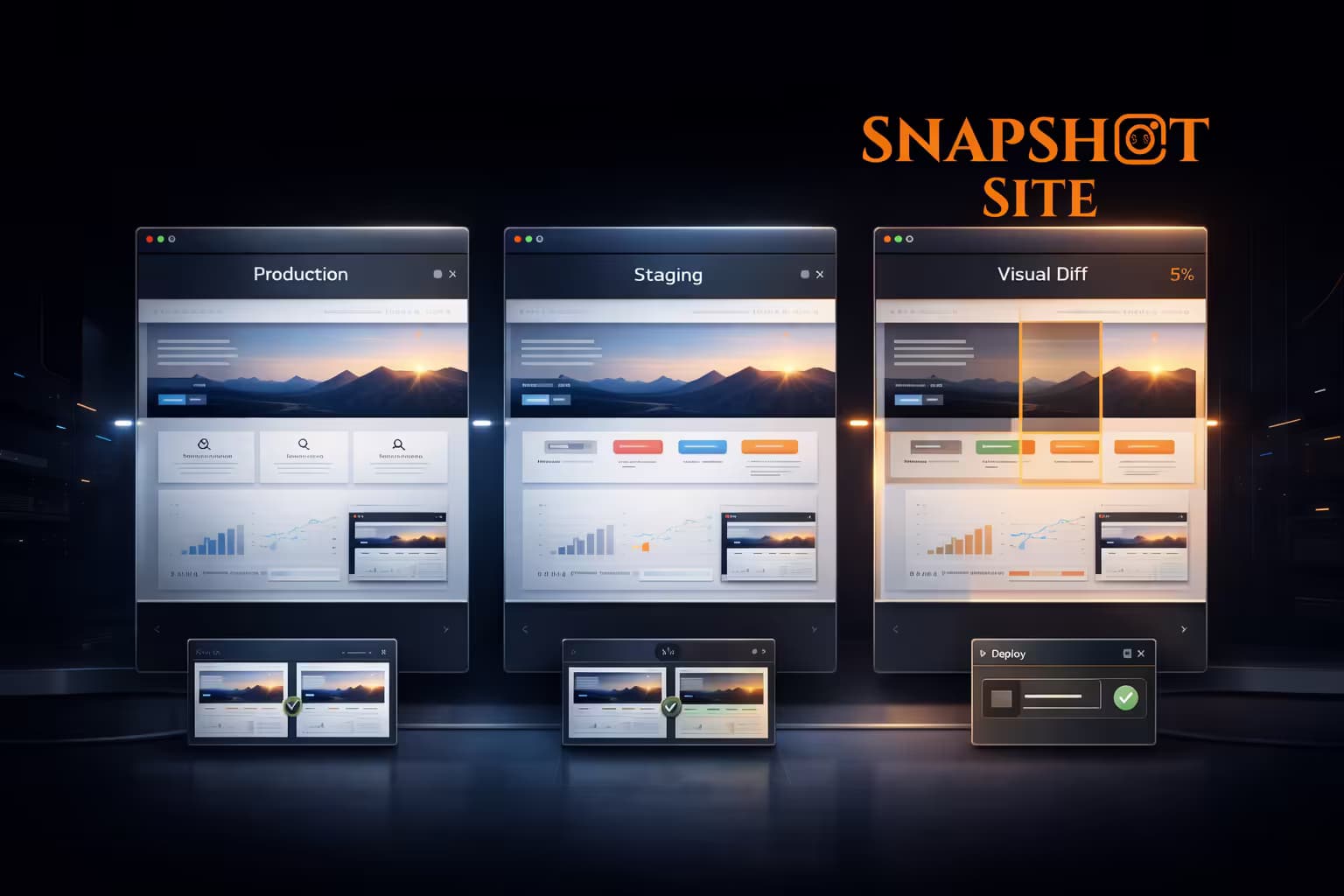
- generate a diff image
- inspect mismatch percentage
- review only the changed areas
Now the team is reviewing the delta, not the whole page.
Which Pages Should You Compare
Teams usually get the most value by diffing:
- homepage
- pricing
- signup and login
- dashboard shell
- checkout
- top campaign landing pages
You do not need to compare every page first. Start with the pages where visual regressions cost the most.
What Makes This Workflow Practical
It becomes practical when it is easy to trigger and easy to share.
That usually means:
- one endpoint
- predictable payloads
- a diff image URL
- mismatch metrics
- results that can be posted into CI or Slack
Without those pieces, teams drift back to manual review.
Why Visual Diff Beats Raw HTML Diff
HTML diff is useful for some engineering tasks, but it is not a good release-review artifact.
Rendered pages can change because of CSS, layout behavior, image loading, or component composition even when the markup diff is noisy or misleading.
Visual diff focuses on the output your users actually see.
Snapshot Site Workflow
With Snapshot Site Visual Diff API, teams can send two states, get back:
- a production screenshot
- a staging screenshot
- a diff image
- mismatch metrics
That gives QA, product, and engineering a shared artifact before release.
Once this manual practice proves useful, the natural next step is running it automatically on every pull request — see Automating Visual Regression Checks in GitHub Actions with the Compare API.
If you want a lightweight release-review practice with immediate value, comparing staging and production screenshots is one of the best places to start.