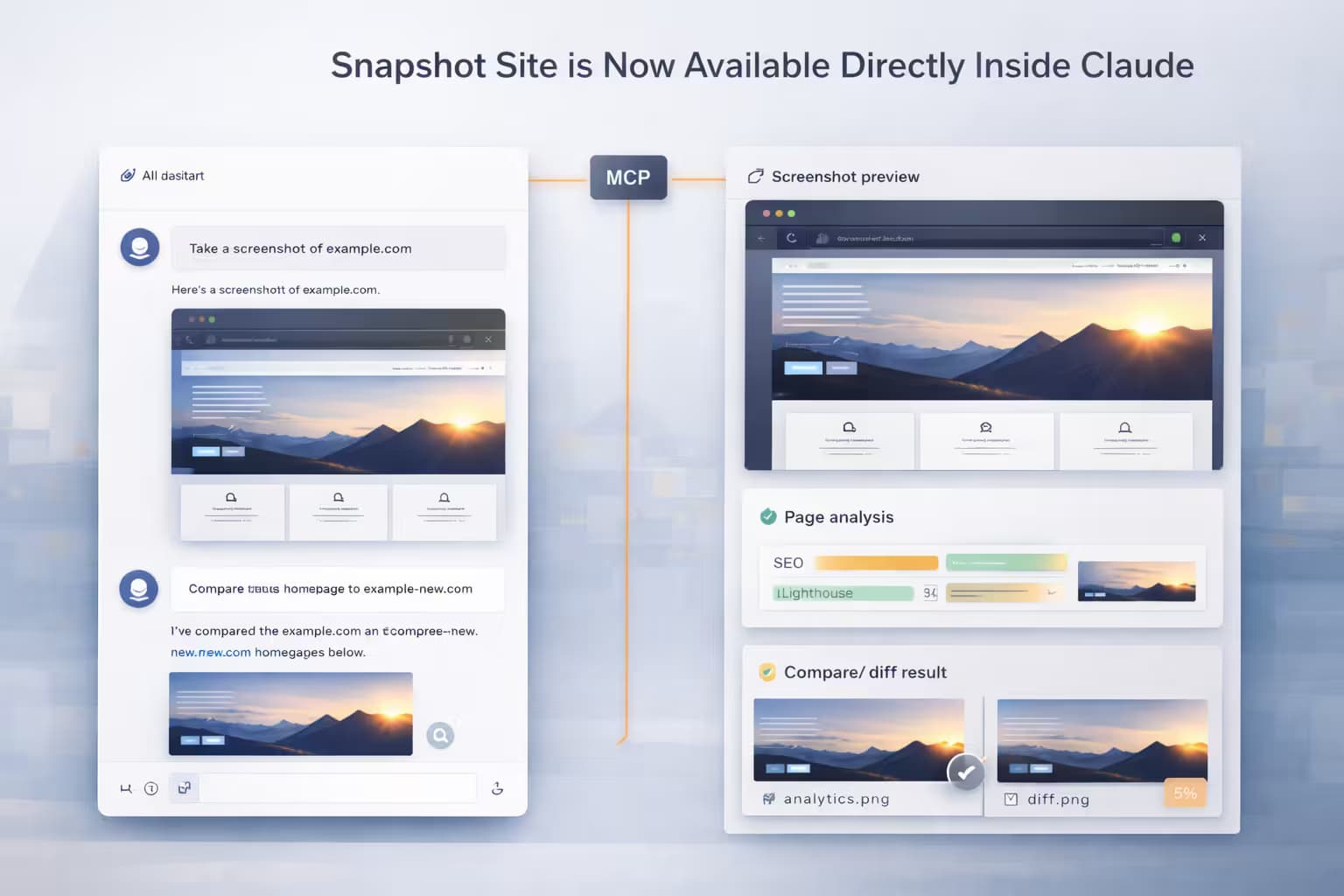
Snapshot Site is Now Available Directly Inside Claude

Sofia Martinez
03 Apr 2026 - 02 Mins read
Snapshot Site now connects directly to Claude through MCP.
If you use Claude on the web, Claude Code, or the Anthropic API, you can call screenshot, analyze, and compare from inside your workflow as native tools.
claude.ai — one click, no API key
Go to claude.ai/customize/connectors, open Add connector, and enter:
https://mcp.snapshot-site.com/mcp
Claude handles the hosted sign-in flow automatically. Once connected, screenshot, analyze, and compare are available as tools in any conversation.
No API key setup. No configuration files.
Claude Code
If you use Claude Code, add the server to your mcp.json:
{
  "servers": {
    "snapshot-site": {
      "type": "http",
      "url": "https://mcp.snapshot-site.com/mcp",
      "headers": {
        "x-snapshotsiteapi-key": "ss_live_xxx"
      }
    }
  }
}
The tools appear directly in your development workflow. Ask Claude to capture a page, run a visual diff, or analyze content without switching to a separate integration.
Anthropic API
If you are building with the Anthropic API, attach the Snapshot Site MCP server to any messages.create call using mcp_servers:
import anthropic

client = anthropic.Anthropic()

response = client.beta.messages.create(
    model="claude-opus-4-6",
    max_tokens=1024,
    mcp_servers=[
        {
            "type": "url",
            "url": "https://mcp.snapshot-site.com/mcp",
            "name": "snapshot-site",
            "authorization_token": "YOUR_BEARER_TOKEN",
        }
    ],
    tools=[
        {
            "type": "mcp_toolset",
            "mcp_server_name": "snapshot-site",
        }
    ],
    messages=[
        {
            "role": "user",
            "content": "Capture a screenshot of https://example.com and describe what you see."
        }
    ],
    betas=["mcp-client-2025-11-20"],
)
authorization_token is sent as a Bearer token to the MCP server. Use the token issued for your Snapshot Site account when authenticating this connection.
This lets Claude call screenshot, analyze, and compare mid-conversation without you wiring the underlying API requests yourself.
What the tools do
| Tool | What it does |
|---|---|
screenshot | Capture a live page as PNG, PDF, or HTML with full rendering control |
analyze | Extract content, metadata, and quality signals from a page |
compare | Diff two page states or images and return mismatch metrics |
When this is useful
This setup works well when the workflow starts from an AI assistant rather than from a custom integration:
- research sessions that need live page captures
- QA reviews that compare staging and production visually
- content audits driven by natural language queries
- agent pipelines that need rendered output without a browser dependency
For the full hosted MCP overview and setup guidance, see the Snapshot Site MCP documentation.