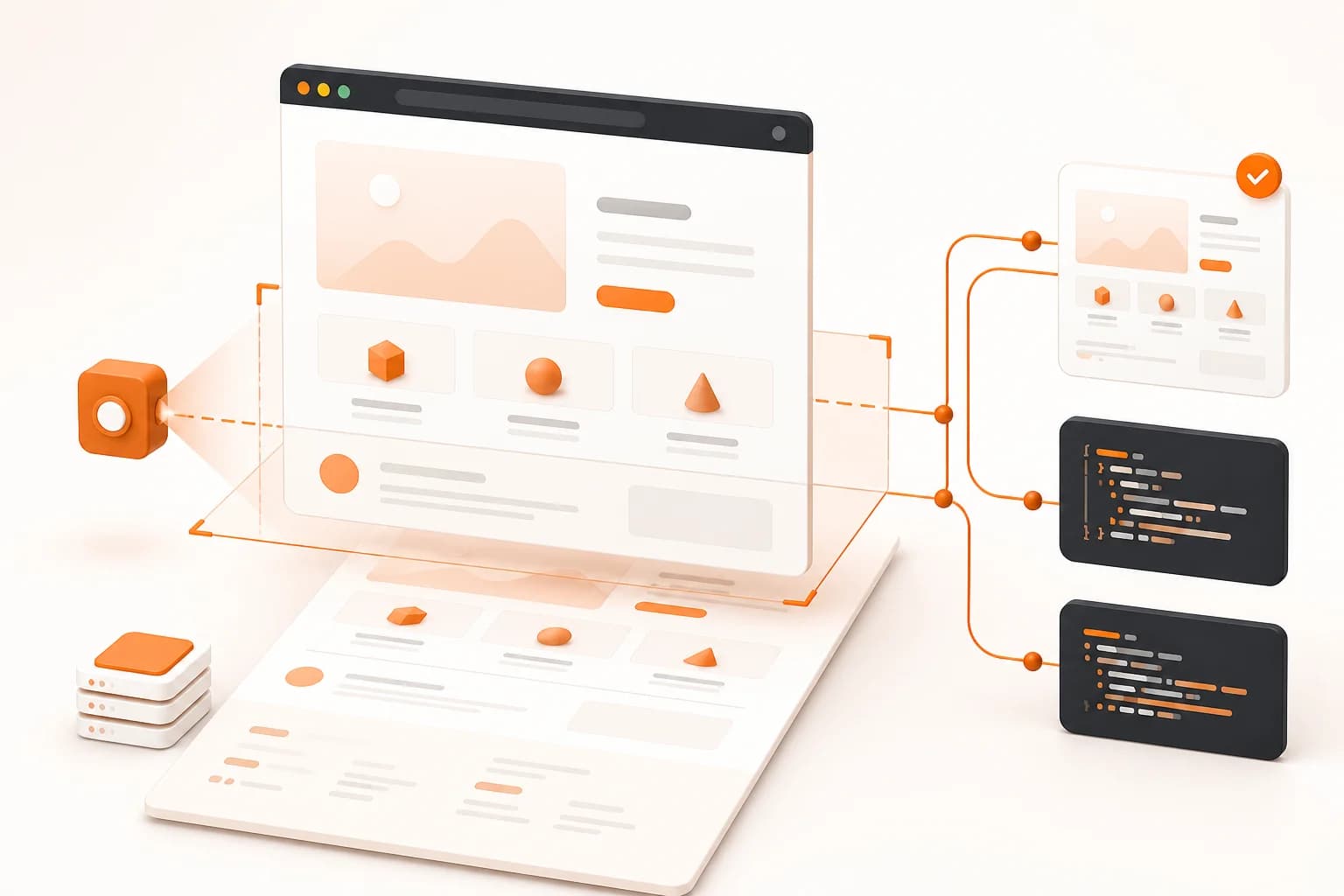
What is a website screenshot API?
A website screenshot API is a service that receives a URL and capture settings over HTTP, opens the page in a browser, and produces an image or PDF. Instead of launching Chromium inside every application or automation job, your code sends a request and consumes the result.
Client-side JavaScript, lazy-loaded images, consent banners, responsive breakpoints, and delayed widgets can all change the final pixels. A useful screenshot API manages the browser lifecycle while giving you control over the page state. The basic POST /api/v1/screenshot endpoint covers common captures; the API documentation explains later endpoint versions, and the website screenshot generator lets you test a URL before writing code.
Choose the page state before you capture
Reliable capture starts with a precise definition of the desired page state. “Take a screenshot of this URL” leaves several important decisions unresolved.
Viewport screenshots versus full-page screenshots
A viewport screenshot records the page area visible at a specific width and height. It is useful for responsive QA, thumbnails, documentation, and any workflow where the fold matters. Keeping dimensions stable also makes results easier to compare over time.
A full-page screenshot records the scrollable page from top to bottom. In Snapshot Site, the fullSize option selects this behavior. Use it for long landing pages, articles, audit evidence, content archives, and pages where a block below the fold may change. See the dedicated mobile screenshot guide when the intended page state is a phone or tablet viewport.
Dynamic content and timing
Modern pages rarely become visually complete at the first load event. A short delay can give asynchronous widgets, fonts, and lazy-loaded images time to settle. Longer waits are not automatically better: unnecessary delay makes every job slower and can allow rotating content to change.
Start with the smallest reliable wait. Move to the documented DOM-waiting controls when a fixed delay is too fragile. Later API versions also support cleanup options such as hiding selectors and running custom JavaScript.
Cookie banners and transient elements
Consent dialogs, chat widgets, promotional overlays, and sticky notices can hide the content you actually need. hideCookie handles common cookie banners. The hide option on supported endpoints lets you provide CSS selectors for known elements.
Treat removal rules as part of the capture specification. Prefer stable IDs or data attributes: broad selectors can erase meaningful content, while generated class names may change after a deployment.
Pick the right output format
The best format depends on what happens after the capture.
| Format | Good fit | Consideration |
|---|
| PNG | Visual QA, UI evidence, lossless assets | Larger files than compressed alternatives |
| JPEG | Photographic pages and compact previews | Lossy compression can blur fine UI details |
| WebP | Web previews and storage-conscious workflows | Confirm that every downstream consumer supports it |
| PDF | Reports, records, and document-oriented delivery | Treat it as a document rather than an image asset |
A visual comparison pipeline benefits from stable, lossless inputs, while a dashboard showing many thumbnails may value smaller files. The examples above switch formats without changing the integration model.
Website screenshot API use cases
Product previews and link thumbnails
Marketplaces, bookmarking tools, and internal dashboards can turn submitted URLs into visual previews. Capture on the server and serve a cached asset instead of requesting a new screenshot on every page view.
Documentation and content verification
Documentation teams can record the interface shown in a guide. Content teams can verify that a published page rendered with the intended hero, headings, and calls to action. Screenshots reveal layout problems that raw HTML validation misses.
Monitoring and release review
Scheduled captures create a visual history. To quantify changes rather than only archive images, use the Visual Diff API or a website monitoring workflow. Consistent dimensions, timing, and hidden selectors reduce noise.
Automated reports and workflows
A screenshot can become a QA attachment, content-approval record, or scheduled-report asset. The screenshot automation guide covers CI, cron, SDK, and no-code approaches.
Managed screenshot API versus a self-hosted browser
Both approaches render pages in a browser, but they place operational responsibility in different places.
| Question | Managed screenshot API | Self-hosted Playwright or Puppeteer |
|---|
| Browser installation and updates | Handled by the API service | Owned by your team |
| Capture call | HTTPS request with JSON settings | Browser automation code in your runtime |
| Low-level browser control | Limited to documented options | Full control over browser behavior |
| Scaling concurrent workers | Service concern | Infrastructure and queueing concern |
| Best fit | Repeatable captures with a defined request model | Highly custom browser sessions and application tests |
A managed API fits repeatable captures where you do not need every browser interaction. A self-hosted browser fits deeply customized end-to-end tests. Choose the boundary that leaves your team owning the code that differentiates the product.
Best practices for production capture
Keep secrets on the server
The x-snapshotsiteapi-key header authenticates the request. Never embed that value in public browser JavaScript, a mobile binary, a public repository, or a client-visible error message. Read it from a server-side environment variable and proxy only the data your client is allowed to receive.
If users can submit target URLs, validate the input before it enters your workflow. Consider an allowlist when the product is designed to capture only known domains. Avoid logging URLs that contain credentials, access tokens, or sensitive query parameters.
Make captures deterministic
Store the capture settings next to the job definition: URL, width, height, fullSize, format, delay, and cleanup options. Reusing the same settings makes failures reproducible and comparisons meaningful.
For regression work, use a fixed viewport, remove only known transient UI, and prefer a deliberate wait over an arbitrary large delay.
Handle failures as application states
Check the HTTP status before parsing the response. Log a job identifier and sanitized target URL, but not the API key. Retry transient failures deliberately; repeated requests cannot fix an invalid URL or permanent access problem.
Avoid unnecessary captures
Do not generate the same screenshot on every request to your own application. Cache or store an appropriate result and refresh it when the underlying page or capture requirements change. This reduces latency, API usage, and duplicate work.
Common implementation mistakes
- Using
fullSize: true when only a small thumbnail is needed.
- Changing width, timing, or hidden selectors between two screenshots that will be compared.
- Exposing the API key in frontend code.
- Assuming every page is visually complete immediately after navigation.
- Hiding elements with fragile selectors without testing the result.
- Treating a screenshot as proof that semantic HTML, accessibility, or structured data is correct.
- Requesting a new capture when a current cached image already satisfies the use case.
For a typed integration, use the TypeScript SDK, Python SDK, or PHP SDK. For raw HTTP details and endpoint-specific fields, the Snapshot Site API documentation remains the source of truth.