HEADLESS OUTPUTS

Get headless browser results through focused capture endpoints

Snapshot Site manages browser rendering for output-oriented jobs. Capture a page, export a PDF, retrieve rendered HTML, compare two states, or request page analysis without exposing a programmable remote browser session.

Capture
Image or PDF
Compare
Before, after, diff
Analyze
Rendered page signals
Install:curl -X POST https://api.prod.ss.snapshot-site.com/api/v1/screenshot
Auth:SNAPSHOT_SITE_API_KEY
Get started for free
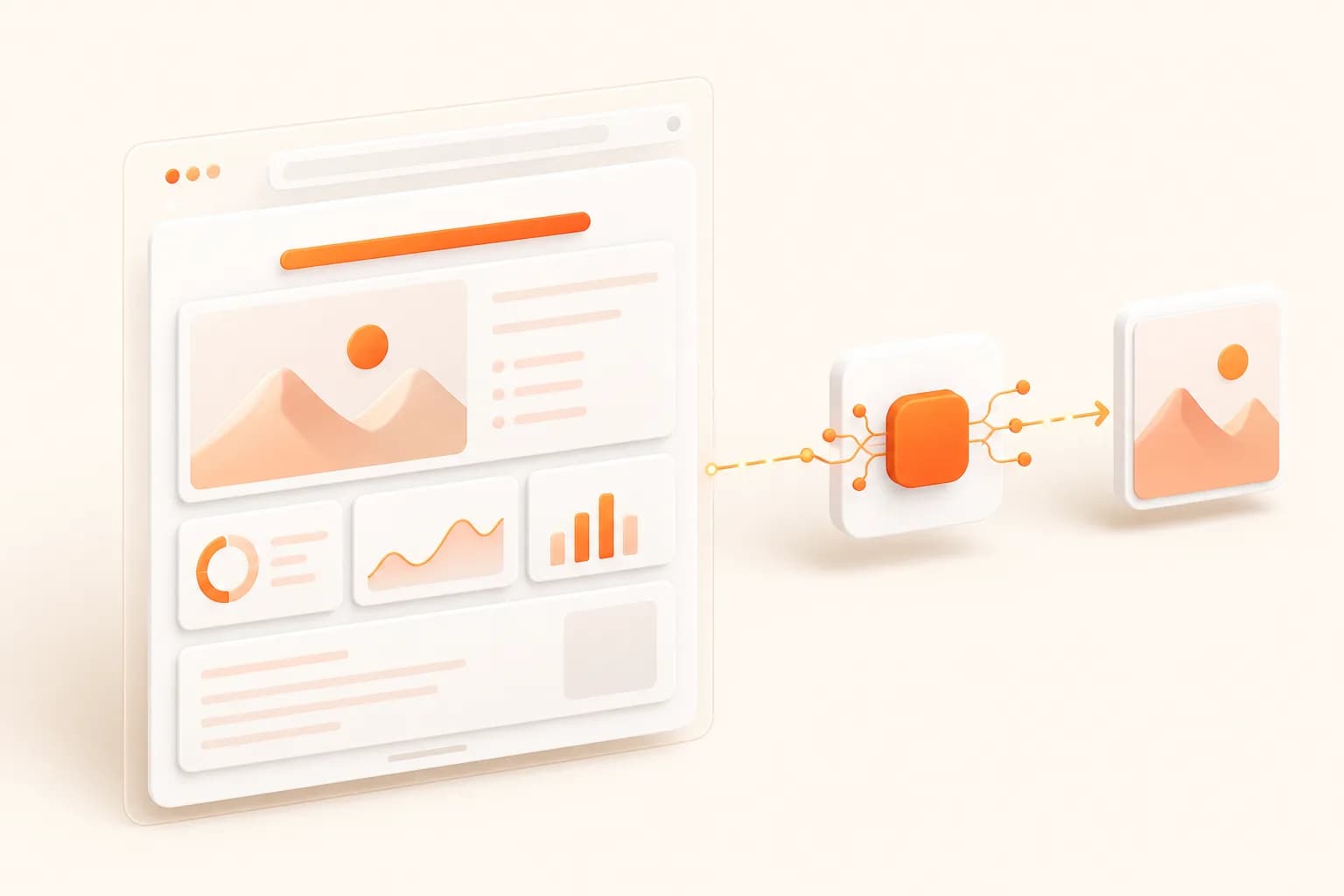
Headless Browser API workflow
Snapshot Site themed illustration for headless browser api
Good fits
Applications that need browser-rendered assets from public URLs
Visual monitoring systems that need before-and-after output
Content operations that need rendered HTML or page analysis
Teams avoiding browser fleet maintenance

Choose the right headless abstraction

A browser session maximizes control; a task endpoint minimizes infrastructure. The correct boundary depends on whether steps or results are the product requirement.

1

Screenshot endpoint

Use a focused capture request for image, PDF, or HTML output.

2

Compare endpoint

Use a dedicated visual diff when the question is what changed.

3

Analyze endpoint

Use rendered-page summary and quality signals when the consumer needs structured context.

4

Automation framework

Keep Playwright or Puppeteer when the job requires interactive navigation.

Implementation workflow

Build a reliable headless browser api job

1

Write down the required final artifact

2

Select screenshot, compare, or analyze

3

Set deterministic page-state options

4

Store result, provenance, and review status

Headless Browser API example

Example

Start a headless browser api request

Keep credentials server-side, check the response, and persist the returned asset only after validation.

curl --request POST   --url https://api.prod.ss.snapshot-site.com/api/v3/analyze   --header 'Content-Type: application/json'   --header 'x-snapshotsiteapi-key: YOUR_API_KEY'   --data '{
    "url": "https://example.com",
    "width": 1440,
    "fullSize": true,
    "waitForDom": true,
    "enableSummary": true,
    "enableQuality": true
  }'

Headless Browser API: define the result before the browser

Headless browser API can describe two very different products. One gives developers a remote browser connection and full automation control. The other accepts a task such as capture this URL and returns a defined result.

Snapshot Site follows the second model. That lower control ceiling is useful when the browser is implementation detail. A thumbnail generator, evidence archive, PDF exporter, visual monitor, or page-analysis pipeline usually needs an artifact and provenance, not a page object.

The focused model also makes limitations clearer. Login flows, multi-step interactions, downloads, request interception, and arbitrary browser scripting are not hidden behind a misleading screenshot option.

A production workflow

A browser session maximizes control; a task endpoint minimizes infrastructure. The correct boundary depends on whether steps or results are the product requirement. A useful implementation separates request creation, browser work, result validation, storage, and downstream review. That separation makes failures observable and prevents a rendering option from becoming undocumented business logic.

  1. Write down the required final artifact.
  2. Select screenshot, compare, or analyze.
  3. Set deterministic page-state options.
  4. Store result, provenance, and review status.

Headless output becomes useful evidence only when its state is named. Save page identity, responsive dimensions, preparation rule, cleanup selections, format, and capture time alongside the resulting screenshot or document.

Controls that determine the output

State specification

Treat width, height, fullSize, delay, DOM waiting, consent cleanup, and hidden selectors as part of the job contract.

Result validation

Check HTTP behavior and response error fields before consuming links. A technically successful render may still show a CAPTCHA, blank state, or application error.

Observability

Record operation, sanitized URL, elapsed time, retry count, capture options, and result storage key.

Escalation path

When a job needs interaction, move it to Playwright, Puppeteer, or a remote browser instead of accumulating brittle preparation scripts.

Security and product boundary

The API can execute documented preparation controls, including selector cleanup and custom JavaScript on supported endpoints, but that does not turn it into a general session automation product.

A hosted browser can reach destinations on your behalf, so validate targets before dispatch and keep secrets out of payload logs. Apply storage permissions and expiry rules derived from the source, not from the fact that the result is an image.

Production checklist

  • Pick the operation from the desired result.
  • Use public or deliberately exposed preview URLs.
  • Apply bounded concurrency and retries.
  • Retain artifacts according to source sensitivity.
  • Keep human review for consequential comparisons or AI output.

Read the API documentation for the request contract, the Playwright guide for session-driven work, and pricing when estimating a queue of headless capture operations.
Headless Browser API FAQ

Is Snapshot Site a programmable headless browser?

No. It is a task-oriented API for capture, compare, and analyze results. It does not expose a Playwright page or DevTools connection.

Can a headless browser API render JavaScript?

Yes, the managed browser renders modern client-side pages. Use measured readiness controls when meaningful content appears after initial load.

Can I capture authenticated sessions?

Only when the target is reachable through an authorized URL-based preview or access mechanism supported by your architecture. The screenshot endpoint does not document arbitrary cookie or header injection.

When is a remote browser more appropriate?

Use a remote browser when the workflow must log in interactively, click through steps, intercept requests, reuse a session, or run arbitrary automation code.

What is a Headless Browser API?

Use a managed headless browser API for screenshots, PDFs, rendered HTML, visual comparison, and page analysis without maintaining browser infrastructure.

Which Snapshot Site endpoint should I use for headless browser api?

Use /api/v1/screenshot for basic capture, /api/v2/screenshot for advanced preparation, /api/v3/analyze for rendered-page analysis, or /api/v3/compare for before-and-after visual comparison.

Does headless browser api work with dynamic pages?

A managed browser renders JavaScript. Use the smallest reliable delay or documented DOM readiness controls when meaningful content appears after initial navigation.

How should I protect the Snapshot Site API key?

Keep it in server-side environment or secret management and send it only through the x-snapshotsiteapi-key header. Never expose it in public client code.

Test one headless browser api workflow

Start with a representative authorized URL, preserve the request settings, and review the output before expanding volume.