AUTOMATION BOUNDARY

Choose browser automation for steps and screenshot APIs for results

Snapshot Site is not a general browser automation API. It provides focused screenshot, PDF, rendered HTML, visual comparison, and analysis endpoints. Use Playwright, Puppeteer, or a remote browser when your workflow must drive an interactive session.

Steps
Use browser automation
Outputs
Use focused endpoints
No ambiguity
Match tool to workflow
Install:curl -X POST https://api.prod.ss.snapshot-site.com/api/v1/screenshot
Auth:SNAPSHOT_SITE_API_KEY
Get started for free
Browser Automation API workflow
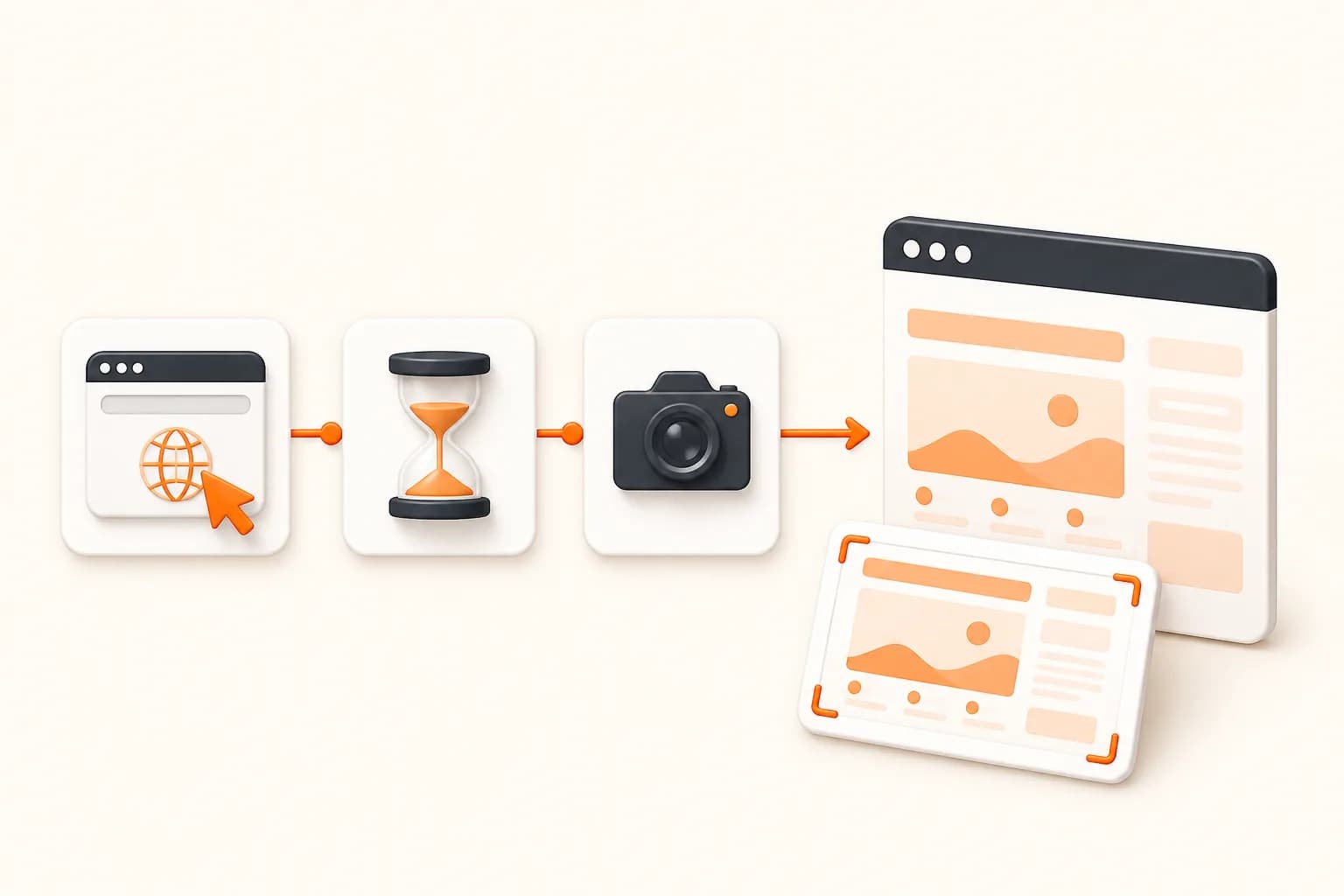
Snapshot Site themed illustration for browser automation api
Good fits
Teams deciding between remote browsers and screenshot APIs
Architects separating interactive tests from capture services
Visual QA systems with both session and output jobs
Developers simplifying one-URL automation scripts

Classify the workflow before choosing an API

The central question is whether the application owns a sequence of browser actions or requests a result from a known page state.

1

Interaction-heavy

Login, click, type, download, intercept, and session reuse require browser automation.

2

Output-oriented

Screenshot, PDF, rendered HTML, comparison, and fixed analysis fit task endpoints.

3

Mixed workflows

Keep interactive setup in Playwright and send stable public preview states to a capture API where appropriate.

4

Operational cost

Compare browser lifecycle ownership, queueing, artifacts, and review—not only lines of code.

Implementation workflow

Build a reliable browser automation api job

1

List every browser action the job performs

2

Remove steps that only approximate page readiness

3

Route interactive jobs to browser automation

4

Route output-only jobs to the focused API

Browser Automation API example

Example

Start a browser automation api request

Keep credentials server-side, check the response, and persist the returned asset only after validation.

// Output-oriented job: use a focused capture request.
const capture = await fetch(
  "https://api.prod.ss.snapshot-site.com/api/v1/screenshot",
  {
    method: "POST",
    headers: {
      "Content-Type": "application/json",
      "x-snapshotsiteapi-key": process.env.SNAPSHOT_SITE_API_KEY,
    },
    body: JSON.stringify({
      url: "https://example.com/report",
      format: "png",
      width: 1440,
      fullSize: true,
    }),
  },
);

// Keep Playwright for login, clicking, and multi-step flows.

Browser Automation API: define the result before the browser

A browser automation API exposes actions: open a page, click a control, type into a field, wait for a response, switch tabs, and preserve a session. A screenshot API exposes a result. Treating those models as interchangeable creates brittle systems.

Snapshot Site intentionally chooses result-oriented endpoints. That makes one-URL screenshot, PDF, rendered HTML, compare, and analyze jobs smaller, but it also means an interactive application flow must remain in a browser framework.

Teams often benefit from both. End-to-end tests own application behavior in Playwright. A separate capture service creates public documentation images, monitors production pages, or produces review artifacts without coupling every job to test code.

A production workflow

The central question is whether the application owns a sequence of browser actions or requests a result from a known page state. A useful implementation separates request creation, browser work, result validation, storage, and downstream review. That separation makes failures observable and prevents a rendering option from becoming undocumented business logic.

  1. List every browser action the job performs.
  2. Remove steps that only approximate page readiness.
  3. Route interactive jobs to browser automation.
  4. Route output-only jobs to the focused API.

Preserve the classification decision with the job: required actions, known page state, viewport, preparation, output, and time. That context explains why a workflow used a task endpoint instead of a programmable browser session.

Controls that determine the output

Action inventory

If the workflow contains business interactions, keep the browser automation layer. Do not hide clicks inside undocumented assumptions.

Page readiness

A wait condition is not necessarily an interaction. Stable public pages often need only viewport, DOM readiness, delay, and cleanup controls.

Failure semantics

Automation failures identify a failed step. Capture failures identify an operation or rendered state. Log and alert them differently.

Cost model

A remote session may perform several actions and outputs; a focused API counts operations. Model real jobs rather than comparing headline allowances.

Security and product boundary

This page deliberately does not claim feature parity with Playwright, Puppeteer, Selenium, or Browserless. Snapshot Site removes session control in exchange for a smaller task contract.

Interactive credentials belong inside the automation runtime, while Snapshot Site keys belong inside the output service. In both paths, enforce destination policy and keep signed states, private URLs, and generated evidence out of public logs.

Production checklist

  • Classify jobs by required actions.
  • Keep authentication secrets inside the automation environment.
  • Use output endpoints only for reachable approved states.
  • Store visual artifacts with the originating job.
  • Review architecture when preparation scripts start imitating a test framework.

Check the focused operations in the API documentation, use the Playwright screenshot guide for action sequences, and review pricing with the actual mix of sessions and output requests.
Browser Automation API FAQ

Is Snapshot Site a browser automation API?

No. Snapshot Site exposes focused capture, compare, and analyze operations rather than a programmable browser session.

Can Snapshot Site click through a login flow?

No general click-and-login workflow is documented. Use Playwright, Puppeteer, or a remote browser for interactive authentication.

Can custom JavaScript replace browser automation?

Custom JavaScript can prepare a known page on supported endpoints, but it is not a substitute for robust multi-step navigation, session management, or interaction assertions.

Can I combine both approaches?

Yes. Keep end-to-end interaction tests in a browser framework and use Snapshot Site for repeatable public-page captures, external monitoring, or task-oriented outputs.

What is a Browser Automation API?

Compare a browser automation API with focused screenshot endpoints. Choose full session control for interactions or managed capture, compare, and analysis for page outputs.

Which Snapshot Site endpoint should I use for browser automation api?

Use /api/v1/screenshot for basic capture, /api/v2/screenshot for advanced preparation, /api/v3/analyze for rendered-page analysis, or /api/v3/compare for before-and-after visual comparison.

Does browser automation api work with dynamic pages?

A managed browser renders JavaScript. Use the smallest reliable delay or documented DOM readiness controls when meaningful content appears after initial navigation.

How should I protect the Snapshot Site API key?

Keep it in server-side environment or secret management and send it only through the x-snapshotsiteapi-key header. Never expose it in public client code.

Test one browser automation api workflow

Start with a representative authorized URL, preserve the request settings, and review the output before expanding volume.