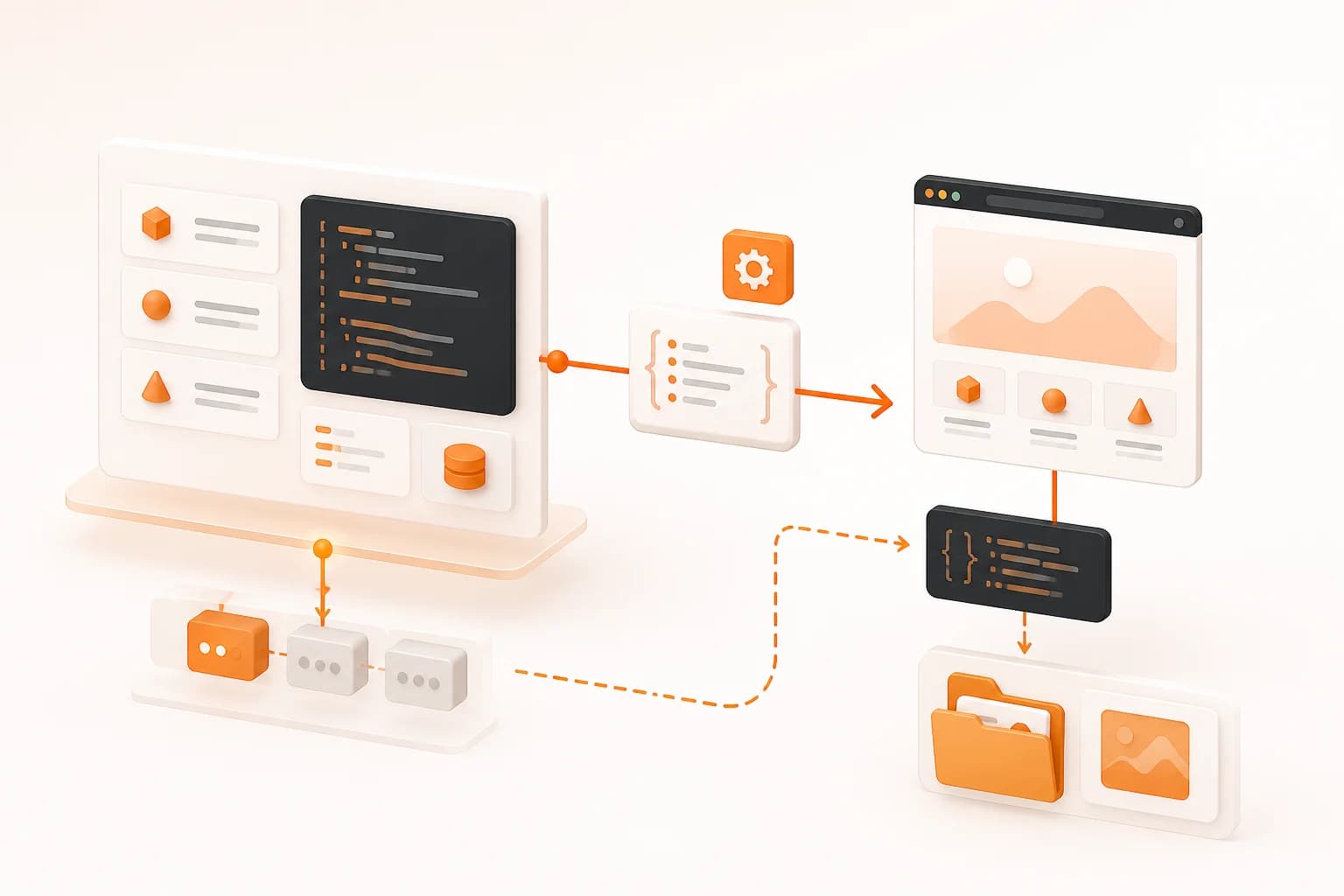
PHP screenshot API integration
The official snapshot-site/php-sdk package gives PHP applications one client for website screenshots, AI-assisted page analysis, visual comparison, and asset download. It works as a regular Composer dependency rather than a framework-specific bundle, so Laravel, Symfony, WordPress, and custom services can place it where outbound API clients belong in their architecture.
The current package requires PHP 8.1 or later with the cURL and JSON extensions. The client defaults to the production Snapshot Site API unless a different base URL is explicitly provided.
Install and configure the PHP client
Install the package with Composer, then read the API key from server-side configuration.
<?php

require __DIR__ . '/vendor/autoload.php';

use SnapshotSite\Client;

$apiKey = getenv('SNAPSHOT_SITE_API_KEY');

if (!$apiKey) {
    throw new RuntimeException('SNAPSHOT_SITE_API_KEY is not configured');
}

$snapshotSite = new Client($apiKey);
Do not place the key in a public repository, rendered template, frontend script, or WordPress option that unauthenticated users can read. In a framework, load it through the normal secrets or environment configuration and inject the client into the server-side service that needs it.
Choose the PHP method by task
Capture with screenshot()
Use screenshot() for PNG, JPEG, WebP, or PDF output. Make width explicit, enable fullSize only when the complete document is required, and add a deliberate delay when dynamic content needs time to settle. The full-page screenshot guide explains the long-page tradeoffs.
Analyze with analyze()
Use analyze() when the rendered page should also return summary or quality information. Enable only the analysis options the application consumes, and preserve the screenshot when a reviewer may need to verify the generated result.
Compare with compare()
Use compare() for staging-versus-production checks, stored baselines, and other visual regression workflows. Both sources should use identical width, full-page, delay, and cleanup options. Inspect the diff image rather than treating mismatch percentage as a complete pass/fail decision.
Save an asset with downloadTo()
downloadTo() accepts a direct URL or supported response structure. It can extract a screenshot link, an analyze screenshot link, or the diff link from a comparison response and write the binary to the path supplied by the application.
Choose the path intentionally. Validate filenames, create directories with appropriate permissions, and avoid writing user-controlled paths without normalization.
Laravel and Symfony patterns
In Laravel, place the client behind an application service and run recurring or batch captures from queued jobs or console commands. In Symfony, register the client or a small wrapper as a service and keep request construction in the domain or application layer that owns the workflow.
The goal is the same in both frameworks: keep API credentials and transport logic out of controllers and templates. A controller can request a capture job; a service or worker can perform it, store the result, and report a domain-level outcome.
When the user does not need the image immediately, a queue prevents browser-rendering latency from holding open the original web request. Record success or failure per job and apply bounded retries only to transient conditions.
WordPress integration considerations
Use the SDK from plugin or server-side application code, not from theme JavaScript. Schedule background work through the mechanism appropriate to the site and avoid initiating a fresh capture on every public page view.
If administrators can submit URLs, check capabilities and nonces according to the WordPress workflow, validate the URL, and restrict target domains when the feature is intended for a known site set. Store only the response data and files the plugin needs.
Batch capture and error handling
For many URLs, process a bounded number at a time. Save progress per URL so a later failure does not discard earlier results. Log a sanitized target and internal job identifier, never the API key or a URL containing private tokens.
Separate permanent input problems from transient transport failures. An invalid URL, missing key, or rejected request needs correction. Retrying the same invalid payload repeatedly increases load without improving the outcome.
For visual comparisons, persist the configuration with the baseline: width, full-page mode, delay, cookie handling, and hidden selectors. Without that context, a future run may compare two different capture specifications.
Performance and storage practices
Cache captures while they remain valid. If a page changes only after a content deployment, regenerate on that event instead of every page request. Use viewport mode for focused previews and full-page mode only when content below the fold matters.
Choose an output format for the next consumer. PNG preserves UI detail, WebP can suit web previews, and PDF belongs in document workflows. When the original is evidence, keep it and create derivative thumbnails instead of overwriting it.
Common PHP integration mistakes
- Hardcoding the API key in PHP source or WordPress settings exposed to clients.
- Running long batch captures inside a synchronous controller response.
- Writing downloaded assets to unvalidated user-controlled paths.
- Retrying permanent request errors indefinitely.
- Capturing the same stable URL on every public request.
- Comparing images created with different widths or timing options.
- Treating generated AI output as verified fact without review.
Use the API documentation for endpoint fields and the package README for compatibility. Begin with one server-side screenshot call, then move stable work into the framework service or queue that owns it.