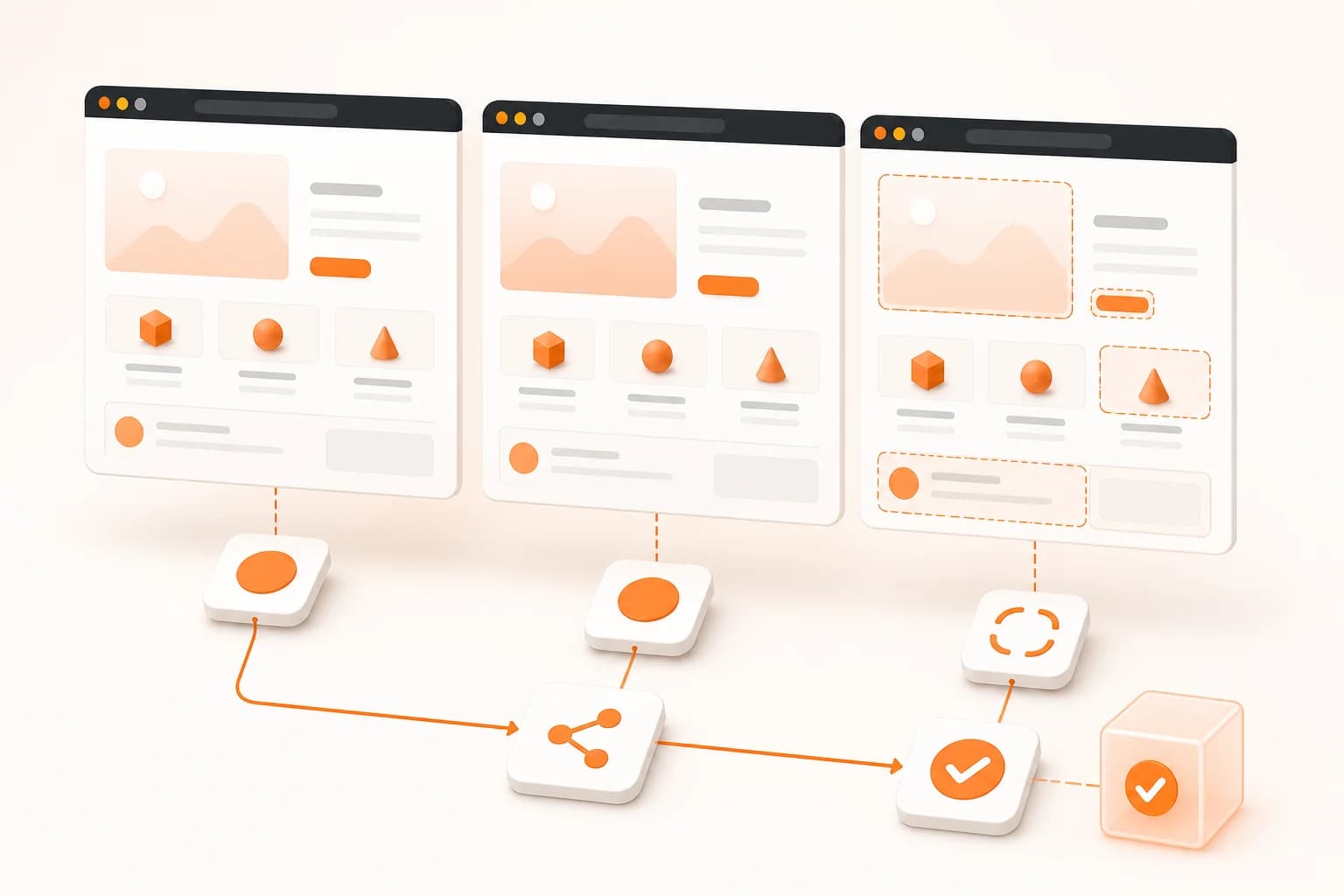
Visual regression testing explained
Visual regression testing checks whether a new page state looks different from an approved reference. Functional tests can confirm that a component exists or a button responds; they may not notice that the component moved outside its container, inherited the wrong font, overlapped another block, or disappeared behind a responsive breakpoint.
A visual test turns both states into images and compares their pixels. Snapshot Site's POST /api/v3/compare endpoint accepts two sources, creates or loads the captures, normalizes them, and returns a third diff image that marks changed regions. Mismatch metrics provide a compact signal for automation, while the diff image gives a reviewer the context required to decide whether the change is expected.
Visual diff is a signal, not a verdict
A mismatch percentage answers “how many pixels changed?” It does not answer “is the product broken?” A corrected typo, an approved campaign banner, and a collapsed pricing grid can all change pixels. The meaning depends on the page and the release.
Use mismatch data to route work:
- Very small changes may be recorded without blocking a build.
- Moderate changes can require a reviewer to inspect the diff image.
- Large changes on a stable page can stop a release until the new state is approved.
Do not copy one threshold across every page. A documentation article and an application dashboard have different visual behavior. Establish thresholds from real runs on the pages your team owns.
Build a stable comparison
Keep capture settings identical
Both states should use the same width, full-page mode, cookie handling, delay, and hidden selectors. Changing the width can trigger another responsive layout. Changing the delay can capture different animation frames or asynchronous content. These are capture differences, not regressions.
For long pages, use full-page screenshots on both sources. For mobile checks, use the same mobile width and height for the reference and candidate.
Control dynamic regions
Timestamps, animated carousels, random recommendations, live counters, ads, and personalized content can change while the application remains healthy. If the page belongs to your team, provide deterministic test data and disable animations in the preview environment. If the page is external, use stable selectors to remove only the transient regions that are irrelevant to the review.
Avoid masking the area where a real bug is likely to occur. Every excluded region reduces false positives and also reduces coverage.
Manage the baseline deliberately
The baseline should represent an approved visual state. Replace it only after a reviewer accepts an intentional change. If every successful deployment silently becomes the new baseline, a regression can be approved by the same automation intended to detect it.
Store the baseline identifier and capture settings with the test definition. A future reviewer should be able to explain which reference was used and how both images were produced.
Visual regression workflows
Pull request and preview deployments
Deploy the branch to a preview URL, compare critical routes against production, and attach the diff links to the pull request. Start with a small route set—login, dashboard, pricing, checkout, and other high-risk pages—before expanding coverage. The screenshot automation page describes CI and scheduled trigger patterns.
Release review for marketing pages
Growth changes often involve copy, assets, spacing, and calls to action. A visual diff gives marketing and product teams one artifact that shows what moved. Compare both desktop and mobile layouts because a change approved at one width can break another.
Ongoing website monitoring
A monitoring workflow compares a live page with a stored known-good image on a schedule. The same diff endpoint is used, but the trigger and response differ: CI protects a release, while website monitoring protects a page after release.
Archive and compliance review
Before, after, and diff images provide a visual history for pages where content changes matter. They support investigation and review, but they do not replace source records, accessibility checks, or legal retention requirements.
Visual testing versus DOM comparison
DOM tests and visual tests answer different questions. A DOM assertion is precise when the expected property is known: a heading exists, an attribute has a value, or an element is visible. A visual comparison is broad: it can detect an unexpected effect without knowing which selector caused it.
Use DOM and functional tests for business rules and interactions. Use visual regression tests for composition, styling, responsive behavior, and rendered content. When a diff fails, use the image to locate the region and application diagnostics to find the cause.
Security and CI practices
Store the Snapshot Site key in the CI secret manager, not in repository files or preview-page JavaScript. Sanitize logged URLs when they contain tokens or private query values. Restrict who can approve a new baseline on sensitive routes.
Treat failed comparisons as normal job states. Preserve the before, after, and diff references needed for debugging. Apply bounded retries only to transient capture failures; retrying a real mismatch will not make the regression disappear.
Common visual regression mistakes
- Comparing states captured at different widths or times.
- Blocking every release on any non-zero mismatch.
- Replacing the baseline automatically without human approval.
- Ignoring mobile and full-page variants.
- Masking large regions to make tests pass.
- Using visual tests as a substitute for accessibility and functional tests.
- Reporting a mismatch number without making the diff image available to reviewers.
Start with one stable route and one controlled change. Once the team trusts the signal, expand to the pages and breakpoints where visual defects create the most risk.