Why browser-rendered PDF generation is different
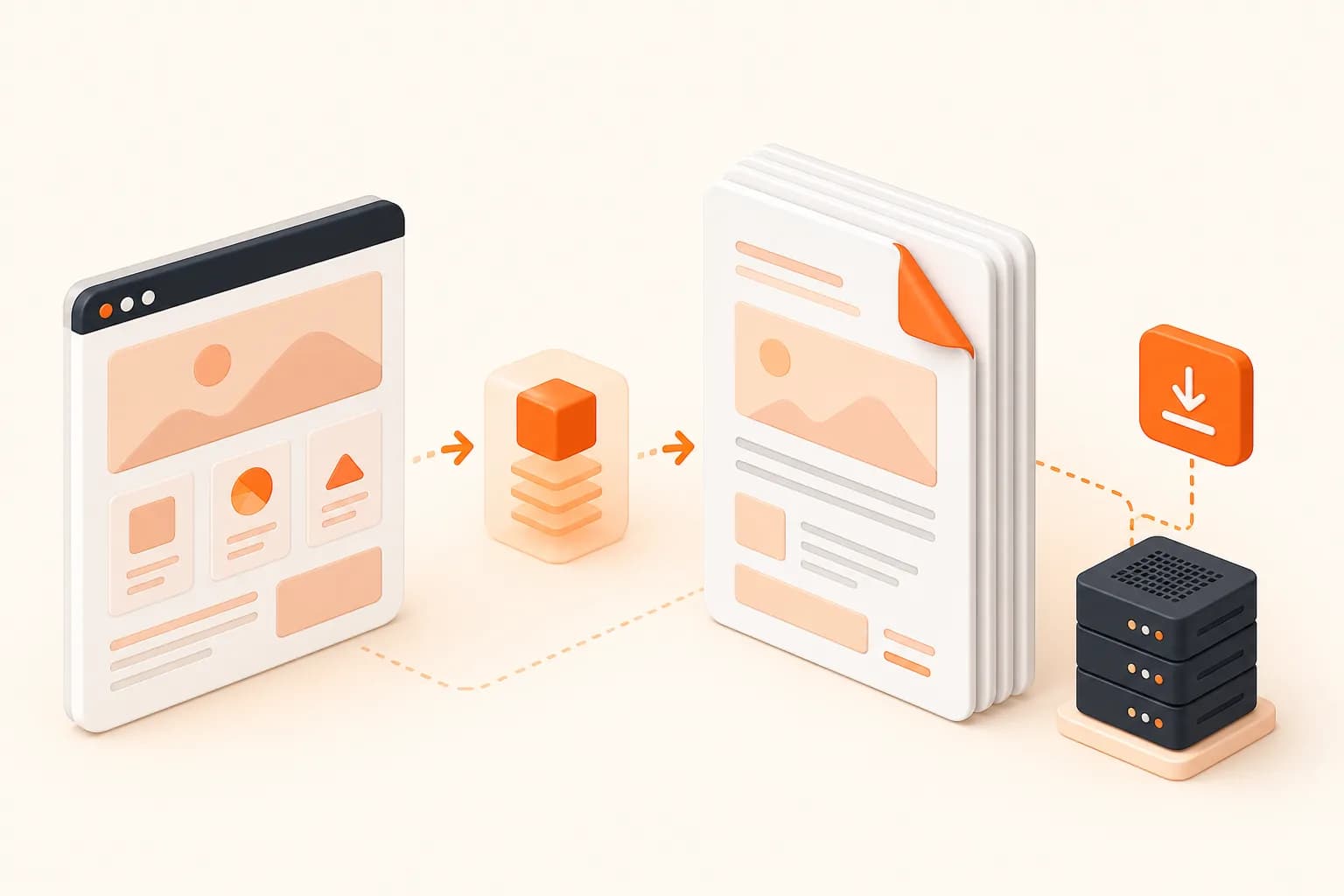
A PDF generator does more than copy visible pixels into a file. The browser must navigate to the page, load its fonts and images, run the JavaScript required to build the document, switch into its PDF rendering path, and paginate the result. A dashboard that looks correct on screen can still produce poor page breaks, missing backgrounds, or clipped charts when exported.
Snapshot Site uses the same URL-based request model as its screenshot API. Set format to pdf and keep the API key in a server-side header. This makes PDF output a small change for teams that already capture PNG, JPEG, or WebP assets.
The input remains an HTTP or HTTPS URL. If the document begins as a template, expose it through a controlled preview route. This gives relative assets, fonts, and JavaScript a real origin and lets a developer inspect exactly what the browser will load.
Design a page for reliable PDF export
Separate screen layout from document layout
Interactive navigation, sticky controls, chat launchers, and filter panels often belong on screen but not in a document. Use print media rules to hide controls that add no value in the exported record. Keep the underlying information in semantic HTML so the print layout does not depend on a canvas screenshot of the entire application.
Do not assume that fullSize is the PDF equivalent of “include everything.” That option controls image capture. PDF generation uses browser pagination, which is influenced by page size and print CSS. Test both formats when you need an image preview and a document because they are different outputs.
Make page breaks intentional
Long cards and tables can split across two pages. Use CSS properties such as break-inside, break-before, and break-after where a section must remain together or start on a new page. Avoid applying “never break” to every component: one element taller than a sheet cannot fit and may create a worse result.
Headers and footers need the same discipline. A fixed screen header is not automatically a useful repeating document header. Build document-specific context into the source page when every sheet needs an identifier, reporting period, or confidentiality marker.
Stabilize asynchronous content
Charts, client-rendered tables, and web fonts may appear after the initial document response. Prefer a preview route that has all required data before it declares itself ready. Use a small delay only for work that genuinely completes after navigation, and avoid live animations in the print view.
When a third-party embed is optional, replace it with a stable summary for the PDF. A document should not fail because an analytics widget, advertising request, or external dashboard is temporarily unavailable.
Practical PDF generation workflows
Scheduled reports
A scheduled backend job can build a report URL for a known period, request a PDF, validate the response, and store the document under the report revision. The Screenshot Scheduler guide shows how to separate the trigger from the rendering request and how to avoid overlapping runs.
Documentation and knowledge bases
Documentation teams can export a guide for offline review or attach a dated copy to a release record. Use a stable route and keep the source URL next to the generated file. If visual evidence rather than printable text is the objective, use a full-page screenshot instead.
Audit and content records
A PDF can record the visible state of a policy, pricing page, or public notice at a specific time. Store the source URL, capture time, request options, and resulting file together. A generated document is useful evidence, but it does not by itself establish legal authenticity or permission to archive the source.
Customer-facing documents
Invoice, receipt, and account-summary routes can be exported when the rendering environment is allowed to reach them safely. Never expose permanent public links containing personal or financial data simply to make capture easier. Use synthetic data for development and a reviewed security design for production.
Security and operational safeguards
Keep x-snapshotsiteapi-key in a secret manager and invoke the API from a trusted backend, worker, or automation platform. Do not embed it in a page, downloadable document, query string, or client-side application bundle.
Validate the target URL before creating a job. If customers control the target, apply an allowlist or other destination policy appropriate to the product. Sanitize logged URLs because query parameters may contain private identifiers.
After generation, verify that the response is successful before publishing a link. Store documents with access controls that match their content, define a retention policy, and avoid regenerating unchanged reports on every download.
Performance and cost controls
PDF rendering usually performs more document work than a viewport image. Generate it when the underlying content revision changes, not for every reader. Queue large batches, limit concurrency, and add retries only for retryable failures.
Use deterministic report identifiers to make jobs idempotent. If the same schedule fires twice, both workers should resolve to the same intended output rather than creating two unrelated copies. For monitoring many documents, spread requests across the available window instead of creating a burst at exactly midnight.
PDF export checklist
- Confirm the page is reachable from the rendering environment.
- Load fonts, images, and chart data deterministically.
- Review print media styles and page-break rules.
- Remove interactive controls and transient overlays.
- Keep credentials out of URLs and client code.
- Validate the API response before publishing the document.
- Store the source URL, options, and capture time with the PDF.
- Test representative short, long, and data-heavy documents before scaling.