Turning Web Pages and Dashboards into Shareable PDF Snapshots

Snapshot Site Team
05 Jun 2026 - 03 Mins read
Most teams reach for a screenshot API when they need an image. PNG for a thumbnail, JPEG for a report, WebP for a lightweight preview. What gets missed is that the same endpoint can hand back a PDF instead, using the exact same request shape. You are not bolting on a separate export service or wiring up a headless browser script of your own. You just change one value.
On the Snapshot Site capture endpoint, format accepts pdf alongside png, jpeg, jpg, and webp. There is no separate PDF product, no separate auth, no separate pricing tier to think about. If you already call the API to screenshot a page, you already have everything you need to turn that same page into a document.
Why PDF Matters for Web Content
A screenshot is great for a quick visual check. A PDF is a different kind of artifact. It is something you attach to an email, drop into a shared drive, or hand to someone who has no login, no VPN access, and no interest in clicking a fragile staging link that might 404 by Friday.
- It is portable. A PDF opens the same way on every device, with no dependency on the original page still being live or accessible.
- It is a record. A PDF carries an implicit timestamp of what a page looked like, which matters more than people expect until they need it.
- It is stakeholder-friendly. Not everyone you work with has credentials to your staging environment or your internal analytics tool, but everyone can open a PDF.
Where This Actually Gets Used
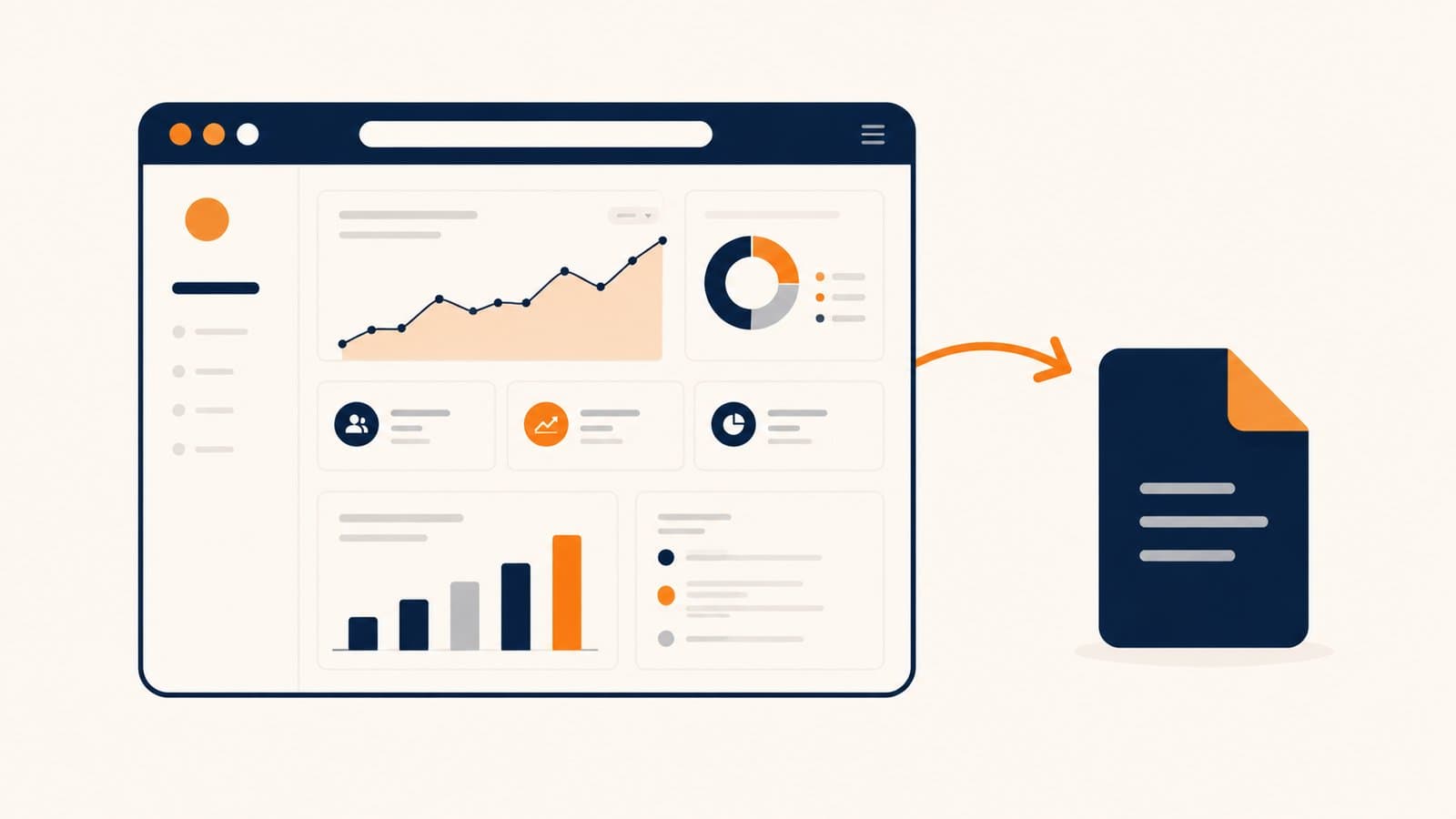
Internal dashboards. Analytics tools, admin panels, and BI dashboards are usually locked behind auth for good reason. But a finance lead or an executive who just wants this week's numbers should not need a seat in the tool. Capture the dashboard page with format: "pdf" and send the file instead of the link.
Legal and pricing pages. Terms of service, privacy policies, and pricing pages change over time, and disputes about what a page said on a given date are common. Running a scheduled capture with format: "pdf" gives you a dated, self-contained record you can pull up later without relying on a web archive or hoping the page never changed.
Client review of staging pages. Sending a client a raw staging URL means dealing with basic auth prompts, unfinished states, or a page that gets redeployed mid-review. A PDF snapshot freezes the page exactly as it looked at capture time, so feedback is anchored to something stable.
Batched weekly reports. If you are already looping over a list of URLs for monitoring or QA, swapping the output format to pdf turns that same loop into a weekly report generator. Same endpoint, same loop, different format value.
Getting a Clean Export
The default capture behavior works fine for a lot of pages, but dashboards and marketing pages tend to have chrome you do not want sitting in a document you are sending externally. A few parameters make a real difference here:
fullSize: truecaptures the entire page instead of just one viewport-height. Without it, a long dashboard or pricing page gets cut off at the fold, which defeats the point of a document meant to be read top to bottom.hideCookie: truestrips common cookie consent banners before capture, so you are not shipping a PDF with a GDPR overlay pinned across the top of every page.hide(on the advanced endpoint) lets you pass CSS selectors to remove elements outright, useful for stripping a debug ribbon, a "you are viewing staging" banner, or a support widget that has no business being in a client-facing document.javascriptCode(also on the advanced endpoint) runs custom JS before the capture fires, so you can close a modal, expand a collapsed section, or trigger a chart to finish rendering before the page is turned into a PDF.
Combine these with width and height to control the rendered viewport size, and you get a document that looks deliberate rather than like a raw screenshot someone slapped a .pdf extension on.
A Small Change, A Different Output
None of this requires new infrastructure. If your integration already sends a request to the capture endpoint, the only thing standing between an image and a document is the format field. Teams tend to discover this by accident, usually after building their own PDF pipeline for a use case the API already covered.
If you are sending live dashboard links to people who should not need credentials, or forwarding staging URLs that might break before anyone gets to review them, this is worth trying instead. Snapshot Site supports PDF output on the same capture endpoint you are already using for images.