How to Capture a React Dashboard in Python

Snapshot Site Team
28 Mar 2026 - 02 Mins read
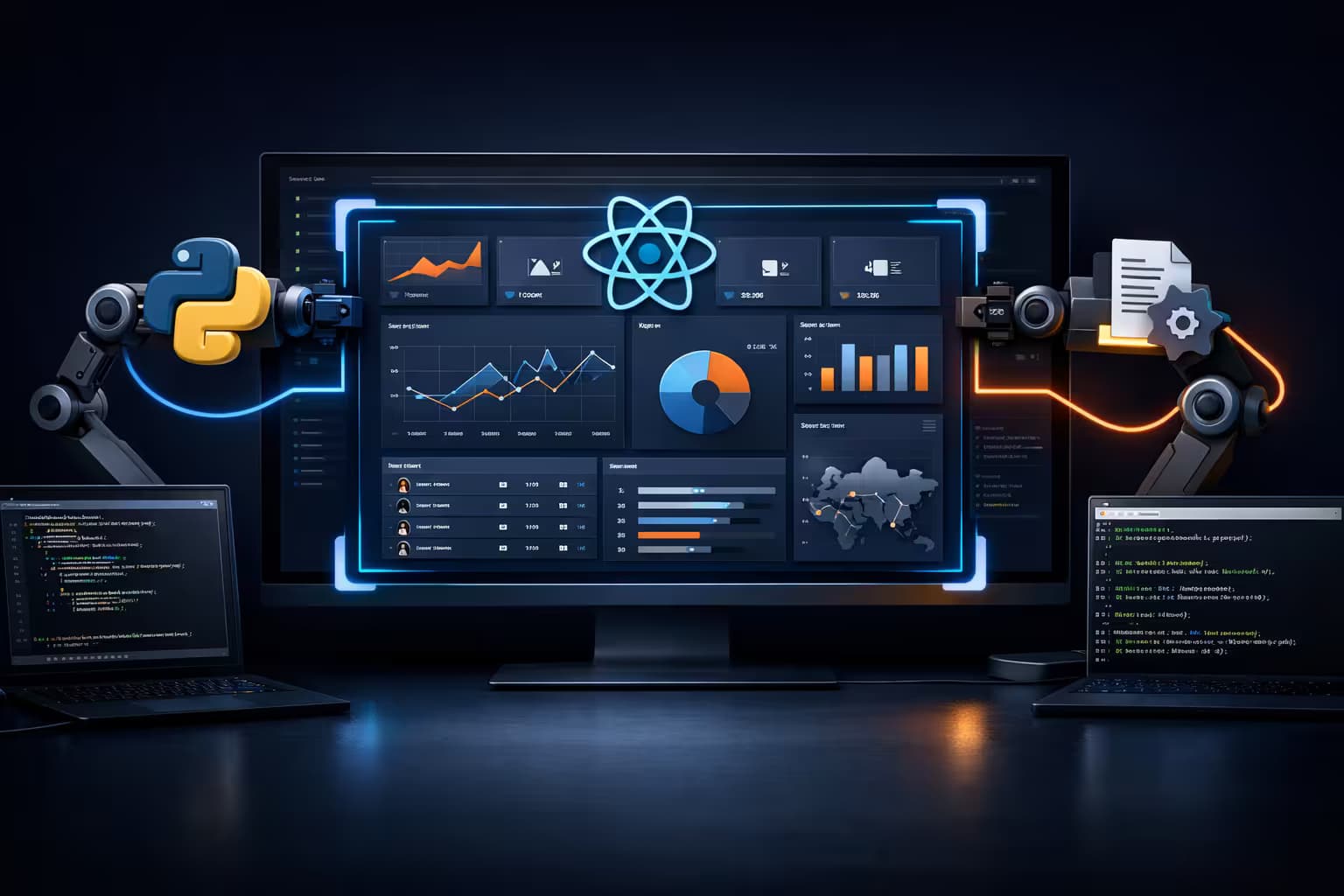
React dashboards are one of the hardest pages to capture reliably. Charts render after API calls, widgets lazy-load below the fold, and authentication often changes what appears on screen. If you want a stable screenshot in Python, you need more than requests.get() and HTML parsing.
Why React Dashboards Break Basic Screenshot Scripts
- Client-side rendering: The useful UI may not exist in the initial HTML.
- Delayed widgets: Charts and cards often appear after asynchronous data fetches.
- Infinite containers: Internal scroll areas can hide content even when the page itself looks loaded.
- Cookie and consent layers: A banner can cover the most important panel.
A Practical Python Approach
The easiest pattern is:
- Send the dashboard URL to a screenshot API that renders JavaScript.
- Use a delay or DOM wait strategy so charts finish painting.
- Hide cookie banners or known selectors before capture.
- Store the returned PNG or PDF in your reporting pipeline.
import requests

payload = {
    "url": "https://example.com/dashboard",
    "format": "png",
    "width": 1440,
    "height": 900,
    "fullSize": True,
    "hideCookie": True,
    "delay": 2
}

response = requests.post(
    "https://api.prod.ss.snapshot-site.com/api/v1/screenshot",
    headers={"x-snapshotsiteapi-key": "YOUR_API_KEY"},
    json=payload,
    timeout=60,
)

data = response.json()
print(data["link"])
What to Tune for Better Results
- Viewport size: Wider layouts reduce responsive collapses in admin dashboards.
- Delay: Start with 1 to 3 seconds for chart-heavy pages.
- Full-page capture: Useful for audit reports and executive exports.
- Custom CSS/JS: Remove sticky chat widgets, cookie overlays, and animated popups.
When to Prefer an API Instead of DIY Playwright
If you already operate a browser fleet, DIY can work. But many teams would rather not maintain headless Chrome, retries, anti-fragile waits, and storage. Snapshot Site is useful when you want screenshot generation to behave like infrastructure, not a side project.
Recommended Workflow
- Trigger a Python job after a nightly BI refresh.
- Capture each dashboard route with fixed viewport presets.
- Save the returned image URL into Slack, Notion, S3, or a reporting database.
- Alert only when the visual output is missing or materially different.
If you're not sure whether a plain screenshot, a JS-customized capture, or the AI-analysis endpoint fits this kind of workflow best, see Snapshot API v1 vs v2 vs v3: Which Endpoint Should You Use?.
The key lesson: capturing a React dashboard in Python is mostly a rendering problem, not a Python problem. Use a renderer that waits for the real UI, then make the rest of the pipeline boring and repeatable. Try Snapshot Site if you want that workflow without browser maintenance.