How to Screenshot a Login-Protected SaaS App in Ruby

Snapshot Site Team
28 Mar 2026 - 02 Mins read
Public marketing pages are easy. Authenticated SaaS interfaces are where screenshot automation starts to matter. Once a page depends on sessions, role-based content, personalized widgets, and late-loading dashboards, naïve browser scripts become expensive to maintain.
If your team works in Ruby, you do not need to own the browser complexity just to get reliable screenshots of internal or customer-facing SaaS screens.
Why Authenticated SaaS Screens Are Hard
- The useful UI appears after login: HTML fetches and static snapshots are not enough.
- Role-based content changes the layout: Admin, editor, and customer views may all differ.
- Widgets load asynchronously: Tables, graphs, and notifications often arrive after the shell UI.
- Security noise exists: Banners, help widgets, and product tours can cover key regions.
Ruby Example
require "net/http"
require "uri"
require "json"

uri = URI("https://api.prod.ss.snapshot-site.com/api/v1/screenshot")
http = Net::HTTP.new(uri.host, uri.port)
http.use_ssl = true

request = Net::HTTP::Post.new(uri.path, {
  "Content-Type" => "application/json",
  "x-snapshotsiteapi-key" => "YOUR_API_KEY"
})

request.body = {
  url: "https://app.example.com/dashboard",
  format: "png",
  width: 1440,
  height: 900,
  fullSize: true,
  hideCookie: true,
  delay: 2
}.to_json

response = http.request(request)
puts response.body
Practical Recommendations
- Capture with a fixed desktop viewport for consistency across review cycles.
- Add a delay if charts or data tables render after API calls.
- Use full-page mode only when the app screen has meaningful content below the fold.
- Remove or hide onboarding overlays, support bubbles, and cookie banners before capture.
Common SaaS Use Cases
- Customer success snapshots for support tickets
- QA evidence for regression reviews
- Executive reporting of dashboard states
- Documentation screenshots for knowledge bases and product guides
Why Ruby Teams Prefer a Managed Rendering Layer
The real complexity is not the HTTP client. It is rendering an authenticated, stateful application in a way that stays stable over time. That is where a screenshot API saves work: fewer browser edge cases, fewer maintenance tasks, and fewer “why is this capture blank?” incidents.
If you're not sure whether a plain screenshot is enough for these authenticated views or you need v2's cleanup options, see Snapshot API v1 vs v2 vs v3: Which Endpoint Should You Use?.
For Ruby teams, the fastest path is usually not a custom screenshot fleet. It is a clear request/response workflow backed by a renderer built for modern web apps. Snapshot Site makes that workflow easier to operationalize.
Related authenticated capture resources
Review authenticated website screenshots, screenshot API authentication, the Playwright guide, API documentation, and pricing before choosing signed preview access or interactive browser automation.
Start a free capture only with a URL you are authorized to render.
Frequently asked questions
Can Snapshot Site complete an interactive login flow?
The screenshot API is result-oriented and does not expose a persistent browser session for typing credentials or navigating multi-step authentication.
How can an authenticated page be captured safely?
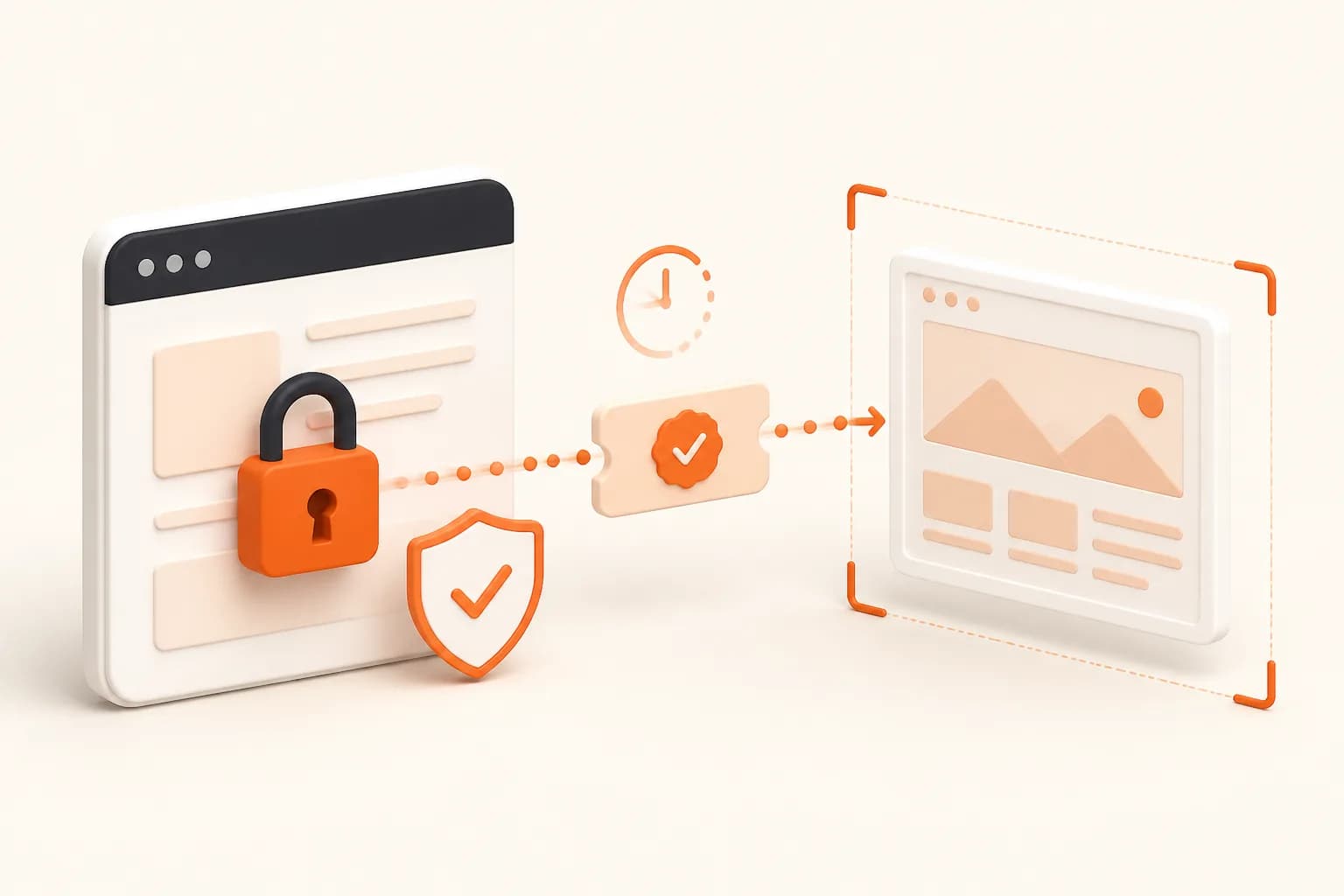
Create a short-lived, narrowly scoped signed preview URL that the hosted renderer can reach, then expire or revoke access after use.
Should session cookies be placed in the screenshot URL?
Avoid durable session credentials in URLs. Prefer purpose-built signed access with limited scope and lifetime, and redact tokens from logs.
When should Ruby use Playwright instead?
Use browser automation when the workflow genuinely requires login form interaction, MFA, redirects, or persistent session state.
How should private screenshots be stored?
Apply the same authorization, retention, encryption, and deletion policy as the protected source content.
Can a localhost SaaS page be captured?
Not by a hosted renderer unless you deliberately expose an authorized preview. Use local browser automation for development-only pages.