How to Take a Screenshot in Node.js of a Vue E-commerce Page

Snapshot Site Team
28 Mar 2026 - 02 Mins read
Vue storefronts look simple until you try to capture them in production conditions. Product grids load progressively, recommendation carousels move, and region-specific banners can rewrite the layout after the first paint.
Common Failure Modes
- Blank product cards: The HTML exists, but images have not finished loading.
- Shifted layouts: Promo bars and sticky headers reflow the page after render.
- Viewport-only screenshots: You miss the merchandising sections below the fold.
- Consent overlays: They block the screenshot and make visual diffs useless.
A Reliable Node.js Flow
const response = await fetch("https://api.prod.ss.snapshot-site.com/api/v1/screenshot", {
  method: "POST",
  headers: {
    "content-type": "application/json",
    "x-snapshotsiteapi-key": process.env.SNAPSHOT_SITE_API_KEY,
  },
  body: JSON.stringify({
    url: "https://example-store.com/collections/sale",
    format: "png",
    width: 1440,
    height: 900,
    fullSize: true,
    hideCookie: true,
    delay: 2,
  }),
});

const data = await response.json();
console.log(data.link);
Why This Works Better Than a Basic HTML Snapshot
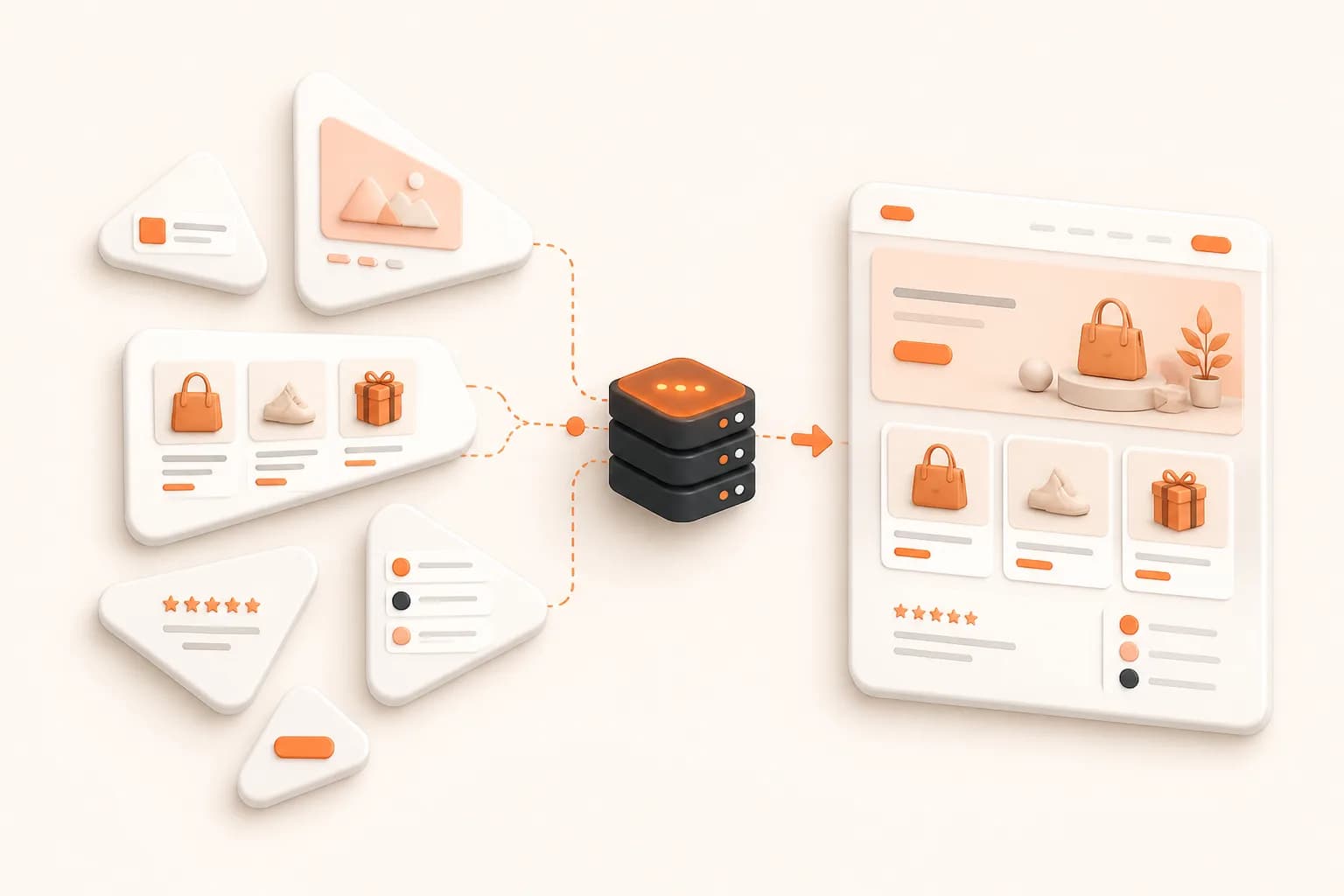
A storefront is not just content. It is client-side state, image loading, personalization, and layout stabilization. A screenshot API that renders the real page gives you a result closer to what a shopper saw.
Best Use Cases
- Merchandising QA before a campaign launch
- Price and layout audits across regional storefronts
- Competitive monitoring of category pages
- Visual archives of seasonal promotions
Tips for Cleaner Captures
- Use desktop widths like
1366or1440for catalog pages. - Add a short delay for pages with lazy product cards.
- Combine full-page mode with post-capture diffing if you monitor design drift.
- Hide known selectors such as chat launchers or sticky coupon drawers.
If you're not sure whether v1, v2, or v3 fits a given capture, see Snapshot API v1 vs v2 vs v3: Which Endpoint Should You Use?.
Node.js gives you flexible orchestration. The screenshot engine should handle the hard browser work underneath. If your team wants stable outputs without babysitting Chromium, Snapshot Site is a pragmatic choice.
Related Vue capture resources
Review JavaScript rendering, ecommerce monitoring, product page monitoring, the TypeScript SDK, and pricing.
Start a free capture from a secure backend using one representative Vue route.
Frequently asked questions
Should a Vue component call Snapshot Site directly?
No. Put the provider request behind your Node.js backend or worker so the private API key never enters the browser bundle.
How do I wait for Vue product data?
Define the product grid or application signal that represents completion and use measured readiness rather than an arbitrary long sleep.
Why are storefront images sometimes blank?
Below-the-fold images may be lazy loaded or served after layout. Trigger the intended page state and confirm relevant image completion.
Can I capture one Vue component?
Expose an authorized dedicated preview route for that component. The hosted API captures reachable page URLs rather than an in-memory component instance.
Which viewports should ecommerce teams use?
Choose widths from real customer analytics and important template breakpoints, then keep them stable for comparison.
How should product screenshots be stored?
Preserve product or route ID, deployment, locale, viewport, readiness settings, and capture time with the artifact.