Snapshot Site vs Urlbox

Snapshot Site Team
25 Mar 2026 - 06 Mins read
Urlbox is the broadest rendering API in this category: stills, video, PDFs, text and HTML extraction, and LLM analysis inside the render call. Breadth is not the same as fit, though — and for the job most teams are actually buying a rendering API to do, the breadth stops one endpoint short.
The interesting question is narrower: for a team whose job is capturing pages and knowing when they change, where does each one actually fit? That question has a clearer answer than the feature lists suggest.
If you have already decided and want the migration path, the Urlbox alternative page has the parameter mapping and before/after code.
The numbers
Both vendors publish a 15,000-render tier, which makes this the cleanest like-for-like pricing comparison we can draw.
| Snapshot SiteEUR | UrlboxUSD | |
|---|---|---|
| Comparable plan | Ultra — €20/mo | Ultra — $99/mo |
| Included monthly allowance | 15,000 / month captures | 15,000 / month captures |
| Cost per capture | €0.0013 / capture | $0.0066 / capture |
| Free tier | 50 captures / month, no card | No free tier — 7-day free trial, no card |
| Visual diff endpoint | Native POST /api/v3/compare — pixel mismatch score plus a hosted diff image | Not documented — No comparison endpoint in the documentation overview |
| AI page analysis | POST /api/v3/analyze — summary, topics, quality signals, page metadata | AI Screenshot Analysis with LLM render options and a structured-output endpoint |
| MCP server | Hosted server at mcp.snapshot-site.com/mcp with OAuth sign-in — no local process, no key in the client config | An MCP server is available for the Urlbox API, run as a local server |
| PDF rendering | format: pdf on the screenshot endpoint | Dedicated PDF rendering section in the docs |
| Output formats | PNG, JPEG, WebP, PDF, HTML | Screenshots, PDFs, video, plus text, HTML and metadata extraction |
| Official SDKs | TypeScript, Python, PHP, CLI, MCP server, and an n8n node verified by n8n | Node.js, Ruby, Python, PHP, Java, C# |
Competitor pricing checked on 2026-08-06 on their official pages. Subject to change — verify at the source: https://urlbox.com/pricing
Prices are shown in the currency each vendor publishes — Snapshot Site bills in EUR, Urlbox publishes in USD. No conversion is applied, so the per-capture figures are not a like-for-like exchange-rate comparison.
- · Annual billing is available on every tier.
- · Lo-Fi through Ultra include a 7-day free trial with no card; Business offers a 3-month trial on application.
The gap at that volume is wide enough that currency differences do not change the conclusion, though we have not converted the figures and you should not treat the per-capture numbers as exchange-rate-adjusted.
Two structural points matter as much as the headline. Urlbox has no free tier — a seven-day trial with no card, then a paid plan. And the step above Ultra is Business at $495 base plus $3 per 1,000 renders, so crossing 15,000 renders is not a gentle increment. Snapshot Site's top published tier is €39 for 30,000 requests with AI analysis included, and the free tier is 50 captures a month indefinitely rather than a countdown.
Request signing versus a header
Urlbox authenticates by signing the request. You assemble the query string, HMAC it with your secret key, and build a URL from the key, the signature and the options. It is a sound design — the resulting URL is safe to put in a browser or an <img> tag because it cannot be tampered with — and it is also the part of the integration that generates support tickets, because a parameter encoded slightly differently produces a signature mismatch and an unhelpful failure.
Snapshot Site takes a POST with a JSON body and the key in the x-snapshotsiteapi-key header. No signing step, no encoding subtleties, and options that would be awkward in a query string — a list of CSS selectors, a block of JavaScript — are just JSON values.
The trade-off is real, not free: an unsigned POST endpoint is not something you can safely put in an <img src> on a public page. If your architecture depends on handing signed render URLs to browsers, Urlbox's model is doing something for you that ours does not.
Visual diff
This is the capability gap. Urlbox's documentation overview lists no comparison endpoint.
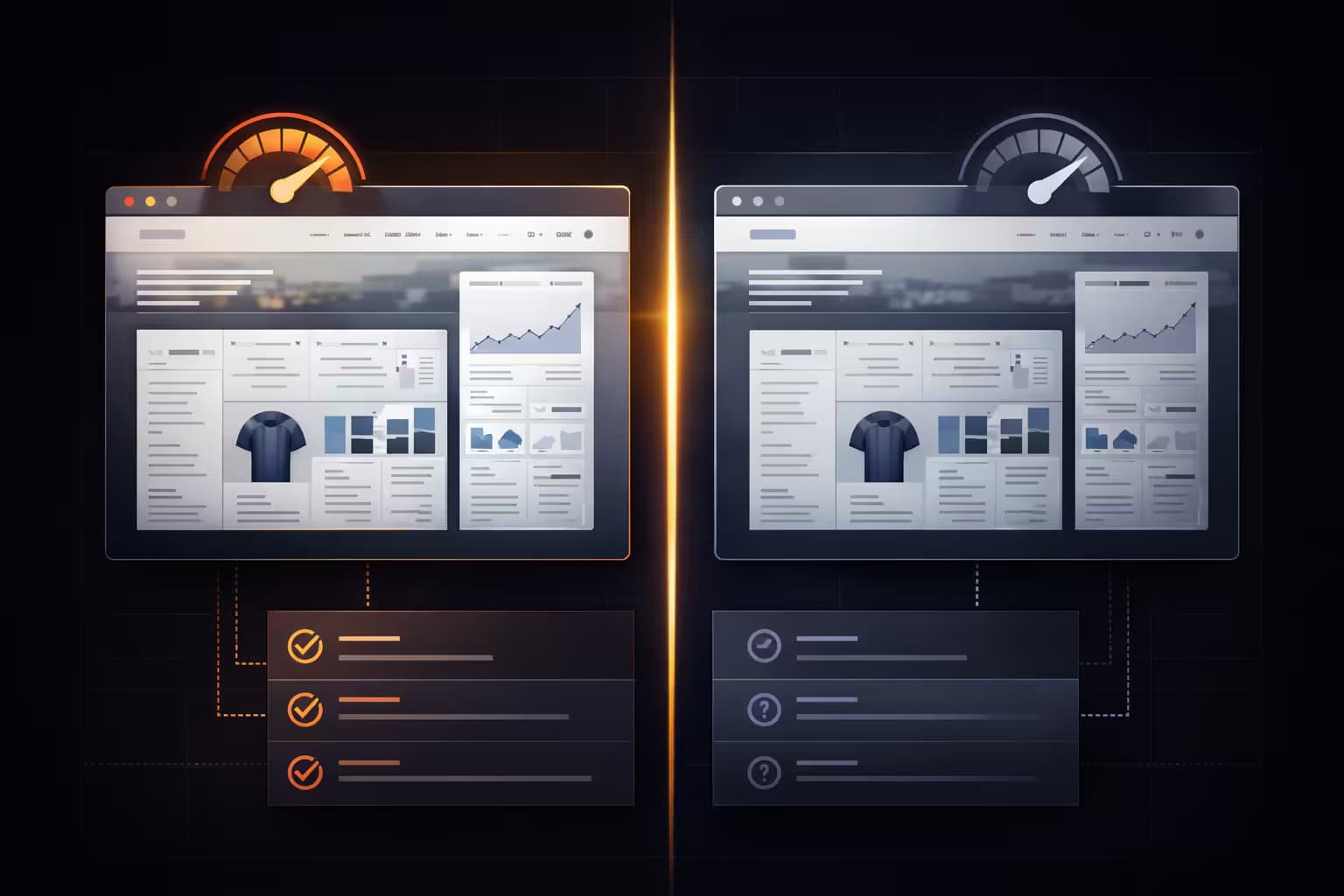
POST /api/v3/compare renders two URLs and returns a mismatch percentage, both sets of dimensions, and a hosted diff image with the changed regions marked. Everything that makes homegrown comparison annoying — capturing both sides with identical settling behaviour, storing baselines, handling a page that grew 6,000 pixels overnight — happens server-side.
For monitoring work, this is not a nice-to-have; it is the product. Watching competitor pricing, catching a deploy that broke a layout, detecting defacement, gating a release on a visual review — all of them reduce to "compare two renders and give me a number". With a render-only API you can do it, but you are building and maintaining the part that matters.
One practical note repeated from experience: summary.mismatchPercentage is 0–100, and text changes are tiny in pixel terms. A one-character price change measured 0.01% in our testing. Set thresholds accordingly and mask dynamic regions with hide rather than absorbing them in a generous threshold.
AI analysis: different philosophies
Urlbox offers AI Screenshot Analysis with LLM options and a structured-output endpoint, letting you describe the shape of what you want back as part of the render request.
POST /api/v3/analyze returns a fixed payload: a summary and topics (with enableSummary), quality signals (with enableQuality) covering blank-page detection, CAPTCHA detection, HTTP status and a readability score, plus the page's metadata.
Which is better depends entirely on the job. For "tell me whether this page is real and what it is about", the fixed shape is simpler — you know exactly what fields you get and you write no schema. For "extract these fourteen fields into this structure", their approach puts the schema inside the render call, where ours keeps it in your pipeline: render with format: html, then extract against a schema you own and can version. That is exactly what our n8n templates do, and it works well, but it is a pipeline rather than a parameter.
Video, and where else Urlbox has the edge
Urlbox records pages to video and we do not. That is the one gap on this page with no workaround, and if your product is built on page video it decides the question.
They also ship first-party SDKs in six languages including Java and C#, which we do not cover, and their format range — stills, PDFs, video, text, HTML, metadata — is wider than ours (PNG, JPEG, WebP, PDF, HTML).
And their MCP server exists, so AI access is not a differentiator between these two products in the way it is elsewhere. What differs is deployment: ours is hosted at mcp.snapshot-site.com/mcp with OAuth sign-in, theirs runs as a local server. For a team, hosted-plus-OAuth means no per-machine process and no shared key; for an individual, the difference is mostly taste.
Rendered HTML and extraction
Worth calling out because it is the least visible capability on our side: format: html returns the complete rendered DOM — everything a visitor's browser ended up with, not the raw HTTP response.
On client-side-rendered pages those are different documents entirely, which is why extraction pipelines built on plain HTTP fetches fail on modern sites. Render first, strip scripts and styles, hand the cleaned markup to a model with a schema, and you have structured records from pages that have no API. Our real estate and business directory templates are the same pattern pointed at different page shapes.
Three volumes, worked through
Pricing tables flatten the thing that actually decides a migration: where your volume sits relative to each vendor's steps.
2,000 renders a month. Urlbox Lo-Fi is $19. On our side, Pro at €7 covers 1,000 and Ultra at €20 covers 15,000 — so at exactly 2,000 you are choosing between paying €20 for a lot of unused headroom or splitting the work. This is the one volume where the comparison is close, and if 2,000 is genuinely your ceiling, the difference is not worth a migration.
15,000 renders a month. Urlbox Ultra at $99 against our Ultra at €20, for the same published volume. This is where the argument is strongest, and it is the volume most scheduled monitoring workloads land on: 500 pages checked daily is exactly 15,000.
25,000 renders a month. Urlbox's next step is Business at $495 base plus $3 per 1,000, so you cross into a very different price band. Our Mega AI tier is €39 for 30,000 requests with AI analysis included. The jump is the point here — plan ladders with a large gap punish workloads that grow steadily, and it is worth checking where your next twelve months of growth lands before committing.
Add comparison to any of those and the arithmetic shifts again in the same direction, because a compare call replaces two captures plus storage plus the diffing service you would otherwise run.
What the migration actually costs in engineer time
For a typical integration — a service that captures pages on a schedule and stores the results — this is a half-day, and most of it is deleting things.
The signing helper goes, along with its tests. The URL assembly goes. The query-string encoding edge cases go. What replaces them is a POST with a JSON body and a header, and a response you parse for link.
The two things that reliably cost time are worth flagging so they do not surprise you. First, the delay unit: ours is integer seconds capped at 10, Urlbox takes milliseconds, so 5000 becomes 5. The API rejects out-of-range values rather than misinterpreting them, which is the failure mode you want, but it will stop your first test call. Second, error handling: some of our failures arrive as HTTP 200 with {"error": true, "message": "...", "retryable": false} in the body, so a client that only checks status codes will treat a rejected URL as a success and store nothing. Branch on the body.
If your integration also embeds render URLs directly in HTML, budget more than a half-day — that pattern has no direct equivalent here and needs rethinking rather than porting.
Choosing
Video is the one Urlbox capability with no answer here — if your product records pages, that is a hard constraint. The others soften on contact: structured extraction is a format: html render plus a schema you control, Java and C# reach a plain POST endpoint, and signed embed URLs are an architecture choice rather than a requirement.
Choose Snapshot Site if comparison is what you are buying, if a permanent free tier matters for evaluation or for a low-volume side project, if the price step above 15,000 renders concerns you, or if you want AI assistants connected through a hosted OAuth flow.
The conversion-oriented version of this comparison, with the migration mapping and code, is at Urlbox alternative: Snapshot Site.
Start free with 50 captures a month at Snapshot Site and test both against the pages you actually render.