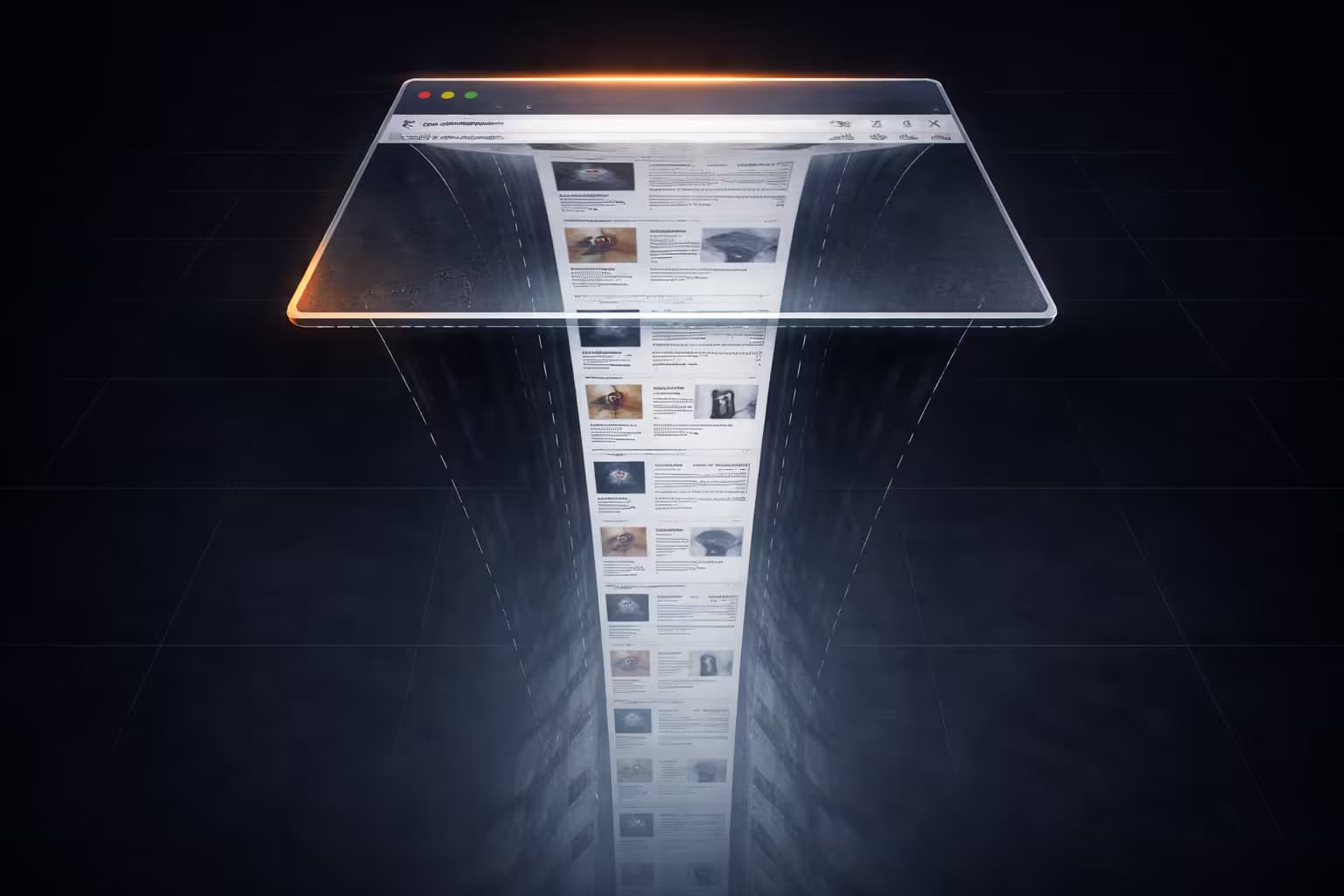
Why Infinite Scroll Is the Enemy of Screenshots

Snapshot Site Team
28 Mar 2026 - 02 Mins read
Infinite scroll is great at keeping users moving. It is terrible at creating stable visual records.
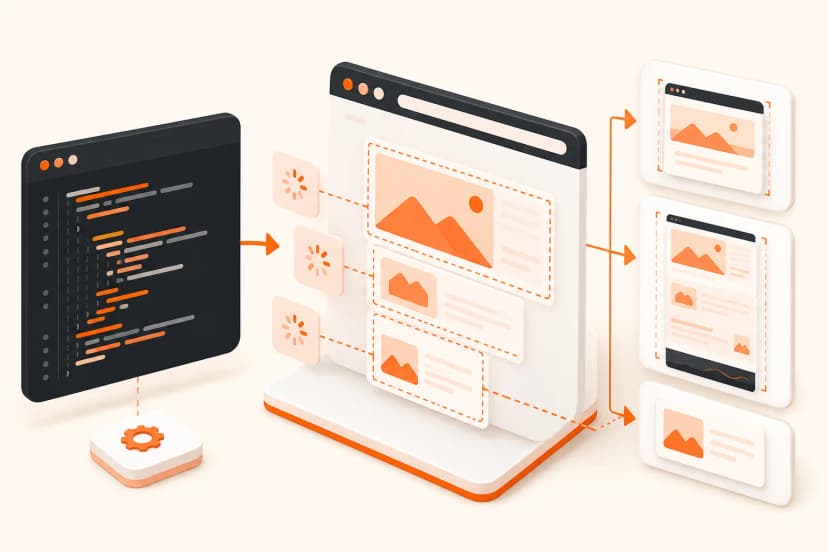
For screenshot systems, archives, QA pipelines, and compliance workflows, infinite scroll turns a page into a moving target. The question stops being “what does this page look like?” and becomes “which moment of this page are we trying to preserve?”
Why Infinite Scroll Breaks Capture Logic
- The document height is unstable: New content appears only after scroll events or observer triggers.
- The page has no natural endpoint: “Full page” becomes an implementation guess.
- Components reflow continuously: Ads, images, embeds, and recommendations keep shifting the layout.
- Duplicate or inconsistent states happen easily: Two captures of the same URL may represent two different content windows.
Why This Matters Beyond Screenshots
Infinite scroll is also hostile to:
- Web archiving: You preserve fragments instead of a bounded document.
- Debugging: Designers and engineers debate different visual states of the same URL.
- Compliance reviews: There is no obvious “final” page state to sign off.
- SEO analysis: Content discoverability and crawl logic become harder to reason about.
Better Patterns for Capture-Friendly Interfaces
- Use paginated archives for content-heavy collections
- Provide a load more pattern with explicit states
- Expose a print or static mode for compliance and reporting
- Make lazy-loaded sections deterministic where possible
What Screenshot Teams End Up Doing
In practice, teams resort to:
- controlled delays
- synthetic scrolling
- DOM waits
- custom JavaScript hooks
- post-processing to remove sticky clutter
That work is manageable, but it is pure tax. Infinite scroll forces screenshot infrastructure to simulate a reader, guess when the page is “done,” and capture a state that may disappear seconds later.
The Web Archive View
This is why we think of infinite scroll as an archival anti-pattern. It optimizes for engagement, not for bounded documents, reproducibility, or trustworthy records. That tradeoff may be fine for social feeds. It is much less fine for documentation, QA, or visual evidence.
Modern web teams still need screenshots because the browser is the real product surface. The more unstable that surface becomes, the more valuable accurate capture tooling becomes. That is exactly the kind of problem Snapshot Site is built to solve.