Generating Social Preview (OG) Images at Scale with a Screenshot API

Snapshot Site Team
28 May 2026 - 03 Mins read
Every blog post, product page, and landing page eventually needs a social preview image. Share it on Twitter, Slack, or LinkedIn without one, and you get a blank card or a random screenshot the platform grabbed on its own. So teams open a design tool, drop in a template, swap the headline, export a PNG, and upload it. Then they do it again for the next post. And the next.
That workflow does not scale, and it quietly rots. Titles change after publishing, templates drift out of sync with the actual site design, and someone always forgets the image for the fortieth blog post because the design queue was backed up.
Why Manually Designed OG Images Break Down
The core problem is that a static, hand-designed image is disconnected from the page it represents.
- It goes stale. Update the headline, the price, or the hero copy on the page, and the share image still shows the old version unless someone remembers to redo it.
- It drifts from the real design. A template built once in a design tool does not automatically pick up a new brand color, font change, or layout update rolled out to the live site.
- It bottlenecks on a person. Publishing a blog post should not require waiting on whoever owns the Figma file.
- It is inconsistent. Different authors export at different sizes, crops, or export settings, so cards look slightly different across posts.
None of this is a design problem. It is a pipeline problem — the image should be generated the same way the page itself is, and updated whenever the page changes.
Capture the Real Page Instead of Designing a Static One
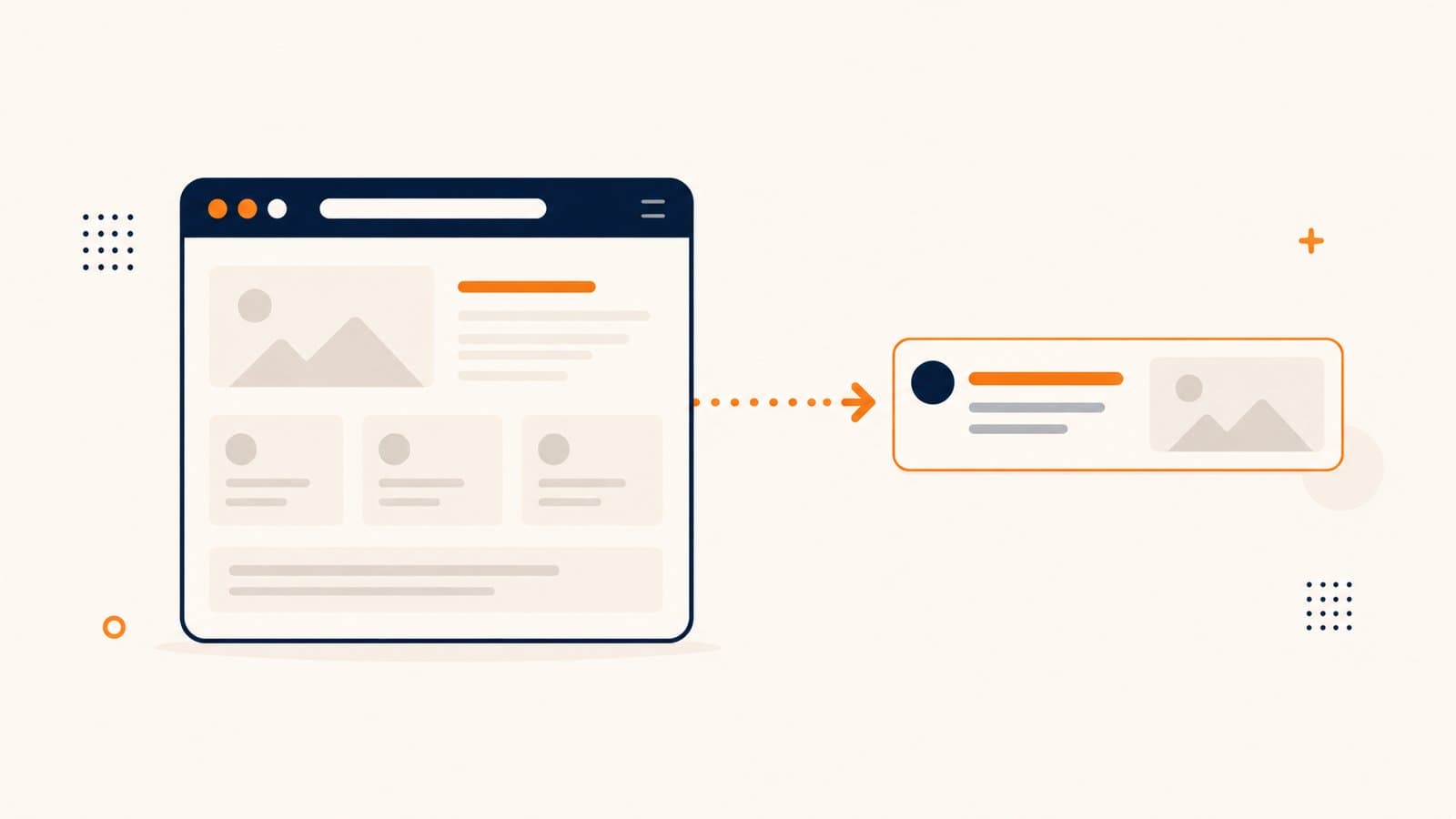
A screenshot API turns this into an automated step rather than a manual one. Instead of a designer building a new image asset, the pipeline captures the actual rendered page — or, in many products, a dedicated "share card" route or component built specifically to look good as a preview image.
The key is matching the dimensions social platforms expect. Open Graph preview cards are typically rendered around 1200x630px, so the capture request just sets width: 1200 and height: 630 directly, rather than relying on fullSize to grab the whole page. You are not capturing everything below the fold — you are capturing a fixed, predictable frame that matches the aspect ratio platforms crop to.
If the source is the live page itself, this also means the preview image is never out of date. Change the headline, publish, and the next capture reflects it automatically.
Making the Crop Look Intentional
A raw screenshot of a live page rarely looks like a designed asset on its own. Cookie banners, sticky navigation, and footers tend to intrude on a tight 1200x630 crop and make the result look like an accidental screenshot rather than a deliberate share card.
Two parameters handle this cleanly:
hideCookie: trueremoves common cookie consent banners before the capture runs, so a random overlay does not end up baked into every social card.hidetakes a comma-separated list of CSS selectors and strips them out entirely — the nav bar, footer, chat widget, or anything else that does not belong in a tight preview crop. This is what turns a plain screenshot into something that reads as intentional: just the headline, hero image, or key content, with the surrounding chrome gone.
If the page has a dedicated share-card layout, javascriptCode can also run custom logic before the shot is taken — toggling a class, injecting dynamic text, or forcing a specific visual state — so the same endpoint can drive a purpose-built template as easily as a real page.
Automating Regeneration in the Publish Pipeline
The real gain comes from wiring this into the publish flow instead of triggering it by hand. Whenever a blog post is published or updated, or a product page changes, the pipeline fires a capture request and writes the result to wherever the OG image tag points. No one has to remember to regenerate anything — it happens as a side effect of publishing, the same way a sitemap or RSS feed regenerates on its own.
Format choice matters here too. format: webp keeps file sizes small for platforms and crawlers that support it, which helps with load time when the preview is fetched. For platforms or bots that do not handle webp well, falling back to png or jpeg keeps compatibility broad without adding a second manual step — it is just a different value on the same request.
This is not a special-purpose "OG image" feature — it is the same format, width, height, hideCookie, and hide parameters used for any other screenshot, applied to a specific, recurring use case. That is what makes it easy to automate: there is no separate system to maintain, just a capture call that runs every time content changes.
If your social previews are still a manual design task, it is worth treating them as a pipeline step instead. Snapshot Site gives you the capture primitives to do exactly that.