NODE.JS TUTORIAL

Capture a webpage and save the result into application-owned storage

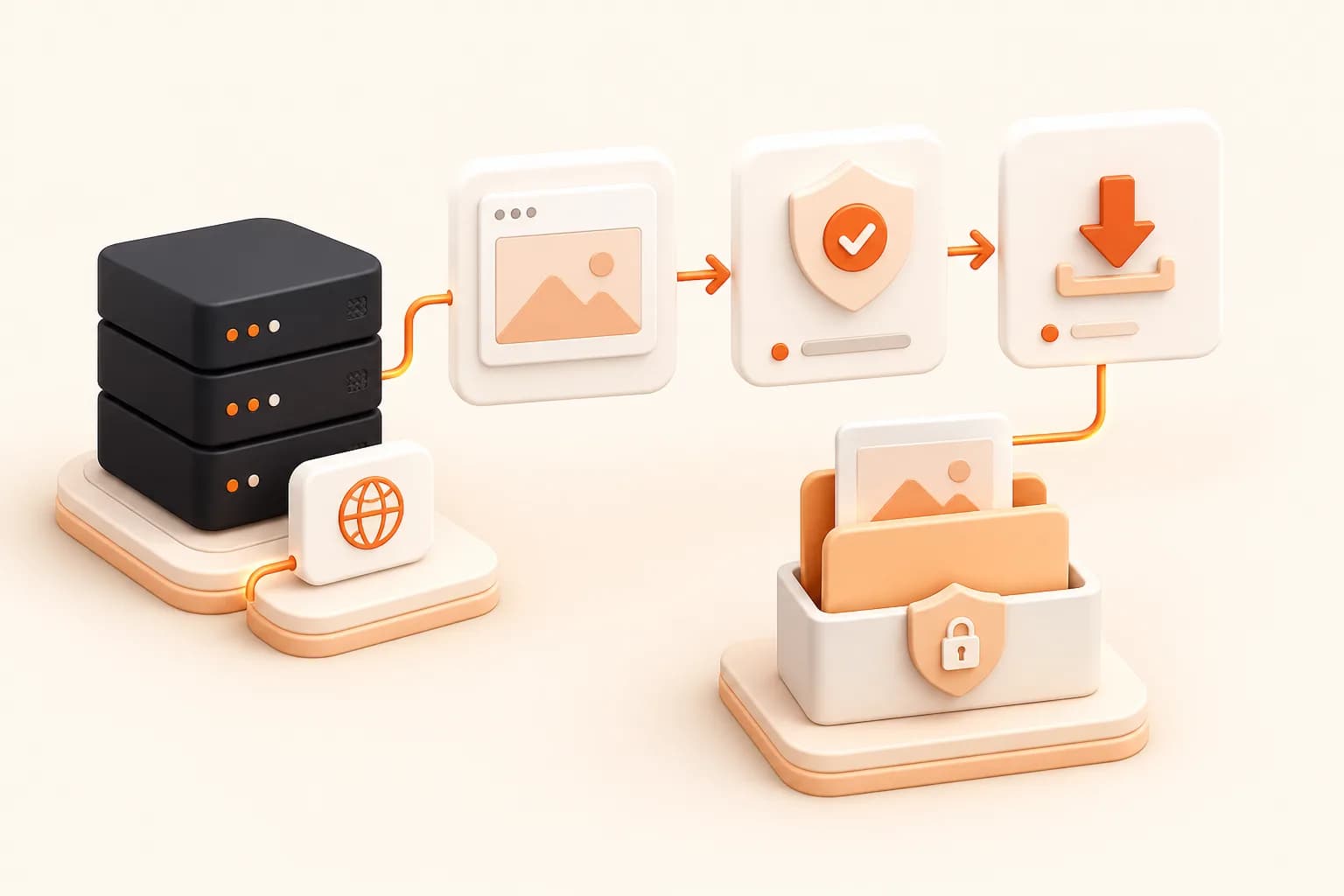
Treat the provider response and returned asset as external data. Check status, validate the artifact URL, stream the file to a controlled destination, and store capture context with it.

Capture
Explicit request
Validate
Status and fields
Save
Owned storage
Install:Node.js fetch + stream pipeline
Auth:SNAPSHOT_SITE_API_KEY
Get started for free
Node.js screenshot download
Snapshot Site themed save website screenshot Node.js illustration
Good fits
Backend jobs downloading generated page images
Documentation systems retaining stable screenshots
Monitoring services importing visual evidence
CMS workflows attaching previews to content records

Successful capture and successful storage are separate stages

Do not mark the application job ready until the screenshot response is valid and the asset has been imported, checked, and recorded under application policy.

1

Capture response

Check HTTP status and expected structured fields before accessing a link.

2

Asset request

Validate protocol and origin policy before downloading a returned URL.

3

Streamed storage

Avoid buffering large artifacts unnecessarily and write through a controlled storage adapter.

4

Provenance

Keep source, request specification, capture time, content type, size, and storage identity together.

Implementation workflow

Capture, download, and store a screenshot

1

POST an explicit screenshot request from the server

2

Validate success and the returned artifact link

3

Download with timeout and content-type checks

4

Stream to application storage and commit metadata atomically

Save website screenshot Node.js example

Node.js

Download a returned screenshot safely

This local example validates status and streams the asset. Production systems should also restrict allowed asset origins and use their storage adapter.

import { createWriteStream } from "node:fs";
import { pipeline } from "node:stream/promises";
import { Readable } from "node:stream";

const captureResponse = await fetch(
  "https://api.prod.ss.snapshot-site.com/api/v1/screenshot",
  {
    method: "POST",
    headers: {
      "Content-Type": "application/json",
      "x-snapshotsiteapi-key": process.env.SNAPSHOT_SITE_API_KEY,
    },
    body: JSON.stringify({
      url: "https://example.com",
      format: "webp",
      width: 1440,
      height: 900,
      fullSize: true,
    }),
  },
);

if (!captureResponse.ok) throw new Error("Capture failed");
const capture = await captureResponse.json();
if (!capture.link) throw new Error("Missing artifact link");

const assetResponse = await fetch(capture.link);
if (!assetResponse.ok || !assetResponse.body) {
  throw new Error("Artifact download failed");
}

await pipeline(
  Readable.fromWeb(assetResponse.body),
  createWriteStream("./capture.webp"),
);

Capture output is not yet durable application data

A provider can return a successful result while your subsequent download, file validation, database write, or object storage operation fails. Model these as separate stages and expose the exact current state.

Create the application record before or during capture, but mark it ready only after the artifact is safely stored and its metadata is committed.

Stream and validate

Full-page screenshots can be large enough that buffering every file is wasteful. Stream the response into a controlled path or object storage adapter. Apply a timeout and verify the HTTP response and content type. Restrict the allowed artifact origin instead of downloading any URL found in external JSON.

Generate file names from stable internal IDs. Do not place raw page URLs, signed tokens, or user-controlled path segments into filesystem destinations.

Preserve provenance and access

Store the page or entity ID, requested URL policy result, viewport, format, readiness, capture time, returned provider identity, application storage key, and validation information. A checksum can help verify later transfer or archive integrity when the workflow requires it.

Apply the same permissions and deletion policy as the rendered source. Screenshots of private pages remain private data even when saved as images.

Use the Express guide for an HTTP application boundary and response formats to select the correct file extension and consumer contract.

Save a Website Screenshot with Node.js FAQ

Does the screenshot response contain image bytes directly?

Follow the current endpoint contract. When it returns an artifact link, validate and download that asset as a separate application stage.

Should I buffer the whole screenshot in memory?

Streaming is preferable for potentially large files and storage adapters that support it, especially for full-page output.

How should the file name be chosen?

Use an application-controlled identifier rather than untrusted URL text. Store source and format in metadata.

What should be validated before download?

Check the capture status and expected link, then enforce HTTPS, allowed artifact origin, timeout, response status, and expected content type.

When is the job ready?

Only after capture, download, validation, and durable storage succeed. Keep provider success separate from storage failure.

Can the link be stored without downloading?

A prototype can reference it, but production retention and access often require importing the file into storage your application controls.

How should duplicate downloads be prevented?

Give the logical capture and storage object a stable idempotency key derived from source and specification.

What metadata should accompany the file?

Keep source identity, viewport, format, readiness, capture time, content type, size, checksum where appropriate, and storage key.

Save one capture under application ownership

Validate the response and download path, then confirm access and retention before connecting the file to users.