TIME BUDGETS

Give every screenshot job an explicit and observable time budget

Separate the HTTP client's timeout from page readiness and total job age. A timeout is a category to diagnose, not a command to retry immediately and indefinitely.

Transport
Connection budget
Rendering
Page-state budget
Job
Total age and attempts
Install:timeout + abort + bounded retry
Auth:SNAPSHOT_SITE_API_KEY
Get started for free
Screenshot timeout policy
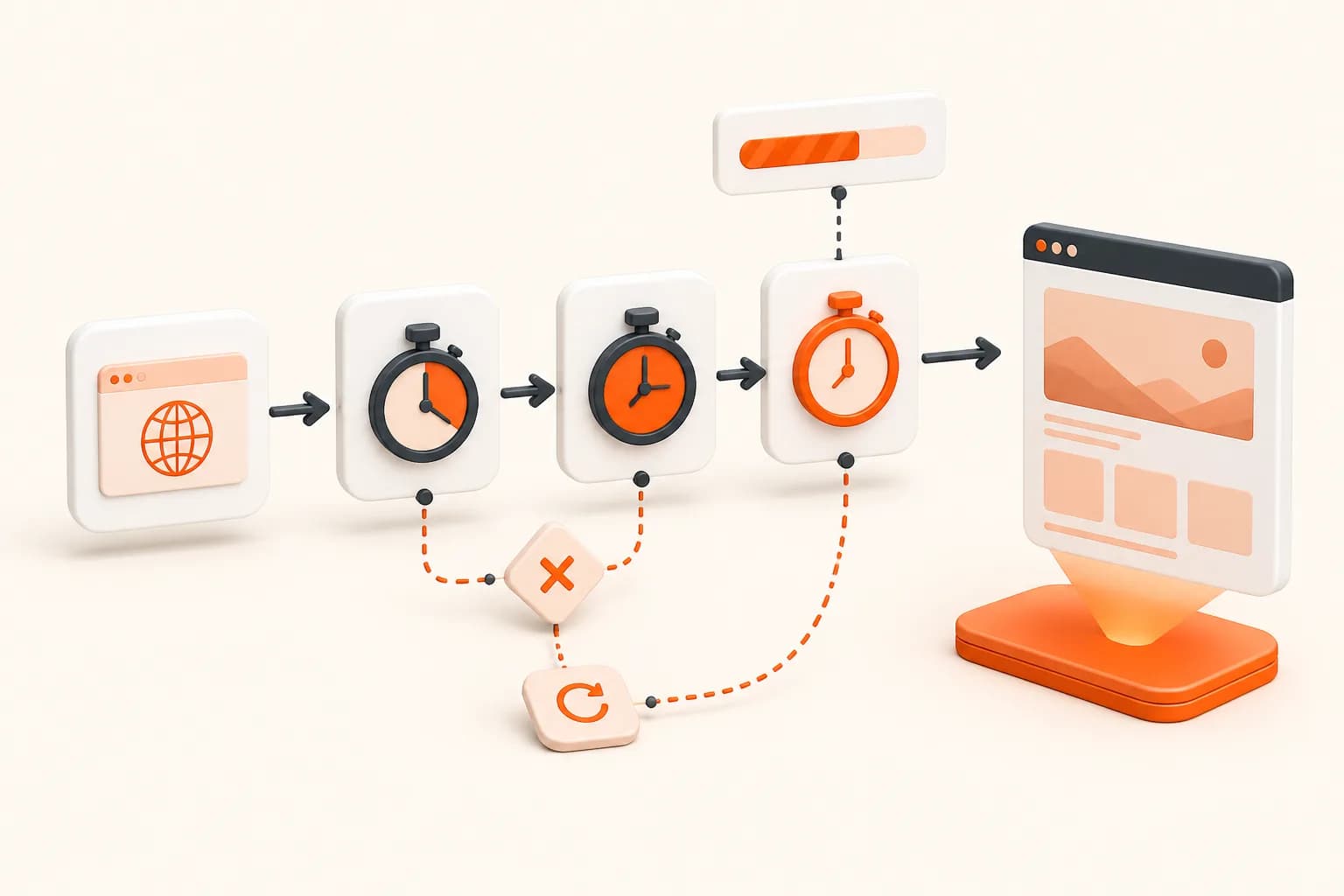
Snapshot Site themed screenshot API timeout illustration
Good fits
REST clients that need predictable request behavior
Queues processing slow or variable target pages
User interfaces exposing capture job status
Operations teams separating target and provider latency

One word can hide several different time limits

Connection setup, provider response, target readiness, asset download, queue wait, and total job age need separate ownership and diagnostics.

1

Client timeout

Stop waiting on a single HTTP attempt after a deliberate transport budget.

2

Page readiness

Define when the target content is complete instead of compensating with an oversized client timeout.

3

Attempt policy

Retry only transient categories with backoff, jitter, and a fixed cap.

4

Job deadline

Expire work that is no longer useful even if individual attempts remain possible.

Implementation workflow

Create a layered timeout policy

1

Measure representative target and provider stages

2

Set explicit connection and response limits in the HTTP client

3

Define page readiness separately from transport

4

Cap attempts and total logical job age

Screenshot API timeout example

Node.js

Abort an HTTP attempt explicitly

This controls how long the client waits for one attempt; it does not define whether the page itself reached the intended visual state.

const controller = new AbortController();
const timer = setTimeout(() => controller.abort(), 45_000);

try {
  const response = await fetch(endpoint, {
    ...request,
    signal: controller.signal,
  });

  if (!response.ok) {
    throw await toCaptureError(response);
  }

  return await response.json();
} finally {
  clearTimeout(timer);
}

Timeout is a location, not a diagnosis

A client can fail to connect, stop waiting for a provider response, receive a result but fail to download it, or exceed the total age allowed for a job. The page can also load while never reaching the visual state the screenshot requires. These failures need different actions.

Name the stage in logs and metrics. A generic timeout counter cannot tell an operator whether to adjust the target fixture, client transport, queue, or provider retry.

Keep readiness separate

A long HTTP timeout does not make a page complete. Use a measured delay or DOM condition for the page state and an independent transport budget for the API request. If the target consistently misses readiness, investigate the page or change the specification.

Avoid waiting on unrelated analytics or persistent connections when a known application element provides a better completion signal.

Recover within a logical deadline

Retry only when another attempt can plausibly succeed. Add backoff and jitter, cap attempts, and stop when the artifact would no longer be useful. Make storage idempotent because a client can time out after the remote operation completed.

Serverless functions and web requests have their own execution limits. Leave time for validation and storage or move capture to a durable worker.

The error handling guide covers category design, and the delay guide helps distinguish elapsed time from meaningful readiness.
Screenshot API Timeouts FAQ

What is a screenshot API timeout?

It can refer to a client transport limit, provider rendering limit, page-readiness failure, download limit, queue deadline, or total logical job budget.

Should I increase the timeout when a page is incomplete?

Not automatically. First determine whether readiness is wrong, the target is slow, or required content never appears.

Is every timeout retryable?

No. A temporary network condition may recover, while a deterministic target or readiness problem usually repeats until configuration changes.

How long should the client wait?

Choose a budget from representative application needs and platform limits. Do not copy a universal duration without measuring the actual workflow.

Can a timed-out request still finish remotely?

It may. Design logical job identity and storage idempotency so a late completion and retry do not create conflicting artifacts.

How should serverless limits affect timeouts?

Leave enough execution budget for response validation, storage, and cleanup, or move the job to a queue-backed worker.

What should timeout logs include?

Record the stage, attempt, elapsed time, configured budget, safe target identity, readiness strategy, and normalized category.

How should users see a timeout?

Expose an actionable application state such as target not ready, temporary service delay, or job expired without leaking provider internals.

Define one layered timeout policy

Separate transport, readiness, attempts, and total job age before increasing a single global timeout.