ORCHESTRATION PATTERN

Deliver screenshot results by webhook through application-owned orchestration

Snapshot Site's documented screenshot calls are request-response APIs, not a native webhook job service. When asynchronous delivery is needed, run capture in your queue or automation tool and post the validated result to your own callback.

No native hook
Honest API boundary
Your queue
Async control
Signed callback
Verified delivery
Install:scheduler → Snapshot Site → your webhook endpoint
Auth:SNAPSHOT_SITE_API_KEY
Get started for free
External webhook orchestration
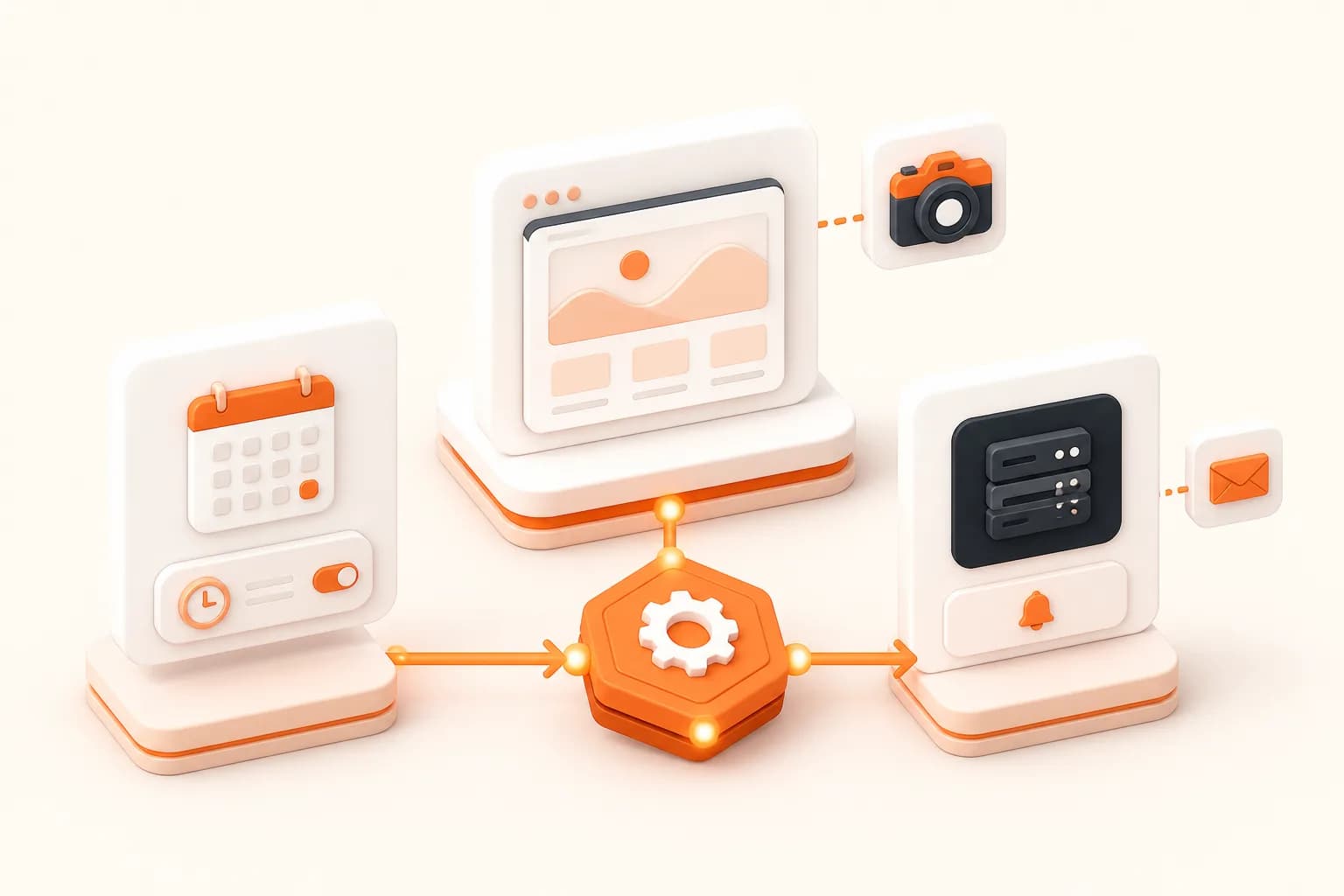
Snapshot Site themed external screenshot webhook workflow illustration
Good fits
Queues that notify another internal service
Schedulers delivering monitoring results
Automation platforms chaining capture and review
Products needing callback retry and audit control

Put the asynchronous contract in the system that owns it

The orchestrator starts the request, validates and stores the result, then emits a signed application event with a stable job identity.

1

Job ownership

Create an internal job before capture so attempts, status, and final artifact have one durable identity.

2

Provider call

A worker invokes Snapshot Site synchronously and classifies the response according to application policy.

3

Result storage

Validate and place the artifact under application access control before notifying consumers.

4

Webhook delivery

Sign a minimal callback payload, retry delivery safely, and record acknowledgements independently from capture.

Implementation workflow

Build a webhook-style capture job

1

Create a job with an idempotency key and authorized target

2

Run the Snapshot Site request in a queue worker or automation tool

3

Validate and store the returned artifact

4

POST a signed event to the consumer and retry delivery independently

External screenshot webhook pattern

Node.js

Send an application-owned callback

This is your application's webhook after a successful provider call; it is not a Snapshot Site native callback.

const capture = await snapshot.capture(specification);
const stored = await assets.import(capture);

const event = {
  type: "capture.ready",
  jobId,
  assetId: stored.id,
  capturedAt: new Date().toISOString(),
};

const body = JSON.stringify(event);
const signature = sign(body, process.env.WEBHOOK_SECRET);

await fetch(callbackUrl, {
  method: "POST",
  headers: {
    "Content-Type": "application/json",
    "x-app-signature": signature,
  },
  body,
});

Native webhook and webhook-style workflow are not the same

A native webhook means the provider accepts a background job and later calls your endpoint. Snapshot Site's documented screenshot endpoints return their result to the caller. The asynchronous layer therefore belongs in your queue, scheduler, or automation platform.

This distinction matters operationally. It tells you which system owns retries, job expiration, callback signing, and status history.

Use three independent stages

First, a worker calls Snapshot Site and classifies the response. Second, the application validates and stores the artifact. Third, a delivery worker sends a minimal signed event to the consumer. A capture can succeed even when callback delivery is temporarily unavailable.

Create the internal job before any external call. Include an idempotency key so a repeated trigger refers to the same logical work.

Secure delivery

Use a callback secret unrelated to the provider key. Sign the exact bytes sent, validate timestamp freshness, and restrict callback destinations according to product policy. Receivers should acknowledge only after durable processing and deduplicate repeated events.

Do not put a private artifact URL into a long-lived event when an application-owned asset identifier is sufficient.

The screenshot scheduler explains recurring orchestration, while error handling covers stage-specific retry.
Screenshot API Webhooks FAQ

Does Snapshot Site provide native screenshot webhooks?

The documented capture workflow is request-response. Build callback delivery in your queue, scheduler, automation platform, or application service when asynchronous notification is required.

Why not keep the original HTTP request open?

Capture latency and downstream delivery can exceed a user request budget. A durable job allows independent retries and status tracking.

What should a callback payload contain?

Send a stable job ID, event type, application-owned asset identifier, and timestamp. Avoid provider credentials and unnecessary sensitive URLs.

How should webhook payloads be authenticated?

Sign the exact request body with a separate callback secret, include freshness information, and compare signatures with a constant-time method.

How should duplicate callbacks be handled?

Consumers should deduplicate by event or job identity and make processing idempotent because retries can deliver the same event more than once.

Should capture and callback use the same retry policy?

No. Treat provider execution, artifact storage, and callback delivery as distinct stages with separate attempt budgets and failure states.

Can Zapier or n8n orchestrate the workflow?

Yes, when the platform can securely store credentials, make the HTTP request, validate the response, and call the next step. Review its limits and data policy.

What status should the product expose?

Use durable states such as queued, capturing, storing, notifying, ready, or failed so operators can locate the exact stage.

Design an application-owned callback flow

Separate capture, storage, and delivery into observable stages before connecting downstream consumers.