ScreenshotOne alternative

ScreenshotOne alternative: Snapshot Site

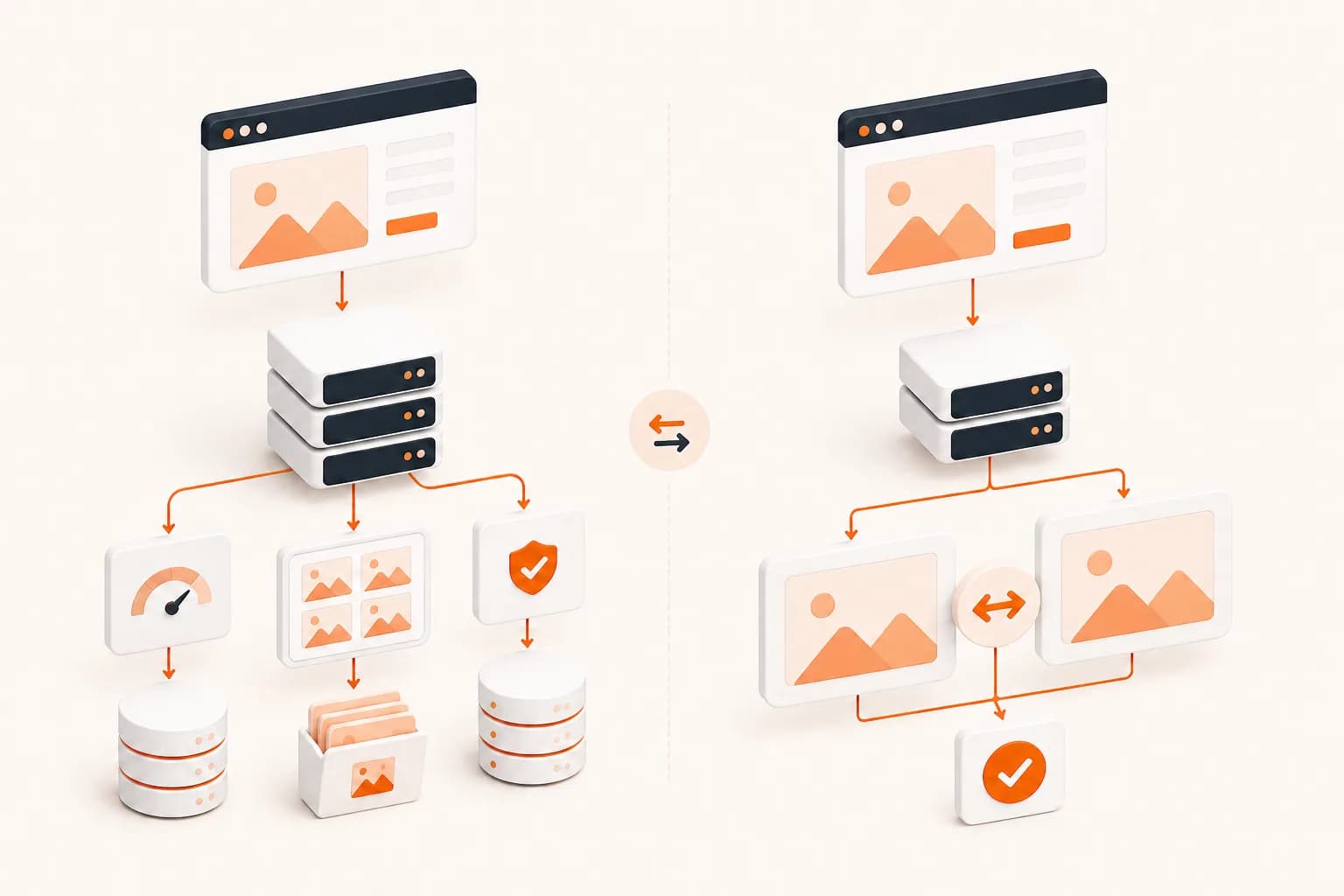
ScreenshotOne is a well-built screenshot API with seven official SDKs and a caching model that genuinely saves people money. If you are here, it is usually because you need something it does not offer — comparing two renders of the same page, or handing capture to an AI assistant without shipping an API key into a local config file.

ScreenshotOne vs Snapshot Site, by the numbers

The comparable tiers are ScreenshotOne Growth and Snapshot Site Ultra. Both sit in the 10,000–15,000 captures-per-month range, which is where most production monitoring workloads land.

 Snapshot SiteEURScreenshotOneUSD
Comparable planUltra — €20/moGrowth — $79/mo
Requests included15,000 / month10,000 / month
Cost per capture€0.0013$0.0079
Free tier50 captures / month, no card100 free screenshots / month, no card
Visual diff endpointNative POST /api/v3/compare — pixel mismatch score plus a hosted diff imageNot documented — No comparison endpoint in the API documentation
AI page analysisPOST /api/v3/analyze — summary, topics, quality signals, page metadataNot documented — No page-analysis endpoint in the API documentation
MCP serverHosted server at mcp.snapshot-site.com/mcp with OAuth sign-in — no local process, no key in the client configOpen-source MCP server you run yourself over stdio, with SCREENSHOTONE_API_KEY in the client config
PDF renderingformat: pdf on the screenshot endpointDocumented — generate PDFs from a URL or raw HTML
Output formatsPNG, JPEG, WebP, PDF, HTMLPNG and raw HTML documented on the API overview; full list in their options reference
Official SDKsTypeScript, Python, PHP, CLI, MCP server, and an n8n node verified by n8nSeven official libraries: Go, Java, Ruby, Python, C#/.NET, PHP, JavaScript/TypeScript

Competitor pricing checked on 2026-07-28 on their official pages. Subject to change — verify at the source: https://screenshotone.com/pricing/

Prices are shown in the currency each vendor publishes — Snapshot Site bills in EUR, ScreenshotOne publishes in USD. No conversion is applied, so the per-capture figures are not a like-for-like exchange-rate comparison.

  • · Prices exclude VAT.
  • · Annual billing is advertised as two months free.
  • · Only successful requests are billed, and cached screenshots do not count toward the monthly limit.

What Snapshot Site does that ScreenshotOne does not

Two capabilities carry this page. Neither is a price argument, and both change what you can build rather than what you pay.

A visual diff endpoint, not a diffing project

POST /api/v3/compare takes a before URL and an after URL, renders both, and returns a mismatch percentage plus a hosted diff image showing exactly which pixels moved. On ScreenshotOne you would capture twice, store both images somewhere, pull in an image-comparison library, decide how to handle differing page heights, and maintain that yourself. The comparison is the product here, not an exercise left to the reader — which is why change monitoring, release QA and defacement detection are a single API call rather than a pipeline.

A hosted MCP server with OAuth sign-in

ScreenshotOne publishes an open-source MCP server, and it works — but you run it yourself over stdio and put SCREENSHOTONE_API_KEY in your client config. Snapshot Site's MCP server is hosted at mcp.snapshot-site.com/mcp: you paste one URL into Claude Code, Cursor, Codex or ChatGPT, sign in with your account, and approve access. No local process to keep alive, no long-lived key sitting in a JSON file on every machine that needs it, and access follows your account rather than a copied secret.

AI page analysis in the same API

POST /api/v3/analyze returns a summary, topics, quality signals — blank-page detection, CAPTCHA detection, HTTP status, a readability score — and the page's metadata, from the same render you were paying for anyway. It is the difference between knowing a capture succeeded and knowing the page was actually worth capturing.

Formats without a second vendor

PNG, JPEG, WebP, PDF and full rendered HTML come off one endpoint with one parameter. The HTML output in particular is what makes AI extraction workflows possible without bolting a separate scraping service onto the side.

What ScreenshotOne does better

A comparison page with no trade-offs is a sales page. Here is where ScreenshotOne's design has the advantage, stated plainly.

Wider official SDK coverage

Seven maintained client libraries against our five. If your stack is Java, Go, .NET or Ruby, ScreenshotOne has a first-party library and we do not — you would be calling our REST API directly.

Caching that does not bill

Cached screenshots do not count against the monthly quota, and only successful requests are billed. For a workload that re-requests the same URLs often, that changes the effective cost in their favour.

Published per-minute rate limits

Each tier states its rate limit — 40, 80 and 150 requests per minute. If burst throughput is your constraint rather than monthly volume, that is easier to plan against.

Migrating from ScreenshotOne

ScreenshotOne is a GET-with-query-parameters API; Snapshot Site is a POST-with-JSON API. That is the largest change, and it is mostly mechanical. Parameter names map closely and there is no separate signing step to reproduce.

ScreenshotOneSnapshot SiteNotes
access_keyx-snapshotsiteapi-key headerMoves from a query parameter to a request header.
urlurlIdentical. Must include the scheme.
formatformatpng, jpeg, webp, pdf — plus html, which returns the fully rendered DOM.
viewport_widthwidth100–8000, default 1280.
viewport_heightheight100–20000, default 720.
full_pagefullSizeBoolean, same meaning.
delaydelayInteger seconds, 0–10. Note the unit if you were passing milliseconds.
block_cookie_bannershideCookieBoolean, same meaning.
hide_selectorshideOne comma-separated CSS selector string rather than repeated parameters.
Before — ScreenshotOne
curl "https://api.screenshotone.com/take\
?access_key=YOUR_KEY\
&url=https%3A%2F%2Fexample.com\
&format=png\
&viewport_width=1280\
&full_page=true\
&block_cookie_banners=true"
After — Snapshot Site
curl --request POST \
  --url https://api.prod.ss.snapshot-site.com/api/v2/screenshot \
  --header 'Content-Type: application/json' \
  --header 'x-snapshotsiteapi-key: YOUR_API_KEY' \
  --data '{
    "url": "https://example.com",
    "format": "png",
    "width": 1280,
    "fullSize": true,
    "hideCookie": true
  }'

Why teams move from ScreenshotOne to Snapshot Site

Almost nobody switches screenshot APIs because the images look different. They switch because the job changed shape.

The usual sequence goes like this. You start by needing thumbnails or Open Graph images, and any competent API will do. Then someone asks whether the pricing page changed last night. Then someone else wants an AI agent to look at a page before writing about it. Both of those are still "take a screenshot" on the surface, and neither is solved by a faster renderer — they are solved by an API that has an opinion about what happens after the render.

That is the split. ScreenshotOne is excellent at producing an image and getting out of the way. Snapshot Site is built around the idea that the capture is an input to something else: a comparison, an analysis, an agent's next decision.

The two-capture problem

Comparing two renders sounds trivial until you do it. You need both images, and you need them captured with identical viewport and settling behaviour, or your diff reports noise. You need somewhere to keep the baseline. You need to handle the case where the page got taller — most naive comparisons either crash or report a hundred-percent mismatch when dimensions differ. You need a threshold, and then you need to discover empirically that a real one-character price change moves a fraction of a percent of the pixels while a cookie banner moves several percent.

None of that is hard. All of it is yours to maintain forever, and it is the reason "we'll add visual regression later" quietly never happens.

POST /api/v3/compare collapses it into one call. You pass beforeUrl and afterUrl, optionally a threshold for per-pixel colour sensitivity, and you get back a summary.mismatchPercentage, the dimensions of both renders, and a diff.link pointing at an image with the changed regions marked. The pieces that usually go wrong — mismatched dimensions, inconsistent settling, storage of the baseline — are handled server-side.

The practical consequence is that change monitoring becomes a cron job with an if, rather than a project with a backlog.

Giving an assistant eyes without giving it a key

The MCP difference is easy to under-read as a formality, so here is the concrete version.

With a local stdio MCP server, every developer who wants the capability installs a process, keeps it updated, and stores an API key in a config file on their machine. Multiply by a team and you have keys in a dozen places, no way to see who is using what, and a support thread every time someone's Node version changes.

With a hosted server, you paste https://mcp.snapshot-site.com/mcp into the client, sign in through OAuth, and approve access. The credential stays on our side, tied to your account. Revoking it is an account action, not a hunt through laptops. For a solo developer this is a minor convenience; for a team it is the difference between a capability that spreads and one that stays on one person's machine.

What does not change

Rendering quality, honestly. Both services run real browsers and return real pages. Both handle cookie banners, element hiding, custom JavaScript injection and full-page capture. If your current complaint is that ScreenshotOne renders your pages badly, switching vendors may not fix it — the fix is usually a settling delay, a hide selector for the animated hero, or a javascriptCode snippet that scrolls the page to trigger lazy loading.

Migration is mostly mechanical: GET with query parameters becomes POST with a JSON body, and the access key moves from the URL to the x-snapshotsiteapi-key header. The parameter names line up closely enough that most integrations are a half-hour change, and there is no request-signing scheme to reimplement.

Where the line falls

The narrow cases for ScreenshotOne are language coverage — Java, Go, .NET and Ruby have first-party libraries there and not here — and a caching policy that helps if you re-request unchanged URLs constantly. Both are worth knowing, and neither is a reason to build your monitoring on an API that cannot tell you what changed. Calling our REST endpoint from any of those languages is a plain POST with a JSON body, and the caching advantage disappears the moment comparison enters the picture, because one compare call replaces the two captures you were caching.

Switch if you need comparison as an endpoint, if you want AI analysis of the page you just rendered, or if you want your team's assistants to use capture through a hosted connection instead of a local process and a shared secret.

If you want the longer technical breakdown rather than the buying decision, read Snapshot Site vs ScreenshotOne. For the reasoning behind rendering rather than parsing markup, HTML scraping vs screenshot API makes that case in more depth.

Frequently asked questions

Is Snapshot Site cheaper than ScreenshotOne?

At comparable volume, yes. Snapshot Site Ultra is €20 for 15,000 captures; ScreenshotOne Growth is $79 for 10,000. Both figures are from the vendors' own pricing pages and are published in different currencies, so treat the per-capture numbers as an order-of-magnitude comparison rather than a converted one. Note also that ScreenshotOne does not bill failed requests and does not count cached screenshots against your quota, which narrows the gap for repetitive workloads.

Can I keep my existing ScreenshotOne integration and test Snapshot Site alongside it?

Yes, and it is the sensible way to migrate. The free tier gives you 50 captures a month with no card, which is enough to run both APIs against the same URLs and compare the output before you change anything in production.

Does ScreenshotOne have a visual diff endpoint?

Not one documented in their API reference at the time we checked. You can build comparison yourself by capturing twice and diffing the images in your own code. Snapshot Site exposes it as a single endpoint that returns a mismatch percentage and a diff image.

ScreenshotOne has an MCP server too — what is different about yours?

Theirs is an open-source server you run locally over stdio, authenticated with an API key in your client configuration. Ours is hosted at mcp.snapshot-site.com/mcp and uses OAuth sign-in, so there is no local process to run and no key to distribute across machines. The capability overlaps; the operational model does not.

Do you have an SDK for my language?

We publish TypeScript, Python and PHP libraries, a CLI, an MCP server and an n8n node verified by n8n. If you work in Java, Go, .NET or Ruby, ScreenshotOne has a first-party library and we do not — you would call our REST API directly, which is a plain POST with a JSON body.

What happens if I exceed my monthly captures?

Check the current overage and plan-tier behaviour on the pricing page before you migrate a high-volume workload, and size your plan against your real request count rather than your best month.

Compare them on your own pages

The honest test is not a feature table, it is your URLs. Start free with 50 captures, point both APIs at the pages you actually monitor, and see which output you trust.