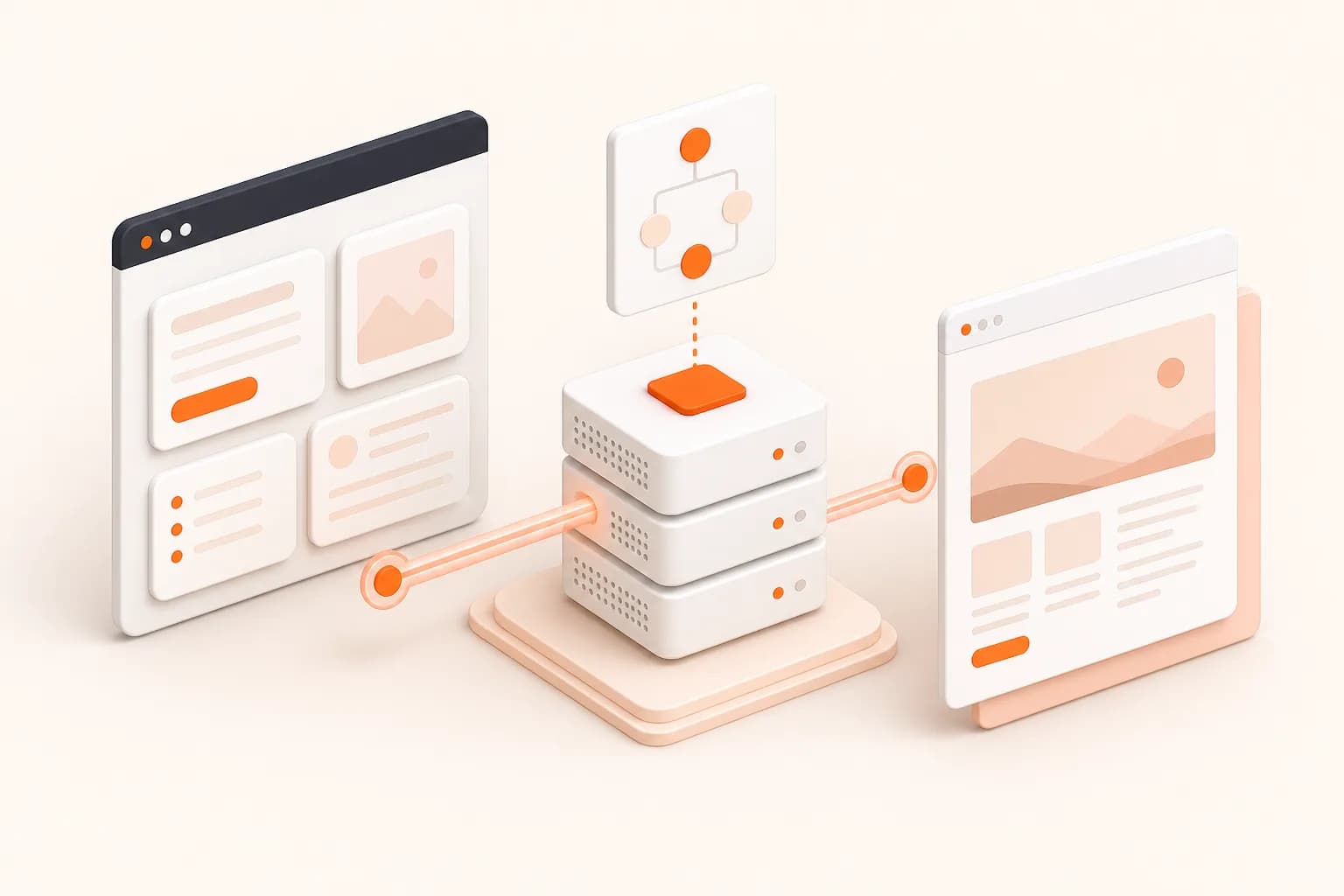
Why the server boundary matters in Next.js
A screenshot request is privileged infrastructure work. It carries a paid API credential, accepts a network destination, and may create an artifact that your product later shares. Treating it like an ordinary browser fetch exposes the key and makes destination policy difficult to enforce.
A Route Handler provides a compact boundary: authenticate the caller, validate the target, create the capture request, and normalize errors. Larger products can place the same logic in a queue worker so user requests do not wait for browser rendering.
Rendering a Next.js application reliably
Hydration, streamed content, optimized images, and client-side data can appear after initial HTML. Define the visual state you need, then use the smallest reliable delay or documented readiness mechanism. Keep the viewport fixed because it determines breakpoints and image selection.
For authenticated previews, prefer a short-lived URL specifically designed for capture. Snapshot Site is output-oriented; it does not expose an interactive tab for completing a login flow.
Production checklist
- Authenticate your own route before accepting capture work.
- Keep the Snapshot Site key in server-only configuration.
- Validate protocols and allowed destinations.
- Persist request settings with the generated asset.
- Classify timeout, validation, and provider failures separately.
- Use a queue when capture volume or latency can exceed a web request budget.
Review the authentication guide before launch and use the API documentation as the source of truth for request fields.