REACT INTEGRATION

Add screenshot output to React without exposing a secret in the browser

Your React UI should request capture from an application backend. That trusted service validates the destination, calls Snapshot Site, and returns a controlled result to the signed-in user.

Backend first
Secret-safe requests
Hydrated UI
Rendered output
Responsive
Explicit viewport
Install:npm install @snapshot-site/snapshot-site
Auth:SNAPSHOT_SITE_API_KEY
Get started for free
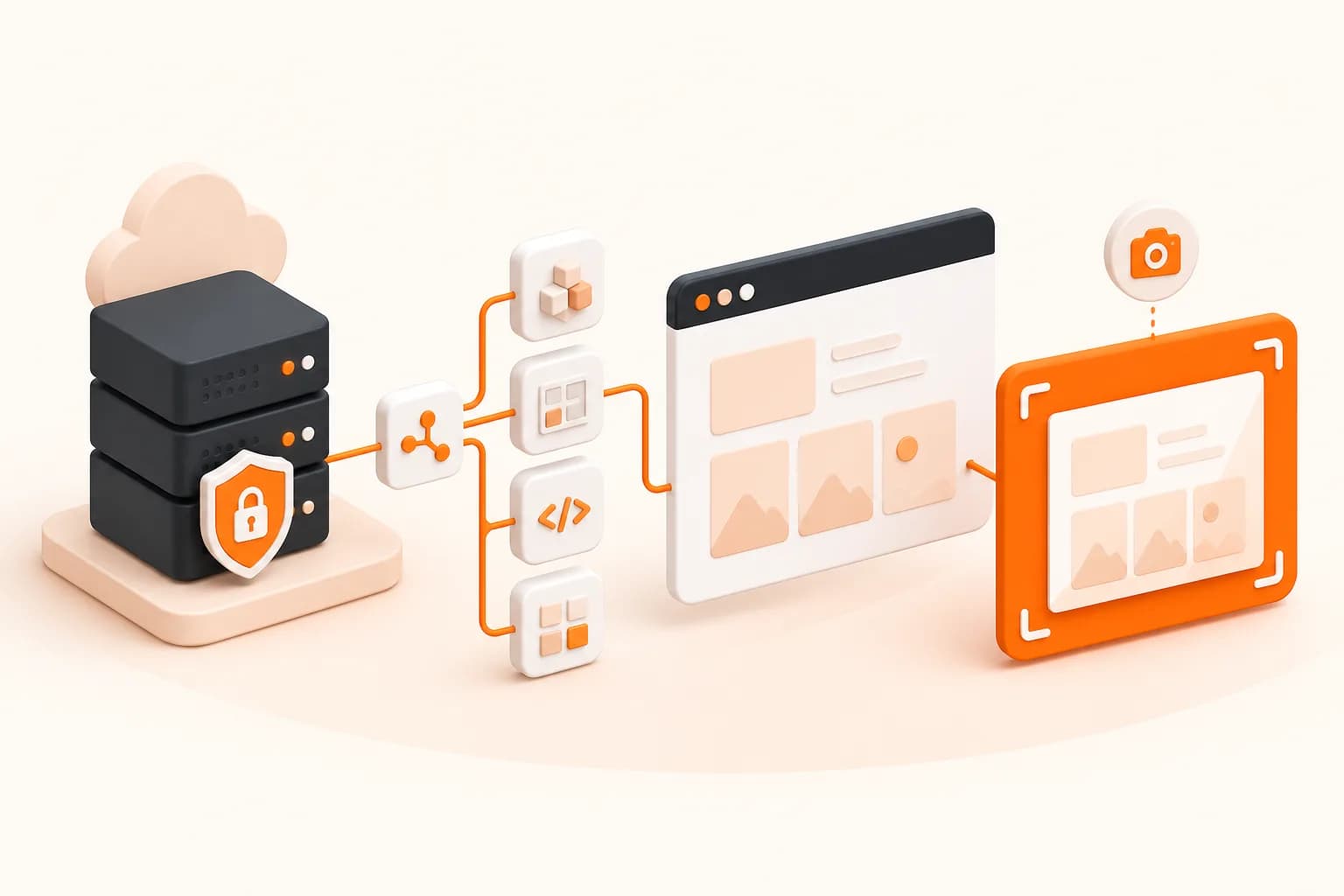
React capture architecture
Snapshot Site themed React screenshot API integration illustration
Good fits
React dashboards that export a visual report
Preview generators for CMS and collaboration tools
Teams capturing deployed React routes
Responsive QA utilities with a backend

Separate the React interface from capture infrastructure

A browser component can start a job and display progress, but the privileged network call belongs behind your own authorization.

1

User intent

The UI submits an approved page identifier instead of a raw unrestricted destination whenever possible.

2

Backend policy

Your server authenticates the user, resolves the URL, and applies host and protocol rules.

3

Rendered result

Snapshot Site loads the deployed page and returns the selected image, PDF, or HTML output.

4

Controlled delivery

Your application stores the artifact and grants access according to product permissions.

Implementation workflow

Connect a React action to a backend

1

Create an authenticated backend endpoint for capture jobs

2

Send a page identifier from React rather than an API credential

3

Resolve and validate the target URL on the server

4

Display status and an application-owned result URL

React screenshot API example

React

Trigger an application capture endpoint

The component calls your backend. The Snapshot Site key never enters the JavaScript delivered to visitors.

import { useState } from "react";

export function CaptureButton({ pageId }) {
  const [result, setResult] = useState(null);

  async function capture() {
    const response = await fetch("/api/captures", {
      method: "POST",
      headers: { "Content-Type": "application/json" },
      body: JSON.stringify({ pageId }),
    });

    if (!response.ok) throw new Error("Capture failed");
    setResult(await response.json());
  }

  return <button onClick={capture}>
    {result ? "Capture ready" : "Create capture"}
  </button>;
}

React is the interface, not the secret holder

The useful React pattern is intentionally small. A component starts a capture and displays its status; an authenticated server owns the provider credential and destination policy. This arrangement works whether the backend is Node.js, PHP, Go, or a serverless function.

Avoid accepting arbitrary URLs when a page identifier will do. Resolving a known report, product, or campaign ID into a URL on the server sharply reduces abuse risk and makes audit records more meaningful.

Capture the state users actually see

A React route may render its shell immediately while the meaningful chart or catalog arrives later. Test with representative data and choose readiness based on the intended proof. An oversized delay hides timing problems and makes every job slower.

Responsive captures also require a defined width. Store that width with the result so reviewers can distinguish a mobile state from a desktop regression.

Operational design

Return normalized job states to the UI: queued, processing, ready, or failed. Keep raw provider responses in protected logs, while user-facing errors explain what action is possible. Apply limits per account and deduplicate identical jobs when repeated clicks would create unnecessary captures.

The Next.js integration shows a framework-specific server route. For a language-neutral contract, start with the REST screenshot API.
Snapshot API for React FAQ

Can React call Snapshot Site directly?

A browser technically can make network requests, but it must not receive your private API key. Put the provider call behind an authenticated backend.

Does Snapshot Site capture hydrated React pages?

The managed browser runs JavaScript. Configure readiness around the actual content you need, especially for late data, fonts, charts, and lazy images.

Can I screenshot an individual React component?

Snapshot Site captures a reachable page URL. Publish a dedicated preview route when you need one component in a controlled frame.

How do I prevent users from capturing arbitrary hosts?

Accept internal page identifiers or enforce a strict allowlist and protocol policy in your backend before calling the API.

Should capture happen inside the UI request?

Small jobs can be synchronous, but a queue is safer when latency, retry, or volume would make the UI request unreliable.

Can I capture localhost?

A hosted renderer cannot reach your local machine by default. Use an accessible authorized preview or a local browser tool during development.

How should React show progress?

Have your backend expose job status through polling, server-sent events, or your existing job system; do not rely on a provider secret in the client.

What should be stored with each image?

Keep source identity, viewport, format, readiness settings, capture time, and application authorization metadata beside the artifact.

Connect React to a secure capture endpoint

Prove the workflow with one deployed route, then add authorization, storage, and retry behavior at your backend boundary.