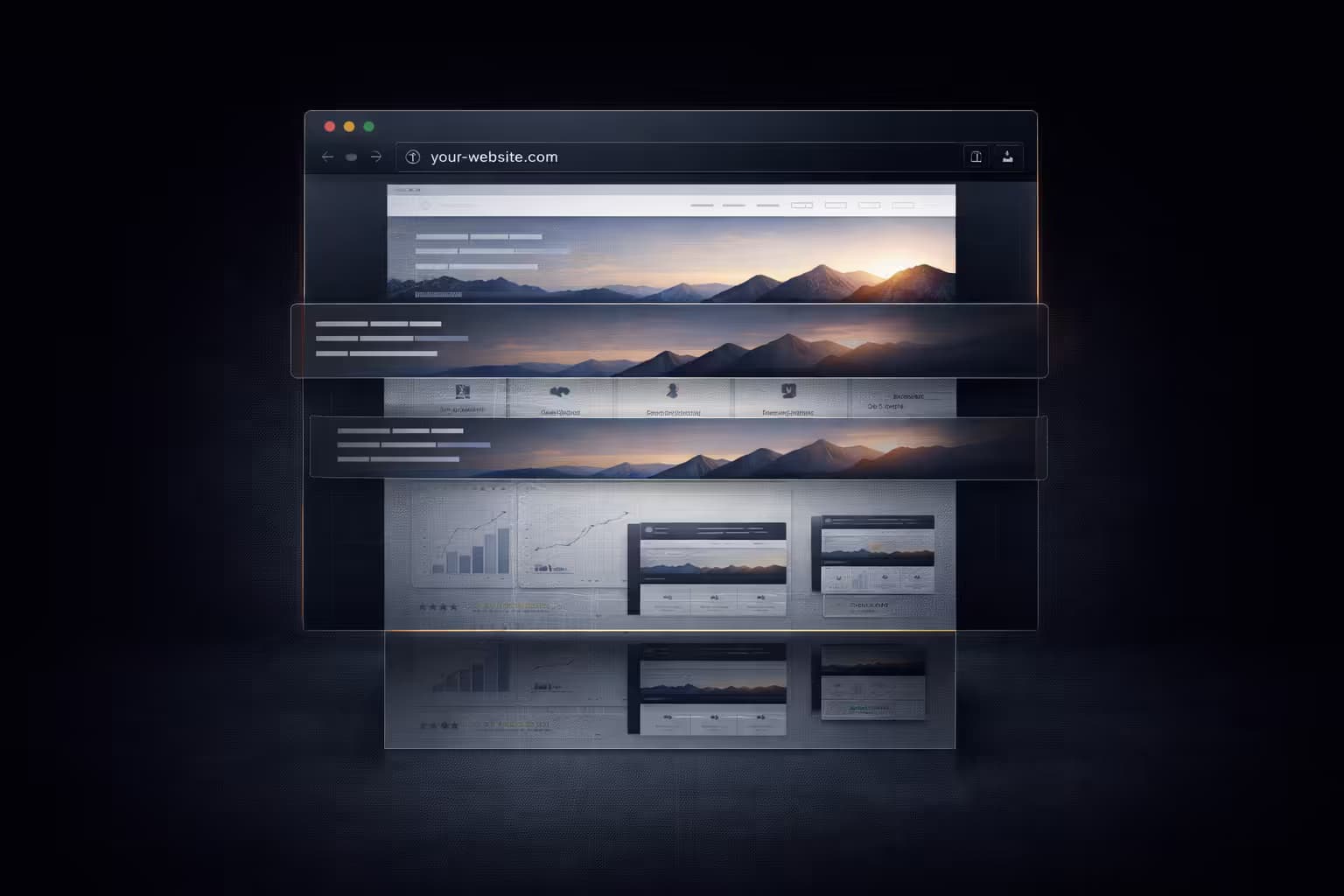
Why Sticky Headers Break Full-Page Screenshots

Snapshot Site Team
28 Mar 2026 - 02 Mins read
Sticky headers are one of those design patterns that feel harmless until you have to capture a page end to end. Then they start duplicating, overlapping sections, hiding content, and making otherwise clean screenshots feel broken.
This is not a cosmetic issue. For screenshot tooling, sticky headers introduce structural ambiguity.
Why Sticky Headers Cause Problems
- They remain visible while the content moves underneath. A full-page capture can end up with repeated header states or blocked sections.
- They occupy space inconsistently. Some layouts reserve header height; others let content slide under it.
- They interact badly with long pages. The further a page extends, the more obvious the duplication becomes.
- They distort archives and QA evidence. Teams reviewing screenshots may think the page itself is broken.
Where the Pain Shows Up Most
- Long-form landing pages
- Documentation sites
- E-commerce pages with sticky promo bars
- Dashboards with pinned navigation shells
Why This Matters Beyond Aesthetics
Sticky headers are not just a screenshot annoyance. They affect:
- Visual QA: Reviewers may log issues that come from the capture, not the page.
- Archiving: The screenshot no longer represents a bounded, neutral page state.
- Compliance evidence: Overlapping UI makes important content less trustworthy in exports.
- Competitive monitoring: You end up comparing navigation chrome rather than the actual page content.
What Teams Usually Do
To work around sticky headers, screenshot pipelines often:
- inject CSS to disable
position: stickyorposition: fixed - hide known selectors before capture
- use viewport presets that reduce overlap
- accept that some pages need custom treatment
That is precisely the point: sticky headers create special-case work.
Better Design for Capture-Friendly Pages
- Reserve sticky behavior for interfaces that really need it
- Offer clean print or export modes for long-form content
- Keep promotional bars from stacking on top of navigation
- Make the page easier to render as a coherent document
Modern websites are full of interaction patterns optimized for engagement. Screenshot systems are optimized for stable visual records. Sticky headers sit directly in the friction zone between those two goals.
If you care about faithful full-page captures, sticky headers are not a minor detail. They are one of the first things your screenshot pipeline will force you to think about. Snapshot Site is built for exactly these kinds of real-world rendering problems.