CONTAINER GUIDE

Keep the application container small while browser rendering stays managed

A client that calls Snapshot Site needs HTTPS networking and protected configuration—not a local Chrome package. Build a focused container, inject secrets at runtime, and send capture work through a bounded service or worker.

No Chrome
Client-only container
Runtime secret
No baked key
Portable
Same API contract
Install:docker build + runtime secret injection
Auth:SNAPSHOT_SITE_API_KEY
Get started for free
Docker screenshot API client
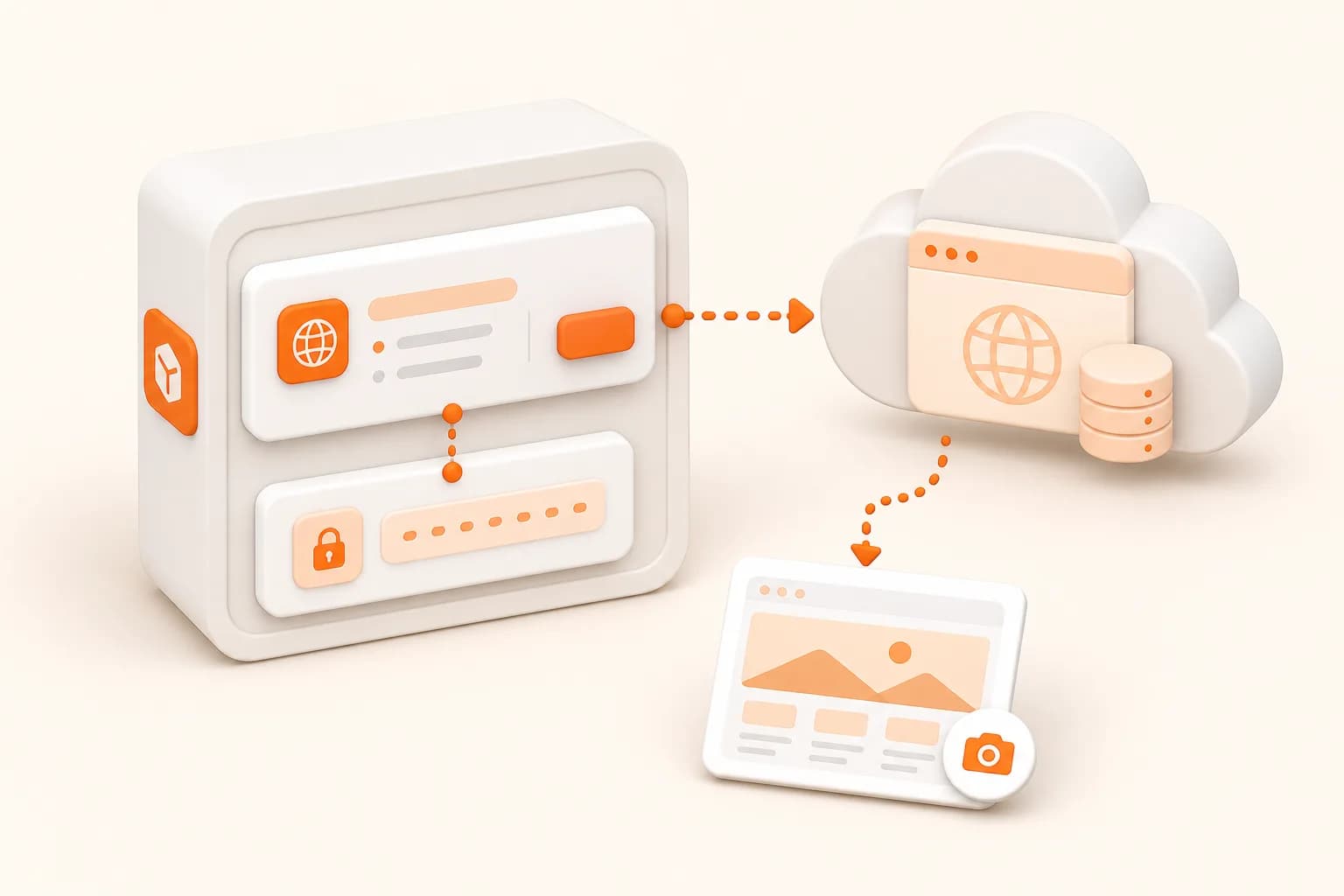
Snapshot Site themed screenshot API Docker illustration
Good fits
Containerized backend services generating screenshots
Queue workers deployed through an existing platform
Teams avoiding browser dependencies in application images
Local integration environments matching production clients

A hosted renderer changes the container responsibility

The container owns authorization, request policy, HTTP transport, storage, and job state. Snapshot Site owns the managed browser execution for the requested operation.

1

Minimal image

Install only the application runtime and dependencies actually required by the client.

2

Runtime configuration

Inject the API key through orchestration secrets rather than image layers or committed environment files.

3

Network policy

Permit the documented API destination and approved asset download origins.

4

Graceful work

Handle shutdown, in-flight jobs, timeouts, retries, and health separately.

Implementation workflow

Containerize a screenshot API worker

1

Create a small server or worker that calls the REST API

2

Build from a maintained runtime base without a browser package

3

Inject key and endpoint configuration at runtime

4

Validate outbound network, storage, and graceful shutdown behavior

Docker screenshot API example

Dockerfile

Build a minimal Node.js client image

The image contains the application client only. It does not install Chromium or place the API key in a build layer.

FROM node:lts-alpine
WORKDIR /app

COPY package.json package-lock.json ./
RUN npm ci --omit=dev

COPY src ./src
USER node

CMD ["node", "src/worker.js"]

# Inject SNAPSHOT_SITE_API_KEY when the container starts.
# Do not use ARG or ENV with the real key in the image.

Do not install infrastructure the container does not use

Self-hosted browser automation often requires a compatible browser binary, operating-system packages, fonts, sandbox configuration, shared memory, and process cleanup. A hosted screenshot API client does not. Its container can remain focused on authorization, request creation, result validation, and storage.

This reduces image complexity, but it does not remove operational responsibility from the application.

Keep secrets out of layers

Build arguments, Dockerfile environment values, copied configuration, and command history can become part of image metadata or caches. Inject the API key only when the container starts and restrict access to the service account that needs it.

Apply outbound network policy so a compromised or misconfigured worker cannot call arbitrary destinations. Validate target URLs before they are sent to Snapshot Site.

Design for ephemeral processes

Do not assume the container filesystem is durable. Stream validated artifacts into application storage and persist job status outside the process. On shutdown, stop claiming work and return unfinished jobs safely.

Health probes should verify process readiness without issuing a screenshot request each time. Track provider operations through application metrics and bounded synthetic checks instead.

The Express integration provides a route pattern, while multiple URL capture covers worker pools and durable progress.
Screenshot API with Docker FAQ

Do I need Chrome inside the Docker image?

Not for a service that calls the hosted Snapshot Site API. The container sends an HTTPS request and receives the managed result.

Where should the API key be configured?

Inject it at runtime through Docker secrets, an orchestrator secret, or protected deployment configuration. Never bake it into a layer.

Should the endpoint be hard-coded?

A reviewed default can be code-owned, while environment configuration may support deployment control. Validate any configurable endpoint.

How should outbound networking be restricted?

Allow the documented API and approved artifact hosts needed by the workflow, together with DNS and TLS requirements.

Does the container need persistent disk?

Use application-owned object storage for durable artifacts. Local container filesystems are often ephemeral and unsuitable for retention.

How should shutdown be handled?

Stop accepting new work, allow a bounded grace period for current jobs, and return unfinished queue items safely.

What should a health check test?

Test the application process and its immediate dependencies without generating a paid screenshot for every probe.

How should image versions be maintained?

Pin or deliberately update runtime and dependencies, scan images, and rebuild through the normal application maintenance process.

Containerize the client boundary, not a browser fleet

Build one small worker image, inject the key at runtime, and verify network, shutdown, and storage behavior.