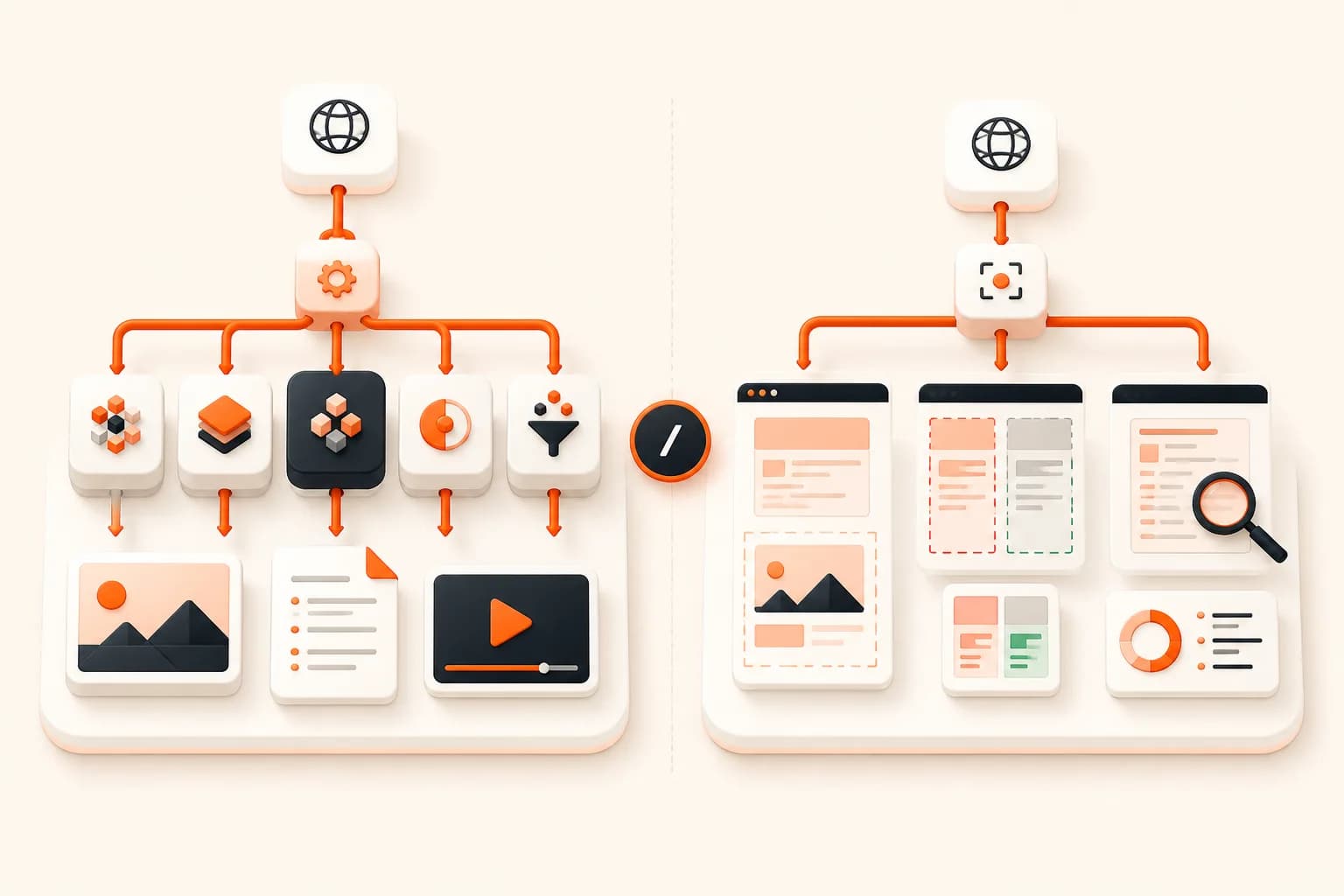
Urlbox alternative

Urlbox alternative: Snapshot Site

Urlbox is a broad rendering API — video capture, LLM structured output and six official SDKs are all real. What it does not have is the endpoint most teams buy a rendering API for: comparing two renders of the same page. Add no free tier to evaluate on, and a bill roughly five times ours at the same published volume, and the reasons to look elsewhere are straightforward.

Urlbox vs Snapshot Site, by the numbers

Both vendors publish a 15,000-render tier, which makes this the cleanest like-for-like comparison on the site: Urlbox Ultra at $99/month against Snapshot Site Ultra at €20/month.

 Snapshot SiteEURUrlboxUSD
Comparable planUltra — €20/moUltra — $99/mo
Requests included15,000 / month15,000 / month
Cost per capture€0.0013$0.0066
Free tier50 captures / month, no cardNo free tier — 7-day free trial, no card
Visual diff endpointNative POST /api/v3/compare — pixel mismatch score plus a hosted diff imageNot documented — No comparison endpoint in the documentation overview
AI page analysisPOST /api/v3/analyze — summary, topics, quality signals, page metadataAI Screenshot Analysis with LLM render options and a structured-output endpoint
MCP serverHosted server at mcp.snapshot-site.com/mcp with OAuth sign-in — no local process, no key in the client configAn MCP server is available for the Urlbox API, run as a local server
PDF renderingformat: pdf on the screenshot endpointDedicated PDF rendering section in the docs
Output formatsPNG, JPEG, WebP, PDF, HTMLScreenshots, PDFs, video, plus text, HTML and metadata extraction
Official SDKsTypeScript, Python, PHP, CLI, MCP server, and an n8n node verified by n8nNode.js, Ruby, Python, PHP, Java, C#

Competitor pricing checked on 2026-07-28 on their official pages. Subject to change — verify at the source: https://urlbox.com/pricing

Prices are shown in the currency each vendor publishes — Snapshot Site bills in EUR, Urlbox publishes in USD. No conversion is applied, so the per-capture figures are not a like-for-like exchange-rate comparison.

  • · Annual billing is available on every tier.
  • · Lo-Fi through Ultra include a 7-day free trial with no card; Business offers a 3-month trial on application.

What Snapshot Site does that Urlbox does not

Urlbox already does AI analysis and already has an MCP server, so the honest differentiators here are narrower than on our other comparison pages — but they are the ones that decide the buy.

A visual diff endpoint

This is the one real capability gap. POST /api/v3/compare renders a before URL and an after URL, then returns summary.mismatchPercentage and a hosted diff.link image with the changed pixels marked. Urlbox will happily render both pages for you; deciding what changed between them is your code, your storage and your threshold tuning. If visual regression, defacement detection or release QA is the reason you are buying a rendering API at all, that difference is the whole decision.

A hosted MCP server with OAuth

Urlbox has an MCP server, so the capability is not unique — the deployment model is. Ours is hosted at mcp.snapshot-site.com/mcp and authenticates with OAuth sign-in: paste one URL into Claude Code, Cursor, Codex or ChatGPT, approve access, done. Nothing runs on the developer's machine and no API key gets copied into a config file on every laptop that needs it.

A free tier you can actually evaluate on

Urlbox offers a seven-day trial with no card. Snapshot Site gives you 50 captures every month, permanently. The difference matters more than it sounds: a trial forces you to evaluate on a deadline, while a standing free tier lets you keep a low-volume side project running for free and lets you A/B both APIs against your own pages for as long as you need.

One price step instead of five

Urlbox runs Lo-Fi, Hi-Fi, Ultra, Business and Enterprise, with Business jumping to $495 base plus $3 per 1,000 renders. Our top published tier is €39 for 30,000 requests including AI analysis. Fewer steps means fewer conversations about which one you are supposed to be on.

What Urlbox does better

Urlbox has real capabilities we do not, and pretending otherwise would not survive first contact with their docs. Here they are.

Video rendering

Urlbox records pages to video. We do not — Snapshot Site returns still captures, PDFs and HTML only. If you need a scroll-through recording of a page, this is a genuine capability gap on our side.

LLM structured output is built into the render call

Their AI analysis lets you define the structured output you want as part of the render request. Our analyze endpoint returns a fixed payload — summary, topics, quality, metadata — so shaping arbitrary schemas is something you do downstream.

Six official SDK languages

Java and C# in particular are covered by Urlbox and not by us.

Migrating from Urlbox

Urlbox signs its requests: you build a query string and sign it with your secret key to produce a URL. Snapshot Site does not sign — you POST JSON with your key in a header. Dropping the signing step is usually the largest simplification of the migration, and the render options map closely.

UrlboxSnapshot SiteNotes
HMAC-signed request URLx-snapshotsiteapi-key headerNo signing step. Key travels in a header on a POST.
urlurlIdentical. Full URL including scheme.
formatformatpng, jpeg, webp, pdf, html. Video has no equivalent — see below.
widthwidth100–8000, default 1280.
heightheight100–20000, default 720.
full_pagefullSizeBoolean, same meaning.
delaydelayInteger seconds, 0–10 — Urlbox takes milliseconds, so divide.
block_cookie_banners / hide_cookie_bannershideCookieBoolean, same meaning.
hide_selectorhideComma-separated CSS selectors in a single string.
jsjavascriptCodeCustom JavaScript run before capture.
Before — Urlbox
// Urlbox: build and sign the request URL
const crypto = require("crypto");

const query = new URLSearchParams({
  url: "https://example.com",
  format: "png",
  width: "1280",
  full_page: "true",
  block_cookie_banners: "true",
  delay: "5000",
}).toString();

const token = crypto
  .createHmac("sha256", process.env.URLBOX_SECRET)
  .update(query)
  .digest("hex");

const src = `https://api.urlbox.io/v1/${process.env.URLBOX_KEY}/${token}/png?${query}`;
After — Snapshot Site
// Snapshot Site: one POST, no signing
const res = await fetch(
  "https://api.prod.ss.snapshot-site.com/api/v2/screenshot",
  {
    method: "POST",
    headers: {
      "Content-Type": "application/json",
      "x-snapshotsiteapi-key": process.env.SNAPSHOT_SITE_KEY,
    },
    body: JSON.stringify({
      url: "https://example.com",
      format: "png",
      width: 1280,
      fullSize: true,
      hideCookie: true,
      delay: 5,
    }),
  }
);

const { link } = await res.json();

Why teams move from Urlbox to Snapshot Site

Two reasons come up repeatedly, and price is only one of them.

The first is monitoring. Urlbox is a rendering API in the fullest sense — it turns a URL into an artefact, in more formats than anyone else in this comparison. But a large share of people buying a rendering API are not really buying artefacts; they are buying an answer to "did this page change?" Getting that answer out of Urlbox means capturing twice, storing the baseline, and writing the comparison yourself. Getting it out of Snapshot Site means calling one endpoint and reading a number.

The second is the shape of the bill. At 15,000 renders a month, Urlbox Ultra is $99 and Snapshot Site Ultra is €20. Below that, Lo-Fi at $19 covers 2,000 renders while our Pro at €7 covers 1,000 and Ultra at €20 covers 15,000 — so the crossover happens almost immediately as volume rises. And above Ultra, Urlbox's next step is Business at $495 base plus $3 per 1,000, which is a large jump to absorb if you cross the line by a little.

The comparison gap, in practice

Here is what "no comparison endpoint" costs you in real work.

Say you monitor forty competitor pricing pages daily. With a render-only API you capture forty images, store them somewhere durable, capture forty more tomorrow, and then write the part that actually matters: load both, normalise for the fact that the page grew by 300 pixels overnight, compute a difference, and decide what fraction counts as a change worth waking someone for.

That last decision is where most homegrown visual regression dies. A one-digit price change is a tiny fraction of the pixels on a page — small enough that a naive threshold of "alert above 1%" will never fire for the exact event you built the system to catch. Meanwhile a rotating hero image or a cookie banner blows past any threshold you set. You end up either muting the system or rebuilding it around masked regions.

POST /api/v3/compare gives you the mismatch percentage and a diff image, and the tuning conversation becomes "which regions do I hide" rather than "how do I compute this". You still choose a threshold, but you choose it against a number that means the same thing every day.

Where Urlbox stays ahead

Video is the clearest one. If your product needs a scroll-through recording of a page, Urlbox does that and we do not — no amount of price advantage makes up for a capability that does not exist.

The LLM structured output difference is more subtle and worth understanding before you switch. Urlbox lets you describe the structure you want back as part of the render request. Our analyze endpoint returns a fixed shape: a summary, topics, quality signals like blank-page and CAPTCHA detection and an HTTP status, plus the page's own metadata. For "tell me about this page" our version is simpler to consume. For "extract these eleven specific fields into this schema", theirs is a better fit, and the honest alternative on our side is rendering to HTML and running your own extraction step — which is exactly the pattern our n8n templates use.

Java and C# developers should also weigh the SDK gap. Urlbox ships first-party libraries in both; we do not.

What the migration actually involves

Less than people expect, because you delete code rather than write it.

Urlbox requests are signed: you build a query string, HMAC it with your secret, and assemble a URL. That signing helper — and the tests around it, and the incident where someone encoded a parameter differently — all disappear. Snapshot Site takes a POST with a JSON body and a header key.

The render options map closely, with one unit trap worth flagging: our delay is in seconds and capped at 10, while Urlbox takes milliseconds. Passing 5000 will be rejected rather than silently misread, which is the failure mode you want, but it will still stop your first test call.

Where the line falls

Three Urlbox capabilities have no equivalent here: video recording, structured extraction shaped by the render request, and first-party Java and C# libraries. If your product is built on page video, that is a real constraint and we will not pretend otherwise.

For everything else the trade runs the other way, and at a fifth of the price for the same published volume. Structured extraction is a format: html render plus an extraction step — the pattern behind every template in our n8n gallery — and it gives you a schema you control rather than one negotiated inside a render call. Java and C# reach a plain POST endpoint without ceremony. Neither substitutes for a comparison endpoint, which is the thing Urlbox does not have at any price.

Switch if page comparison is what you are actually buying, if you want a permanent free tier rather than a seven-day trial, or if you want your team's AI assistants connected through a hosted OAuth flow instead of a locally-run server.

The longer technical breakdown lives in Snapshot Site vs Urlbox. If you want to see the comparison endpoint doing real work first, tuning threshold in the visual diff API covers the part everyone gets wrong.

Frequently asked questions

How much cheaper is Snapshot Site than Urlbox?

At the same published volume — 15,000 renders a month — Urlbox Ultra is $99/month and Snapshot Site Ultra is €20/month. Both figures come from the vendors' own pricing pages, in their own currencies, with no conversion applied. The gap is large enough that the exchange rate does not change the conclusion, but the comparison is not a converted like-for-like.

Does Urlbox have a visual diff endpoint?

Not one documented in their overview at the time we checked. They render before and after perfectly well; the comparison itself is something you implement. Snapshot Site returns a mismatch percentage and a diff image from a single call to /api/v3/compare.

Urlbox does AI analysis too. Which is better?

They are different shapes. Urlbox lets you define structured output as part of the render request, which is more flexible when you want arbitrary schemas. Our /api/v3/analyze returns a fixed payload — summary, topics, quality signals, metadata — which is less flexible and simpler to consume. If arbitrary schema extraction is central to your product, Urlbox's approach is the better fit.

Can Snapshot Site record video like Urlbox?

No. We return still captures, PDFs and rendered HTML. Video is a capability Urlbox has and we do not, and it is worth knowing that before you plan a migration around it.

Do I need to reimplement request signing?

No, and that is usually the nicest part of the migration. Snapshot Site takes a plain POST with a JSON body and your key in the x-snapshotsiteapi-key header. There is no HMAC step, which also means no more debugging signature mismatches when a parameter is URL-encoded differently.

Is there a free tier I can test with before switching?

Yes — 50 captures a month, permanently, no card. That is enough to run both APIs side by side against your real pages for a couple of weeks before you touch production.

Run both against your own pages

Urlbox is a strong product and this page is not going to argue otherwise. Test both on the pages you actually render — start free with 50 captures and decide from output, not from a table.