7 Best Free Screenshot APIs for Developers (2026)

Snapshot Site Team
24 Jul 2026 - 06 Mins read
Picking a screenshot API used to be a coin flip — you signed up for whatever showed up first in a search result, wired it into your app, and only discovered its limits once a bot-blocked page came back blank or a full-page capture cut off halfway down. In 2026 there are enough solid options that you can be more deliberate. The right free tier lets you validate an integration end to end before you spend a euro, and the right rendering controls save you from fighting cookie banners, lazy-loaded images, and JavaScript-heavy pages later.
This roundup ranks seven screenshot APIs with a developer's priorities in mind: how faithfully they render real pages, how much control you get over the capture, what the SDK and tooling story looks like, and how far the free tier actually gets you. Every screenshot in this comparison was captured with the Snapshot Site API, so you are looking at real output rather than marketing renders.
1. Snapshot Site
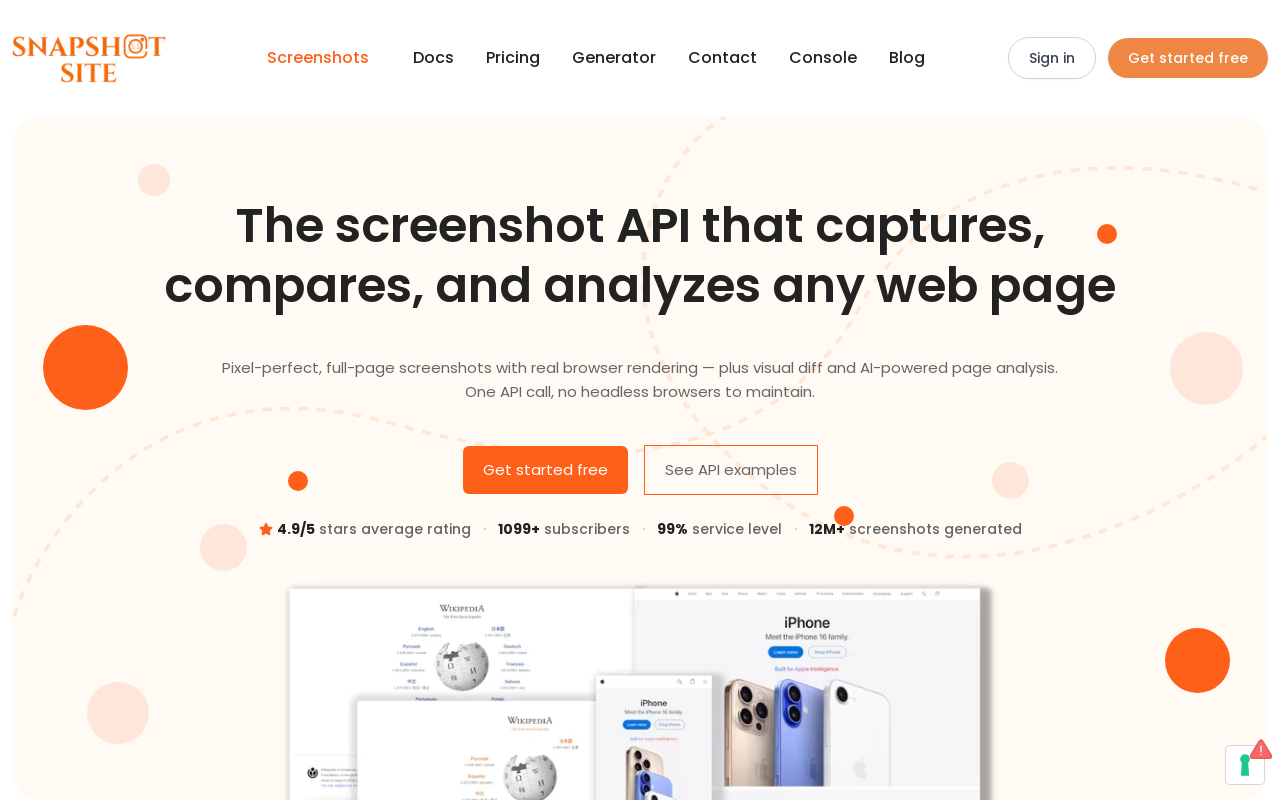
Snapshot Site tops this list because it treats screenshots as the start of a workflow rather than the end of one. The capture API comes in three tiers: v1 for fast, minimal-payload screenshots; v2 for advanced rendering with CSS selector hiding (hide) and custom JavaScript injection (javascriptCode); and v3 for AI page analysis (analyze) and visual diffing (compare). That means the same key that grabs a simple PNG can also extract a structured summary of a page or return a pixel-level diff between two states, without bolting on a second vendor.
The rendering controls are the kind you reach for constantly in production: delay to wait out slow paints, fullSize for entire-page captures, hideCookie to drop common consent banners, and output in PNG, JPEG/JPG, WebP, or PDF. It reliably captures bot-protected and JavaScript-heavy pages, returning the real rendered page instead of a challenge screen or a blank frame — the difference between a demo that works on example.com and one that survives contact with the modern web. If you are weighing rendered pixels against parsing markup, HTML Scraping vs a Screenshot API: Why Pixels Beat the DOM makes the case for why a real render matters.
The free tier is 50 screenshots a month — enough to wire the API into a real feature, run it in CI, and see how it behaves on your hardest URLs before you commit to a paid plan. A first capture is a single request:
curl --request POST \
  --url https://api.prod.ss.snapshot-site.com/api/v1/screenshot \
  --header 'Content-Type: application/json' \
  --header 'x-snapshotsiteapi-key: YOUR_API_KEY' \
  --data '{
    "url": "https://example.com",
    "format": "png",
    "width": 1440,
    "fullSize": true,
    "hideCookie": true
  }'
Tooling is where it pulls further ahead. There are official SDKs for TypeScript, Python, and PHP, a CLI for shell and CI workflows, a hosted MCP server so assistants like Claude and ChatGPT can call it directly, and a verified n8n community node (n8n-nodes-snapshot-site) that drops screenshot, analyze, and compare steps straight into no-code automation flows — so a scheduled capture-and-monitor pipeline is a few nodes rather than a service you build and host. The analyze endpoint turns a live page into a summary, topics, and quality signals in one request — covered in depth in Turn Rendered Web Pages into Structured Data with the Analyze API. It is the same key and the same request shape as a capture:
curl --request POST \
  --url https://api.prod.ss.snapshot-site.com/api/v3/analyze \
  --header 'Content-Type: application/json' \
  --header 'x-snapshotsiteapi-key: YOUR_API_KEY' \
  --data '{
    "url": "https://example.com",
    "waitForDom": true,
    "enableQuality": true
  }'
Good for: teams that want screenshots, visual diffs, and AI analysis behind a single API and want it to work on protected pages. Watch for: the breadth of endpoints means it is worth reading the v1/v2/v3 split before you start so you send the simplest payload for the job.
2. ScreenshotOne
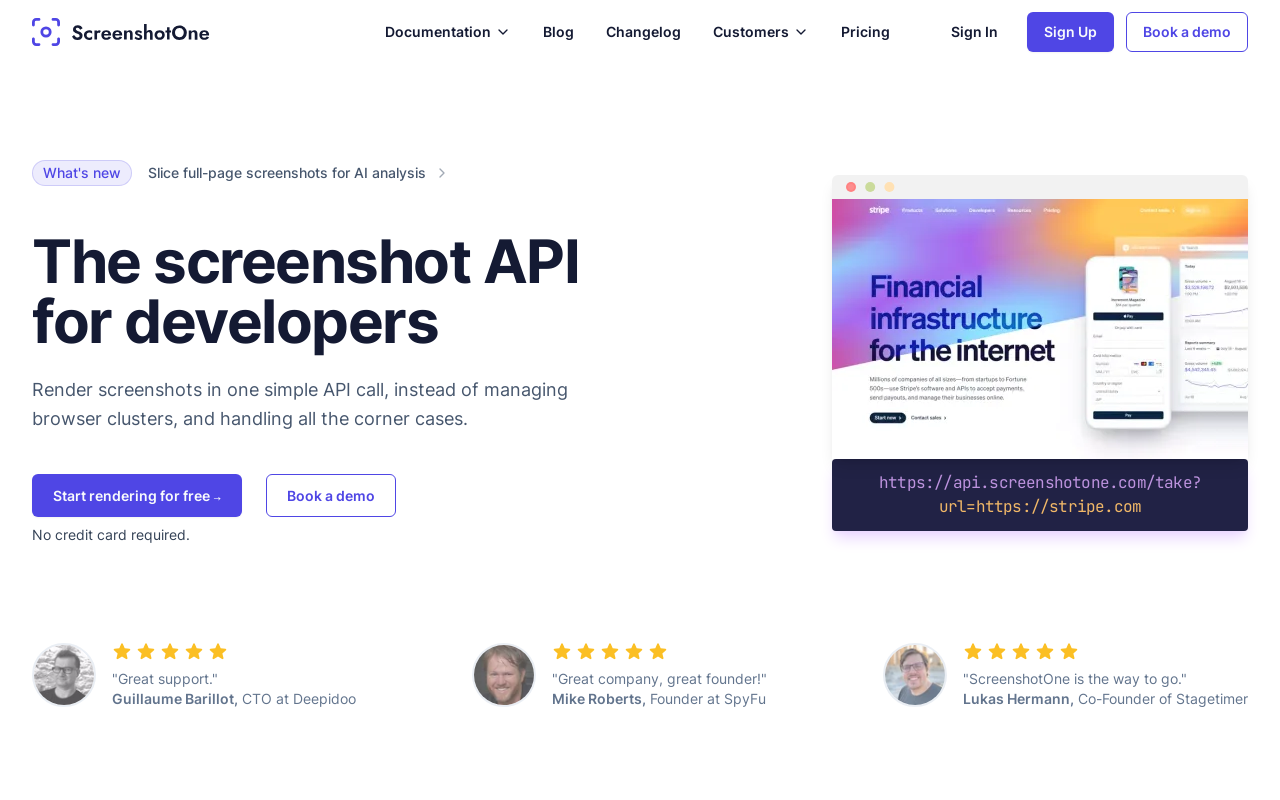
ScreenshotOne is a well-regarded, screenshot-first API with a clean HTTP interface and a generous set of rendering options. It leans into the "one endpoint, many query parameters" model, which developers who prefer GET-style requests over JSON bodies tend to appreciate for quick experiments and embedding capture URLs directly.
It offers a free tier to get started, and its documentation is approachable, so first captures come quickly. As a focused product it does screenshots well.
Good for: developers who want a mature, screenshot-only API with a simple query-parameter interface. Watch for: it is centered on capture, so visual diffing and AI analysis are not part of the same core offering.
3. Microlink
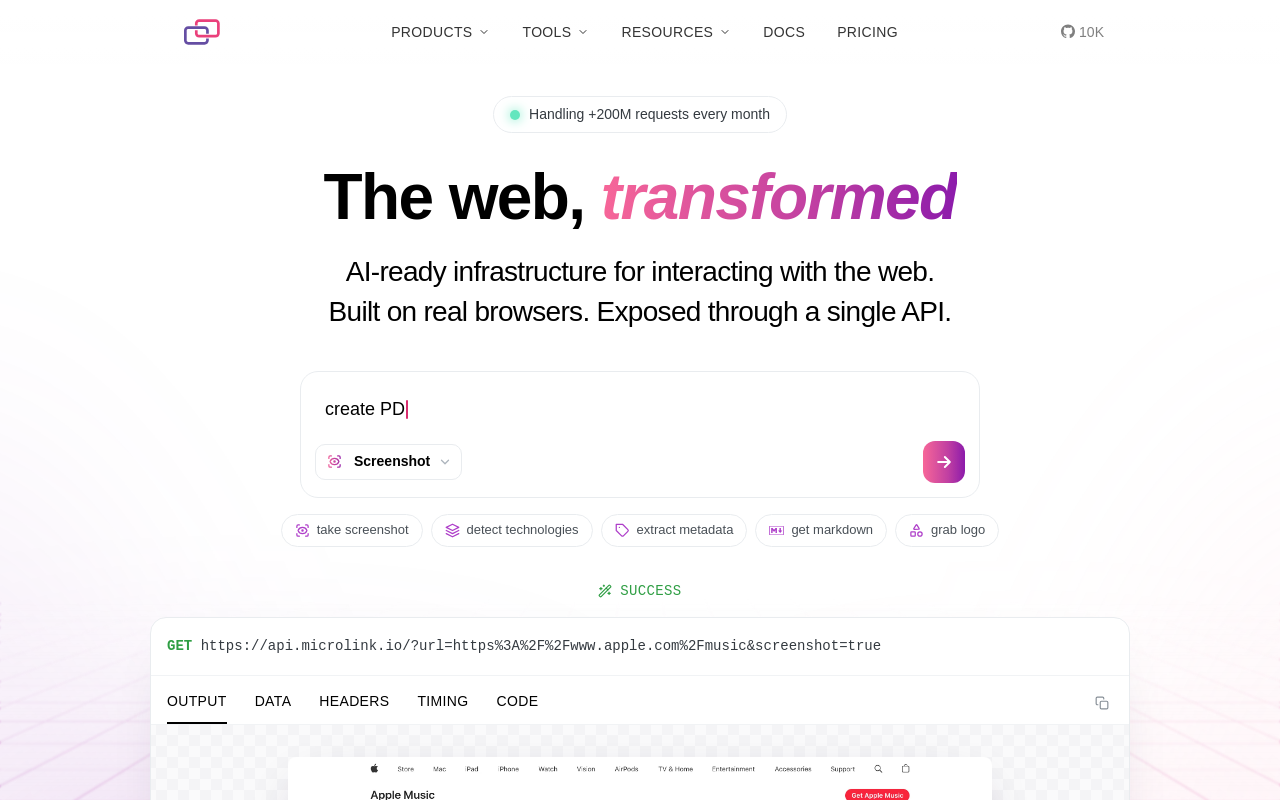
Microlink is a broader metadata-and-media API where screenshots are one capability alongside link previews, structured metadata extraction, and PDF export. If your product is more about turning URLs into rich cards — think social previews or content unfurling — its combined output can save you from stitching several services together.
It has a free tier and a polished developer experience, and the screenshot feature benefits from sitting inside that wider toolkit.
Good for: link-preview and metadata use cases where the screenshot is one piece of a richer card. Watch for: if you only need screenshots, you may be adopting a wider surface than you strictly need.
4. screenshotlayer
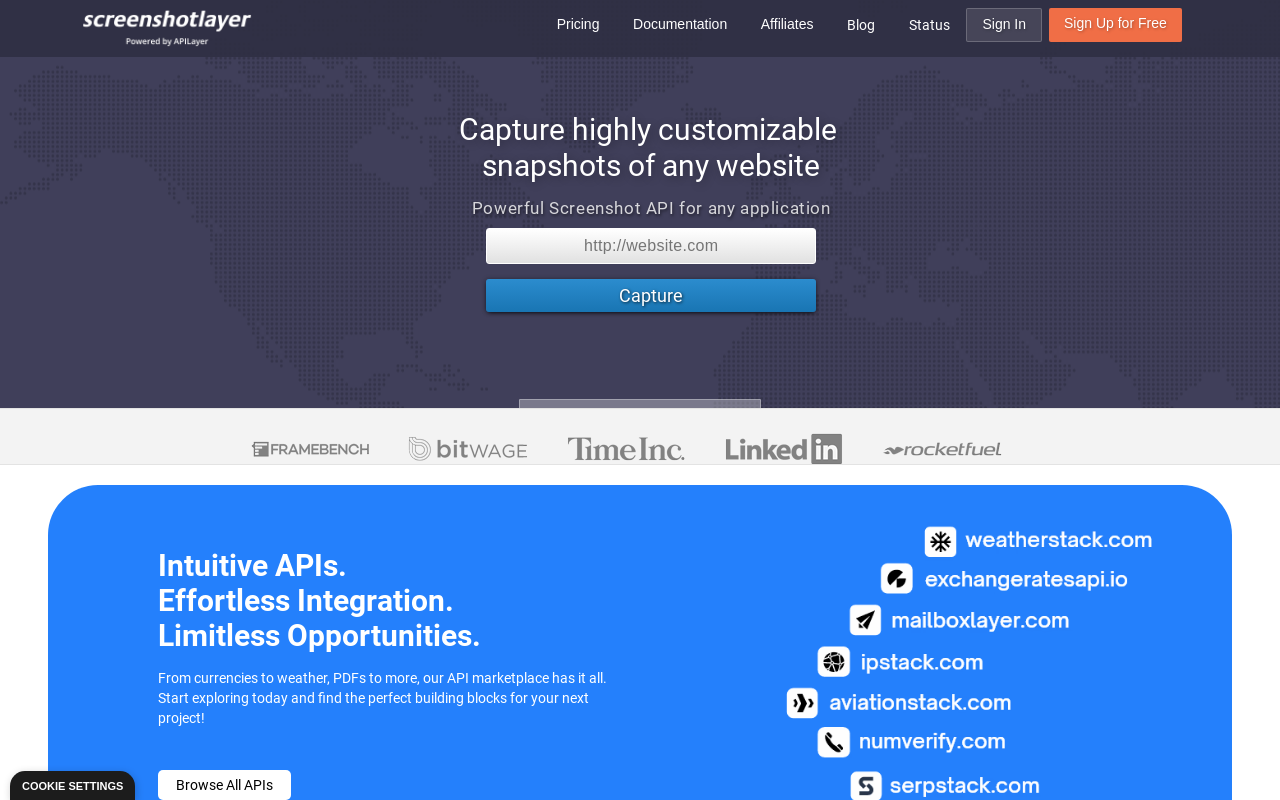
screenshotlayer is part of a familiar family of simple, single-purpose REST APIs. You pass a URL and a few parameters and get an image back, with options for viewport sizing and full-page capture. Its appeal is predictability and a low learning curve.
There is a free tier for getting started, which suits low-volume capture and quick internal tools.
Good for: lightweight, predictable screenshot needs with a minimal API. Watch for: advanced rendering and analysis features are not the focus here.
5. ScreenURL
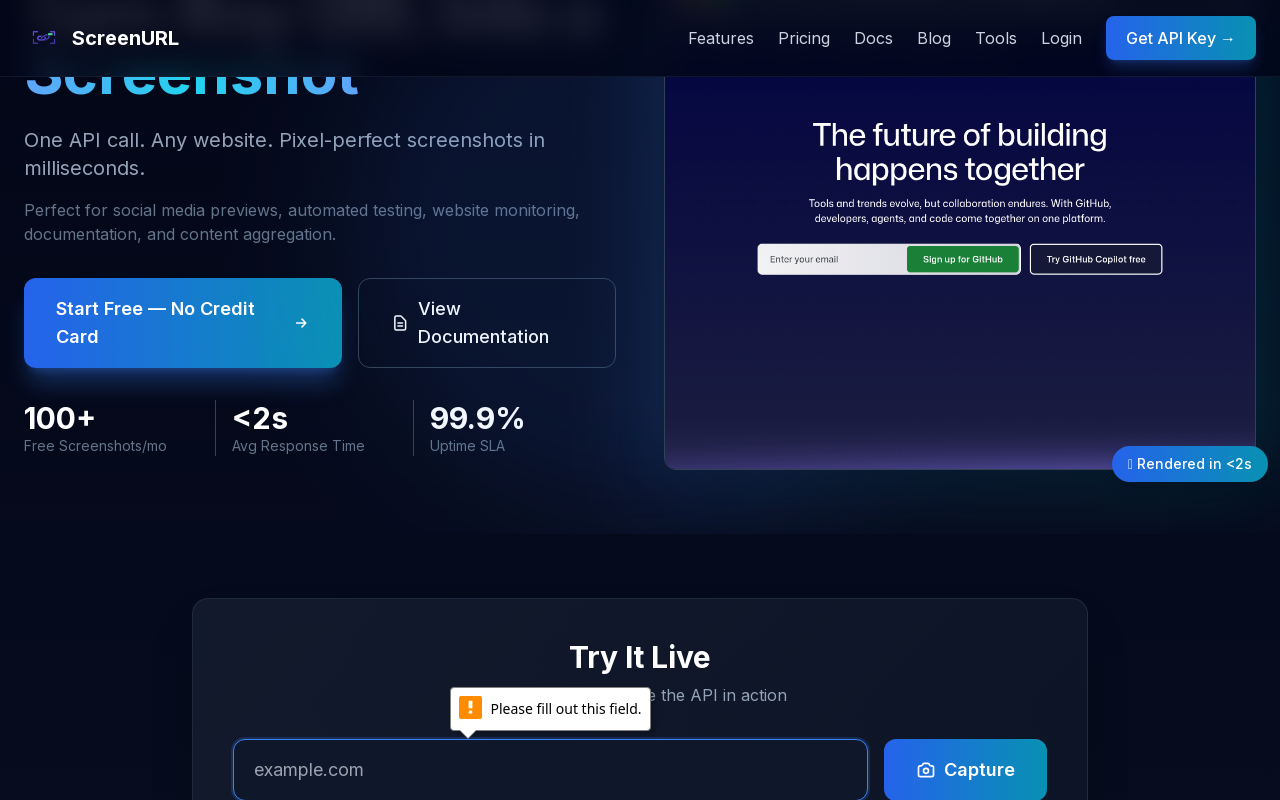
ScreenURL is a lighter-weight entrant aimed at straightforward URL-to-image capture. It keeps the surface small, which makes it quick to wire into a script or a simple internal preview feature without wading through a large parameter set.
It provides a free tier for evaluation, appropriate for hobby projects and early prototypes.
Good for: simple, no-frills capture in small projects. Watch for: as a smaller service, the ecosystem, SDKs, and documentation are more modest than the bigger names.
6. ScreenshotAPI
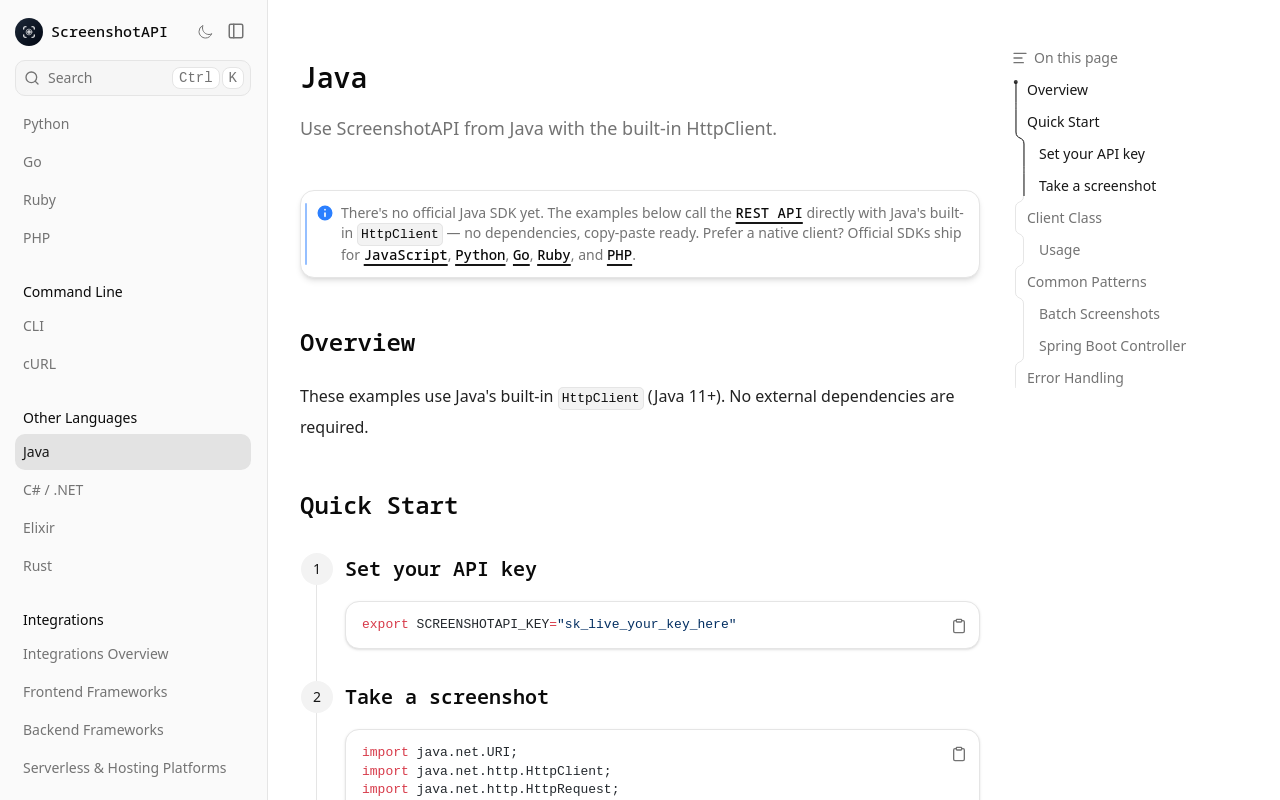
ScreenshotAPI offers a REST screenshot service with the usual capture options and a focus on ease of onboarding. It positions itself as a quick way to add screenshots to an app, and the getting-started path is short.
A free tier is available to try it out, which covers initial integration testing.
Good for: getting a basic screenshot feature live quickly. Watch for: verify how it handles heavier, protected, or highly dynamic pages before you depend on it in production.
7. Urlbox
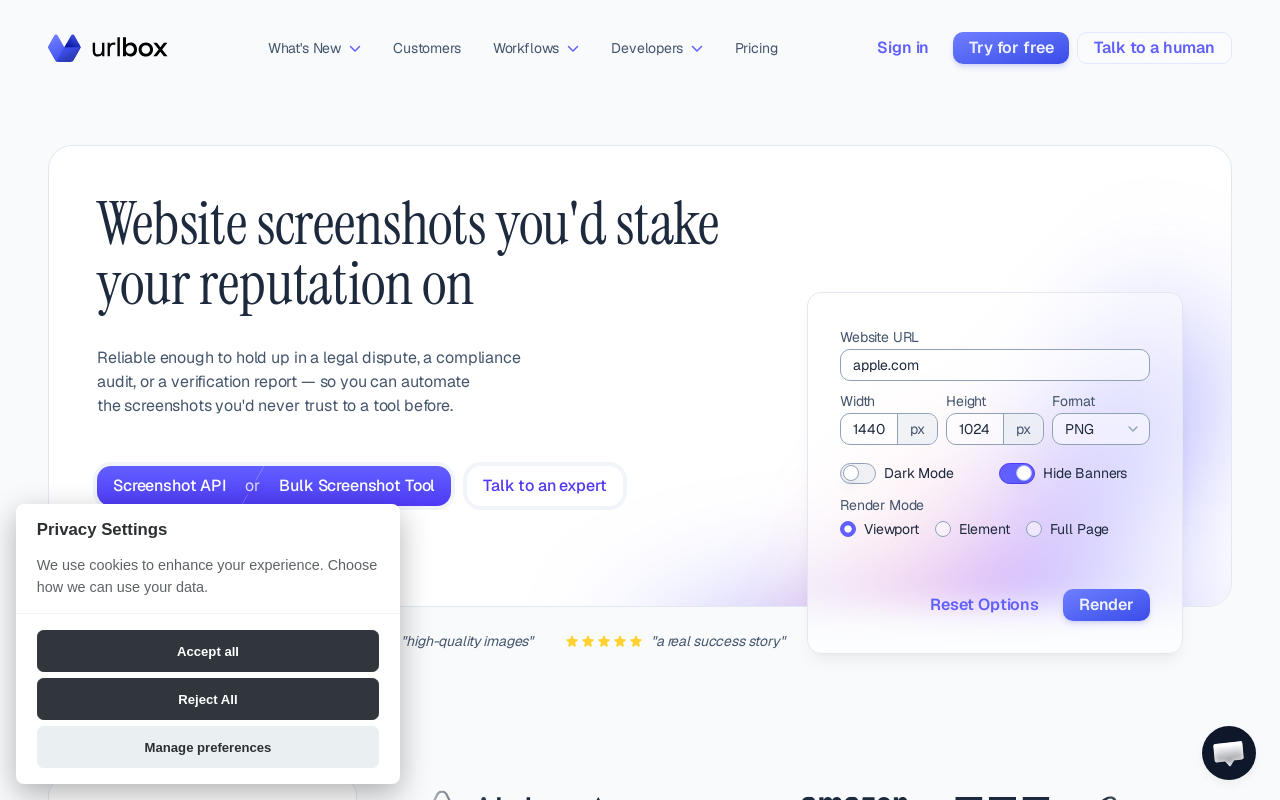
Urlbox is a polished, established screenshot API with a strong reputation for rendering quality and a thorough set of options, including full-page capture, format choices, and fine-grained control over the render. It is a serious tool that many production teams have relied on for years.
It offers a trial to evaluate the service. Its rendering fidelity is a standout, and the documentation is detailed.
Good for: teams that prioritize rendering fidelity and a mature, capture-focused feature set. Watch for: it is a screenshot specialist, so pairing it with separate tooling is expected if you also need diffing or AI analysis.
Comparison Table
| Service | Best for | Free tier | Standout |
|---|---|---|---|
| Snapshot Site | Screenshots + visual diff + AI analysis behind one API | Free tier | v1/v2/v3 endpoints, official SDKs, CLI, MCP, n8n node, reliable on bot-protected pages |
| ScreenshotOne | Screenshot-only, query-parameter API | Free tier | Clean, screenshot-first interface |
| Microlink | Link previews and metadata + screenshots | Free tier | Broader media/metadata toolkit |
| screenshotlayer | Lightweight, predictable capture | Free tier | Low learning curve |
| ScreenURL | Simple capture in small projects | Free tier | Minimal surface area |
| ScreenshotAPI | Getting a basic feature live fast | Free tier | Quick onboarding |
| Urlbox | Rendering fidelity, mature capture | Trial available | Detailed render controls |
Which One Should You Choose?
If your only requirement is dropping a thumbnail into a card, most of these APIs will do the job and the free tiers make them easy to trial. The differences show up when the pages get harder and the workflow grows past "give me an image." That is where a real render on a protected page, full-page capture, and downstream steps like diffing and analysis stop being nice-to-haves.
Snapshot Site earns the top spot because it covers that whole arc without asking you to assemble three vendors. It captures the pages that trip up simpler tools — see Reliable Screenshots of Bot-Protected Pages — and then lets you compare versions or extract structured data from the same key. For a sense of what teams actually build on top of it, Top 5 Use Cases for a Screenshot API is a good starting point.
Start with a free key and run your own hardest URL through it before you decide — you can spin up an integration in minutes with Snapshot Site.