New n8n Template — Monitor Competitor Pricing Page Changes with Snapshot Site and Slack

Snapshot Site Team
19 Jul 2026 - 02 Mins read
Keeping an eye on a competitor's pricing page usually means someone remembers to check it every so often — and misses the day it actually changes. Our first official template on the n8n workflow gallery turns that into a fully automated, zero-maintenance check.
What the template does
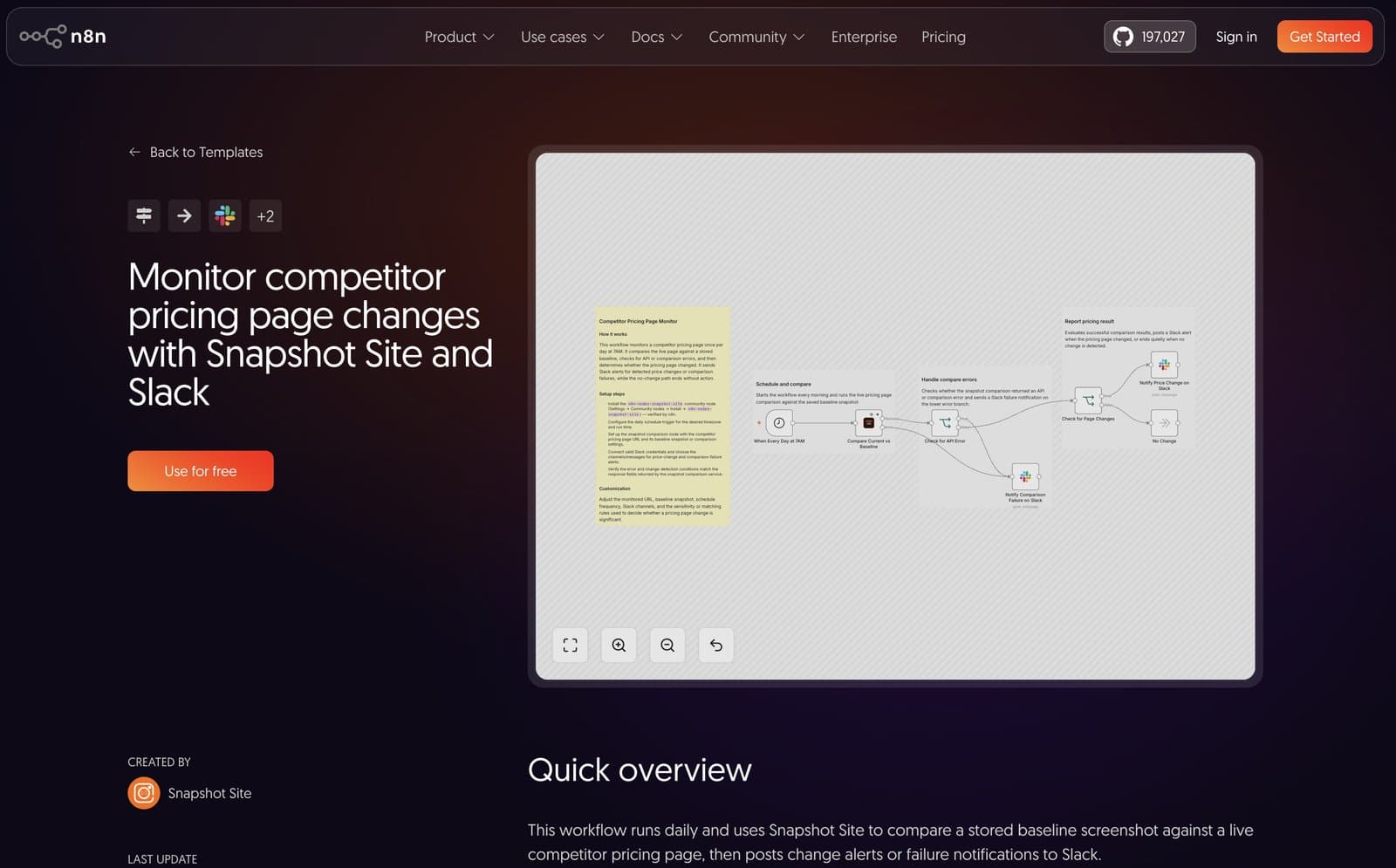
Monitor Competitor Pricing Page Changes with Snapshot Site and Slack runs on a daily schedule and:
- Compares a stored baseline screenshot of a competitor's pricing page against the live page using Snapshot Site's Compare operation.
- Checks for API or comparison errors first, so a broken capture never fails silently.
- Evaluates the pixel mismatch score to decide whether the page actually changed.
- Posts a Slack message with the mismatch percentage and links to the diff, baseline, and live capture — or ends quietly if nothing changed.
No screenshot diffing library to maintain, no headless browser to babysit — just a scheduled trigger and one Snapshot Site node doing the pixel comparison.
Why Visual Diff instead of scraping the price
Text-scraping a price element is brittle: a redesign, a class-name change, or a currency symbol swap can silently break it. Comparing pixels catches any visual change on the page — a new price, a new tier, a promo banner, a layout shift — without needing to know where the price lives in the HTML.
Try it
- Install the
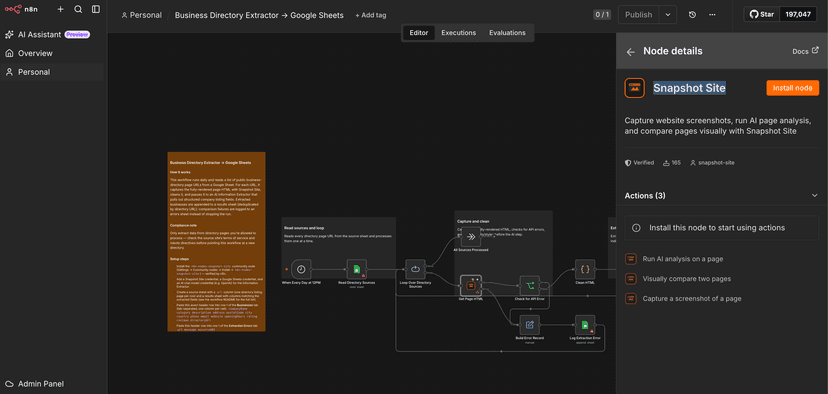
n8n-nodes-snapshot-sitecommunity node — now a verified node on n8n, installable directly including on n8n Cloud. - Import the Competitor Pricing Page Monitor template from the gallery.
- Add your Snapshot Site and Slack credentials, point it at the page you want to watch, and activate it.
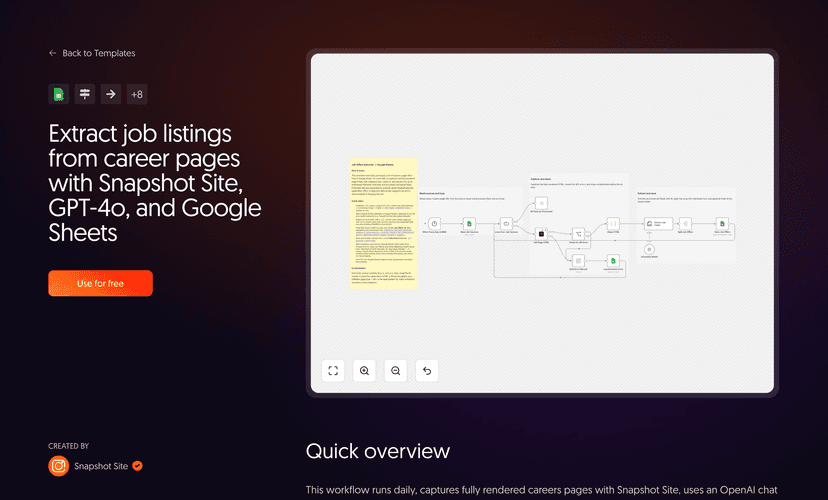
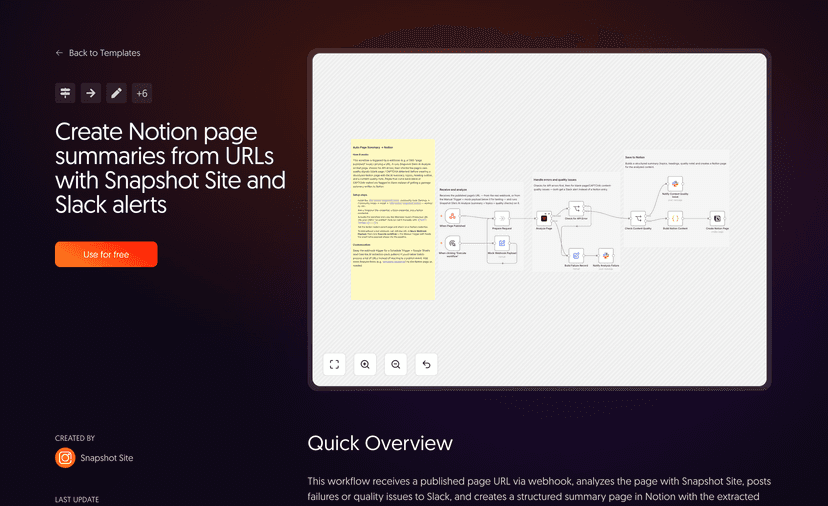
This is the first of several n8n templates we're publishing — visual regression monitoring, AI page summaries, and structured data extraction are next. Get a Snapshot Site API key to follow along.