Keep LMS Lessons Fresh with Snapshot Site

RJ
31 May 2025 - 02 Mins read
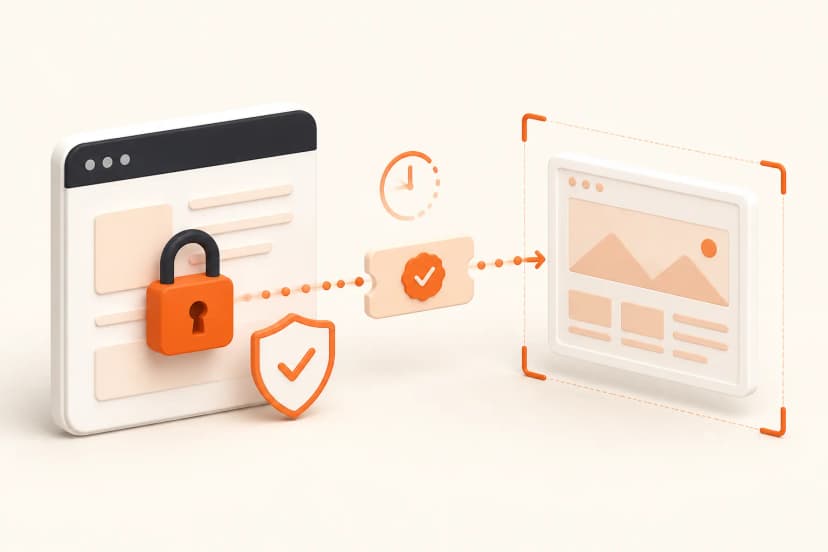
Online courses, onboarding academies, and partner certifications fall apart when screenshots age out. Snapshot Site keeps LMS content accurate by auto-refreshing visuals across Notion, Teachable, LearnWorlds, or custom portals—no manual updates required.
Why LMS Teams Adopt Snapshot Site
- Zero drift: Lessons always show the current UI, so students trust your instructions.
- Multilingual support: Capture localized interfaces and embed them in language-specific modules.
- Automation-friendly: Hook Snapshot Site into your CMS or content calendar to refresh entire courses overnight.
Implementation Blueprint
- Inventory lessons: Map each module to the product screens it references.
- Create presets: Use Snapshot Site to define desktop/mobile (and dark mode) variants for those screens.
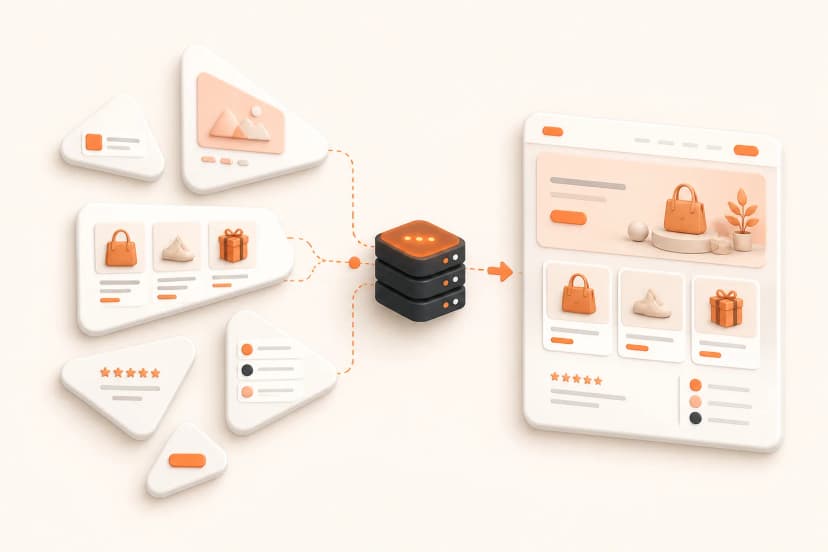
- Automate captures: Schedule nightly or release-triggered captures, storing outputs in your CDN or LMS media library.
- Embed by reference: Link to the stored images via URLs so the LMS automatically shows the latest version.
- Version control: Keep previous captures for audit history or “what changed” notes inside lesson updates.
"We stopped playing screenshot catch-up. Snapshot Site updates our LMS visuals while we sleep."
!Sara König · Head of Education, Flowdesk
Advanced Ideas
- Interactive checklists: Pair Snapshot Site screenshots with hotspots or Loom overlays for hands-on practice.
- Assessment sync: When assessments reference a specific UI, refresh their answer keys the same way.
- Partner enablement: Share a public gallery of current product flows so agencies can embed them in their own training Portals.
Checklist
- ✅ Audit every lesson for screenshots that need recurring updates
- ✅ Configure Snapshot Site presets covering key flows and locales
- ✅ Schedule automated captures (cron, Zapier, Make) and route files into your LMS media storage
- ✅ Update lesson embeds to point to the auto-refreshed URLs
- ✅ Review metrics (course completion, support tickets) to prove the impact of fresher visuals
Your education program stays credible when visuals match the real product. Snapshot Site makes that maintenance automatic. Ready to modernize your LMS? Start capturing with Snapshot Site and keep every lesson in sync.